Participant
March 6, 2021
Answered

Issue with Layer Edges

  • March 6, 2021
  • 2 replies
  • 2973 views

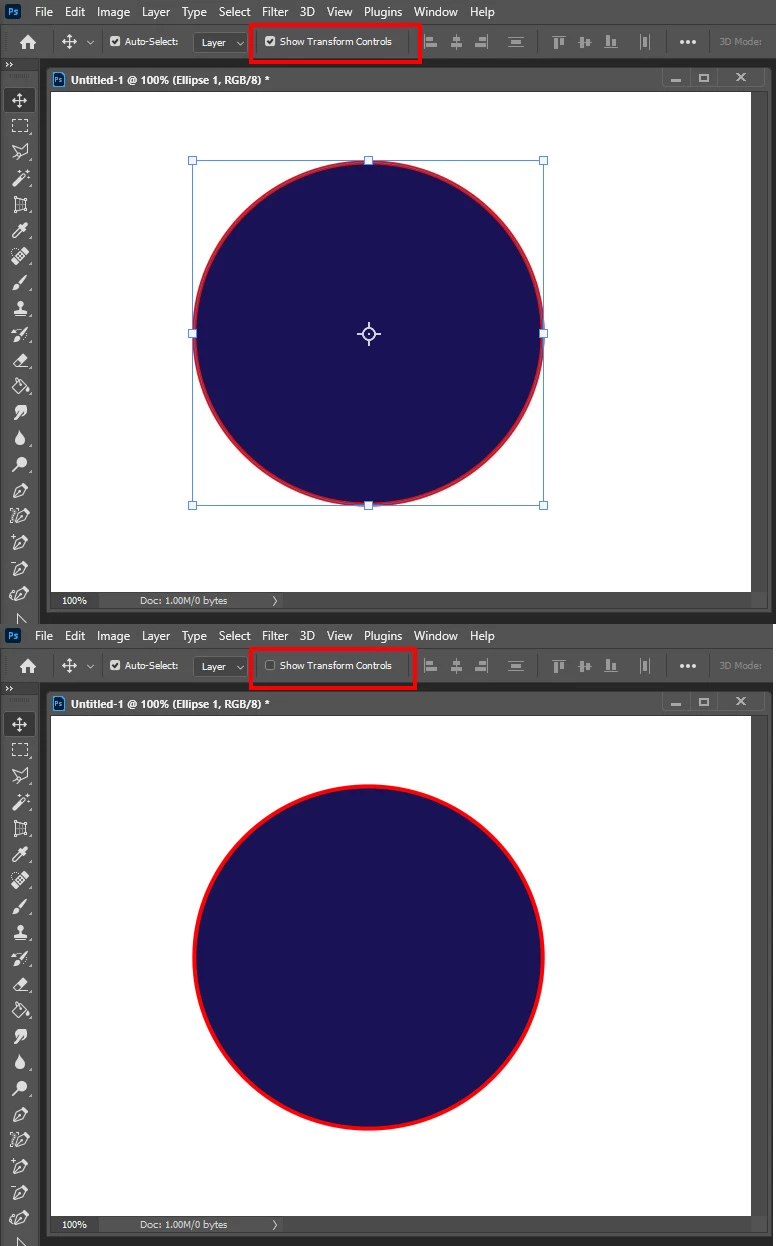
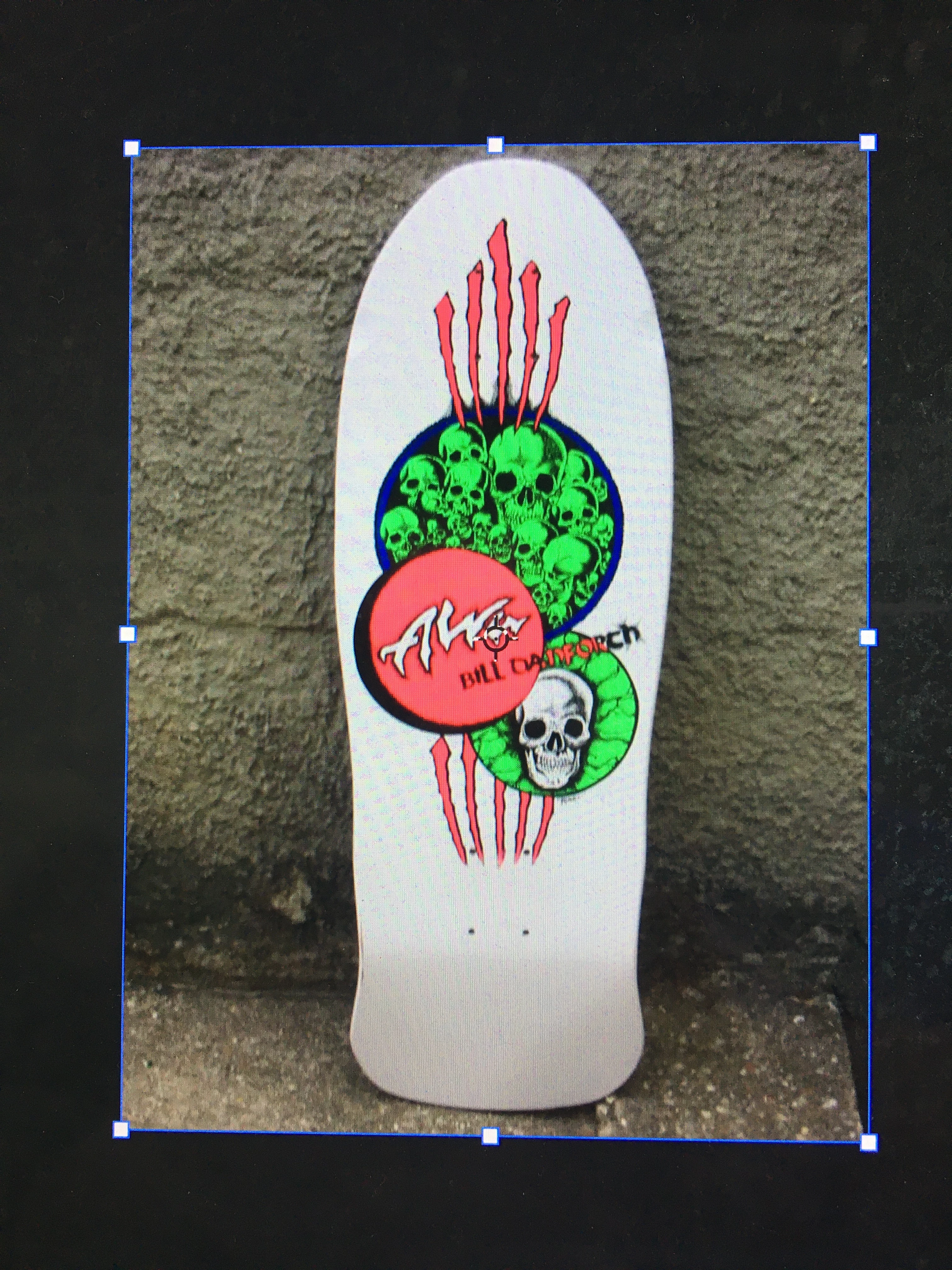
I have a very irritating issue with Photoshop 2020 where a blue outline appears around a selected layer. Usually this outline would only appear when you hit Command+T to transform the layer but now it always appears whenever a layer is simply selected. I've tried deselecting 'Show Layer Edges' and 'View>Extras' but nothing works. 
 

Correct answer JJMack

Try un-checking show transform controls in the move tool's tool option bar,

2 replies

JJMack
Community Expert
JJMackCommunity ExpertCorrect answer
Community Expert
March 6, 2021

Try un-checking show transform controls in the move tool's tool option bar,

JJMack
rhjpAuthor
Participant
March 6, 2021

Ahhh, can't believe I missed that! Knew it would be something simple. Thank you! 

lambiloon
Community Expert
Community Expert
March 6, 2021

Hi, i think you should try to reset preferences then Photoshop will restore to default settings...regards

Ali Sajjad / Graphic Design Trainer / Freelancer / Adobe Certified Professional