
MahaB82A_
April 9, 2024
Answered

Issue with opening Ps

  • April 9, 2024
  • 1 reply
  • 366 views

My Windows explorer files frequently crash, to get rid of this issue I followed the method explained in this video.

How To Fix Windows 11 File Explorer Crashing


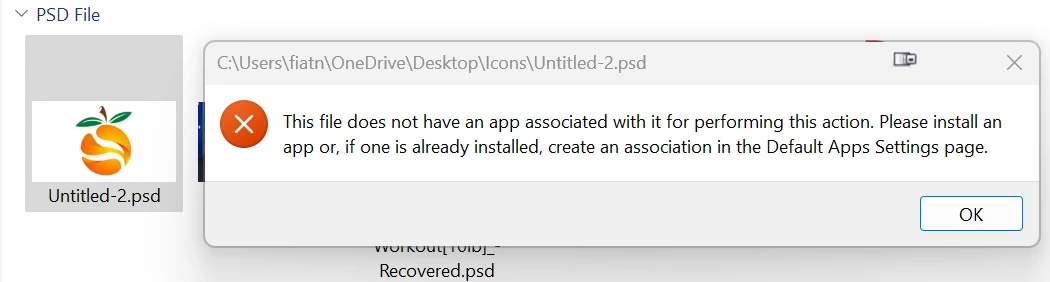
After that when I try to open Ps following message pupups. How to fix this issue? I have Ai, Ps, Ae & Pr all apps are working as usual excect Ps. 


This topic has been closed for replies.
Correct answer Kevin Stohlmeyer

@MahaB82A do you have Photoshop installed? If so, go to the psd file properties and choose Photoshop as the application to open with.

1 reply

Kevin Stohlmeyer
Community Expert
Kevin StohlmeyerCommunity ExpertCorrect answer
Community Expert
April 9, 2024

@MahaB82A do you have Photoshop installed? If so, go to the psd file properties and choose Photoshop as the application to open with.

MahaB82A_
MahaB82A_Author
April 9, 2024

Where can I find psd file properties. File Handling is there in the Preferences.