
Participant
April 24, 2022
Question

jagged line - pen tool and text tool photoshop

  • April 24, 2022
  • 5 replies
  • 304 views

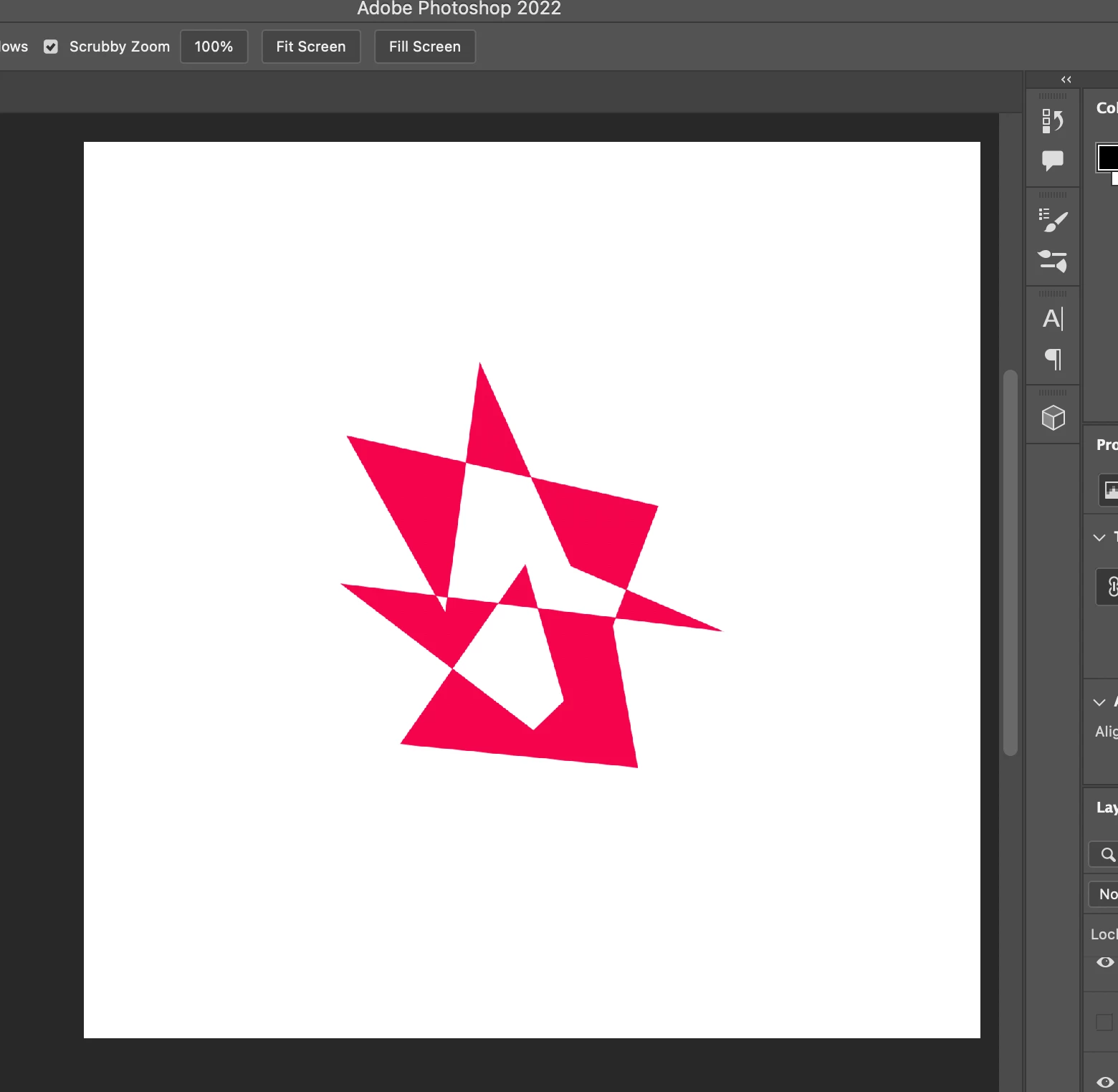
below is example of a logo I designed in photoshop using the pen tool (shape, not path). the lines are jagged when i use the pen tool and text tool. i work on a mac and often when i load into a photoshop file its shows the rainbow loading symbol. FYI  i have a good quality graphics card and ive already tried turning off 'use graphics processor' & 'Use OpenCL' in photoshop preferences. and i APPRECIATE ANY help or coments as i urgentely need to fix this matter!


This topic has been closed for replies.

5 replies

Legend
April 26, 2022

Hi @Smed Creative. The graphic in the PSD you shared is already rasterized. My guess is it was rasterized at a lower resolution and blown up a bit to get the result you have. To void this, leave your layer as a vector shape layer.

Participant
April 26, 2022

Given access.

Legend
April 25, 2022

Requested access.

Participant
April 25, 2022

yes I can, does this work?

https://assets.adobe.com/id/urn:aaid:sc:AP:e5134e62-faab-4399-98b9-03941f93fb9e?view=difile


also in my screenshot i didnt capture it but its zommed in at 9.62%


Legend
April 24, 2022

Can you share the PSD you're having trouble with? There's not enough information in your screenshots to help troubleshoot. Use CC files or dropbox to share a link to download the PSD.