
Answered
Just got a chrome extension popup in photoshop, how do I disable trash like this?
How do I disable popups like the following?
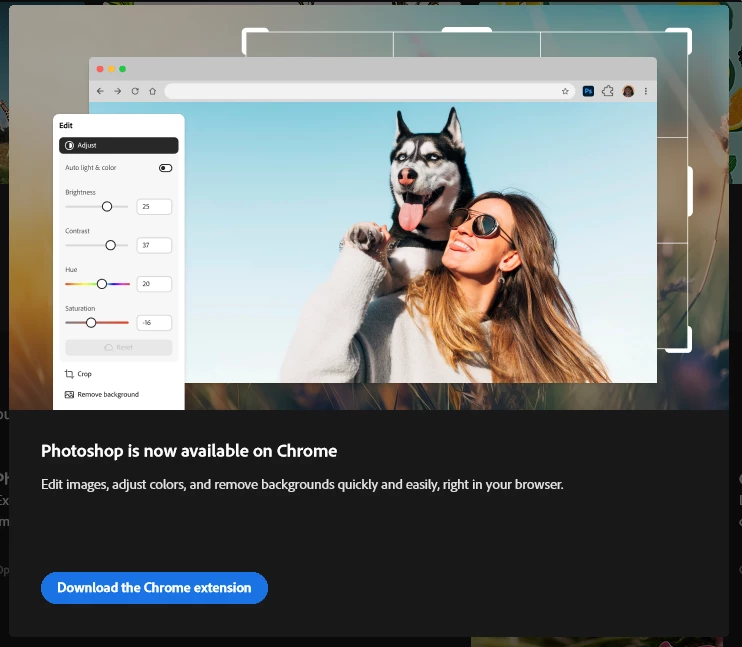

How do I disable popups like the following?
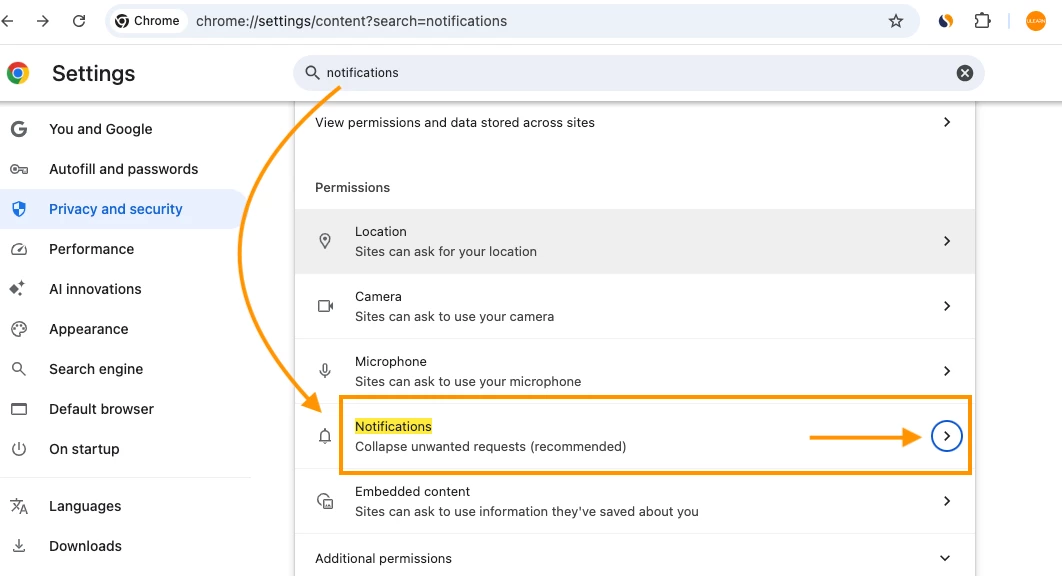
@Glaive1976 Click the three-dot menu (⋮) in the top-right corner of YOUR Chrome browser. Select "Settings". In the search bar at the top, enter 'notifications' to find specific settings like THIS and click on the 'arrow'
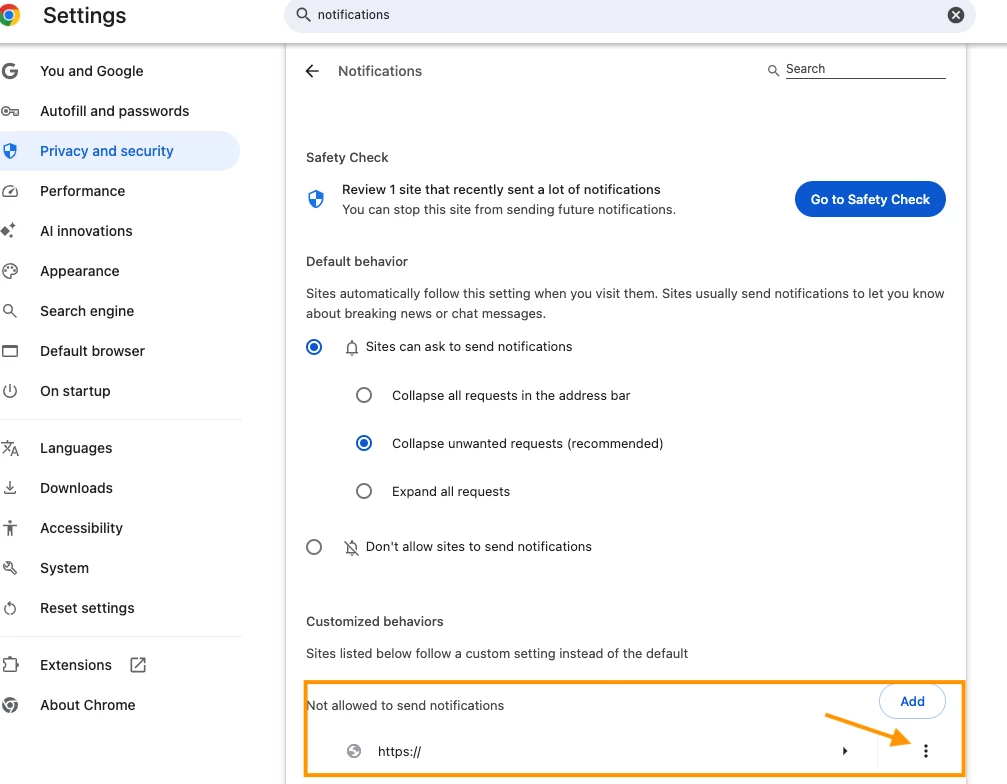
Here another dialog box opened, scroll down to Adobe and click on the three dots and edit your settings
Already have an account? Login
Enter your E-mail address. We'll send you an e-mail with instructions to reset your password.


 AdChoices