
Debasis.ebong
Participating Frequently
Feb 20, 2026 11:13 AM UTC
Answered

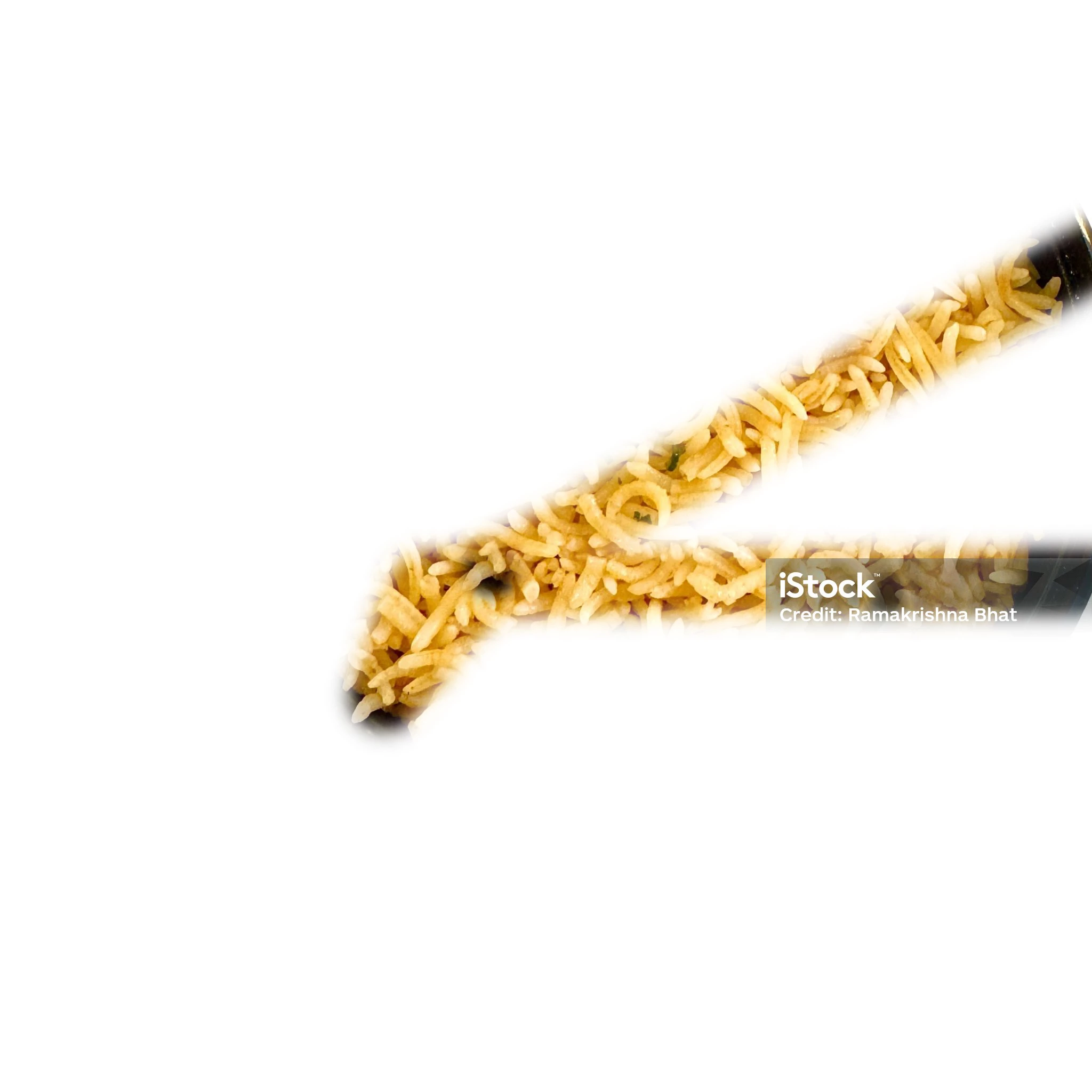
Just installed PS 2026. Facing a problem with clone stamping tool. After copying from the source when try to stamp it's creating a polygonal pattern kind of a thing instead of creating a precise zone. How to fix this problem?

Want to remove the green leaf by stamping. But instead of precise stamping it’s creating some pattern.
 

    Ged_Traynor
    Ged_TraynorCorrect answer
    Community Expert
    Feb 20, 2026 12:05 PM UTC

    ​@Debasis.ebong I wonder if your issue is related to this thread


    6 replies

    jane-e
    Community Expert
    Community Expert
    Feb 20, 2026 11:24 AM UTC

    ​@Debasis.ebong 

    Try resetting the Clone Stamp tool. Right-click the tool in the options bar (not Toolbar) and choose “Reset tool”.


    I see that the image is watermarked, so you’ll want to purchase it before using it.


    Jane

    Translate
    Debasis.ebong
    Participating Frequently
    Feb 20, 2026 11:28 AM UTC

    Thanks Jane. I will try to reset the tool. The image I downloaded just to illustrate the problem. I have no intention to use the image for any other purpose.

    Translate
    Debasis.ebong
    Participating Frequently
    Feb 20, 2026 11:35 AM UTC

    Reset, but it’s not solved.

    Translate