This topic is closed to new replies. Start a new post to keep the conversation going.
Stephen Marsh
Stephen MarshCorrect answer
Community Expert
September 17, 2023

@Алекс280490424m1j 


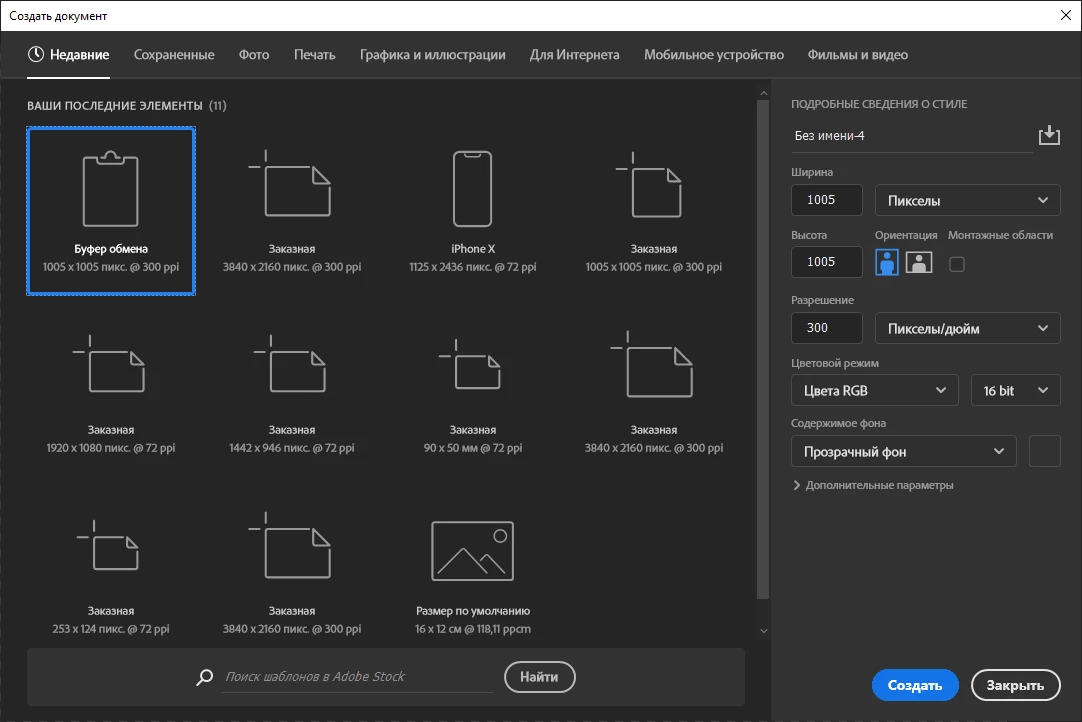
I doubt that this has changed in later versions, but in v2022 you can edit or delete the following:


Mac:


/Users/username/Library/Preferences/Adobe Photoshop 2022 Settings/MRU New Doc Sizes.json


Win:


C:\Users\username\AppData\Roaming\Adobe\Adobe Photoshop 2022\Adobe Photoshop 2022 Settings\MRU New Doc Sizes.json


These directories may be hidden by default, search the web on how to show hidden items in your OS to find these folders. You will obviously need to change the folder for the required user and and app versions.


1 reply

Stephen Marsh
Community Expert
Stephen MarshCommunity ExpertCorrect answer
Community Expert
September 17, 2023

@Алекс280490424m1j 


I doubt that this has changed in later versions, but in v2022 you can edit or delete the following:


Mac:


/Users/username/Library/Preferences/Adobe Photoshop 2022 Settings/MRU New Doc Sizes.json


Win:


C:\Users\username\AppData\Roaming\Adobe\Adobe Photoshop 2022\Adobe Photoshop 2022 Settings\MRU New Doc Sizes.json


These directories may be hidden by default, search the web on how to show hidden items in your OS to find these folders. You will obviously need to change the folder for the required user and and app versions.
Translate

