

Question
Layer adjustments – prevent dialog box
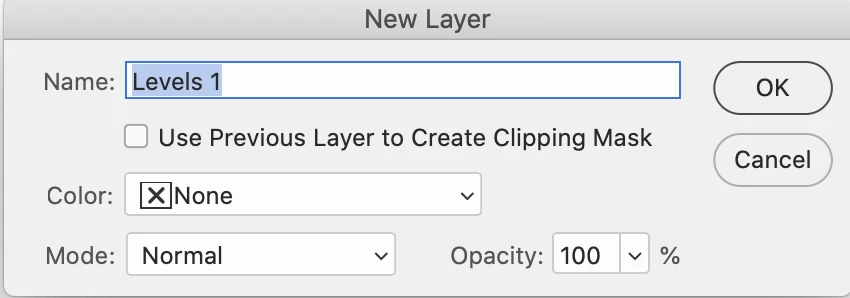
I am trying to assign a shortcut to a Levels adjustmnet layer, which I have done. When I execute the shortcut, a dialog box pops up seemingly so the layer can be named. This doesn't happen if you do the alternate method of clicking the adjustment icon at the bottom of the layers panel, it just automatically names it layer 1. Is there any way I can get the dialog box to not come up but just automatically name it "Levels 1" so I dont have to deal with the dialog box after I do the shortcut? Thanks.


 AdChoices