


Answered
Layer has turned black and white and I can't turn it back!
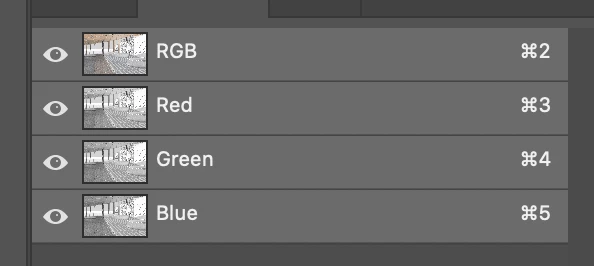
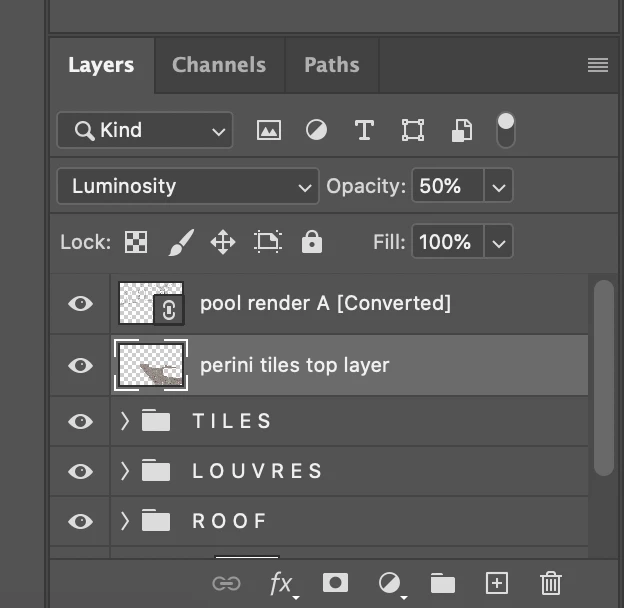
My finger slipped as I was doing a Cmd_ to zoom out and somehow my layer has turned black and white. I can't find evidence of the black and white anywhere, it's not in the history bar and nothing's amiss when I look at the Channels. I've tried Cmd 2 and that hasn't worked either. I'm a little wary of trying anything too drastic because I just spent a whole hour making a detailed selection of some highlighted areas and don't want to lose my selection. Please help I really don't want to have to paste the texture in again it's taken hours!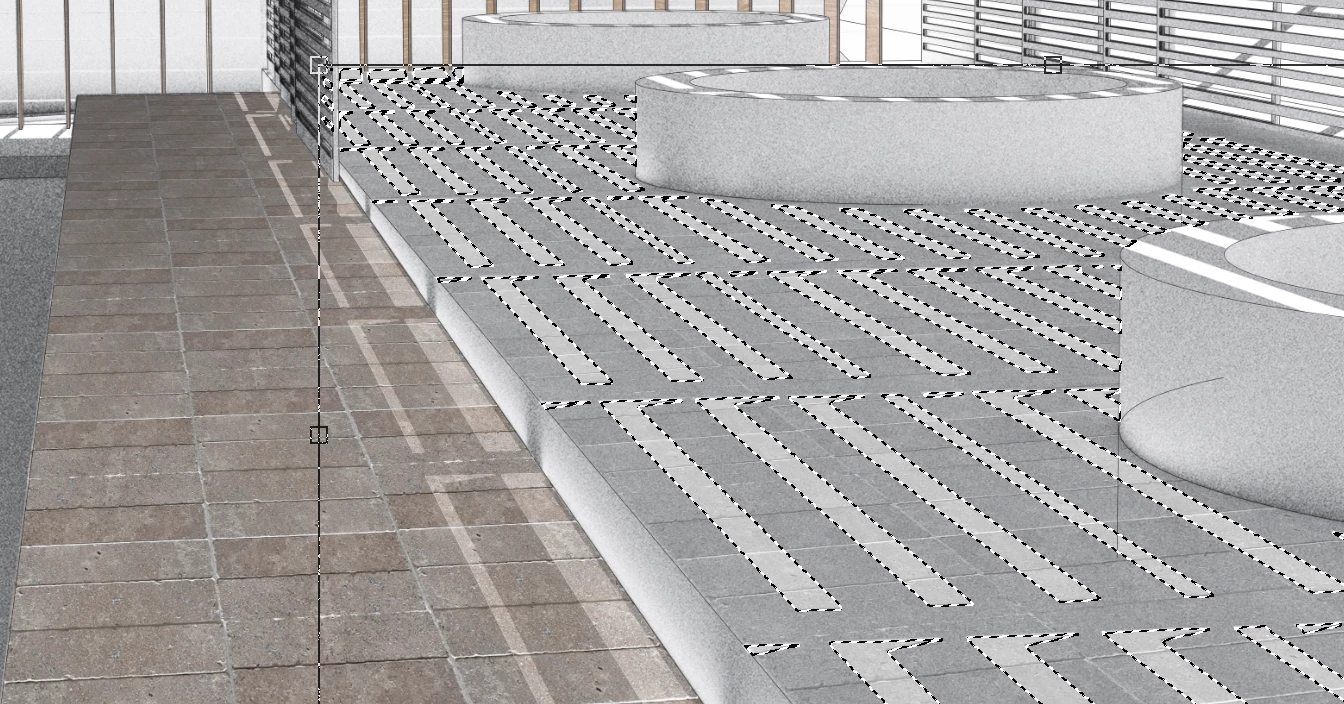
 AdChoices