Answered
Layer Mask keeps creating transparent areas
As you can see in the photo, after I apply my layer mask, it Photoshop seems to be creating these transparent areas around the edges. How can I get rid of these or what settings are causing this?
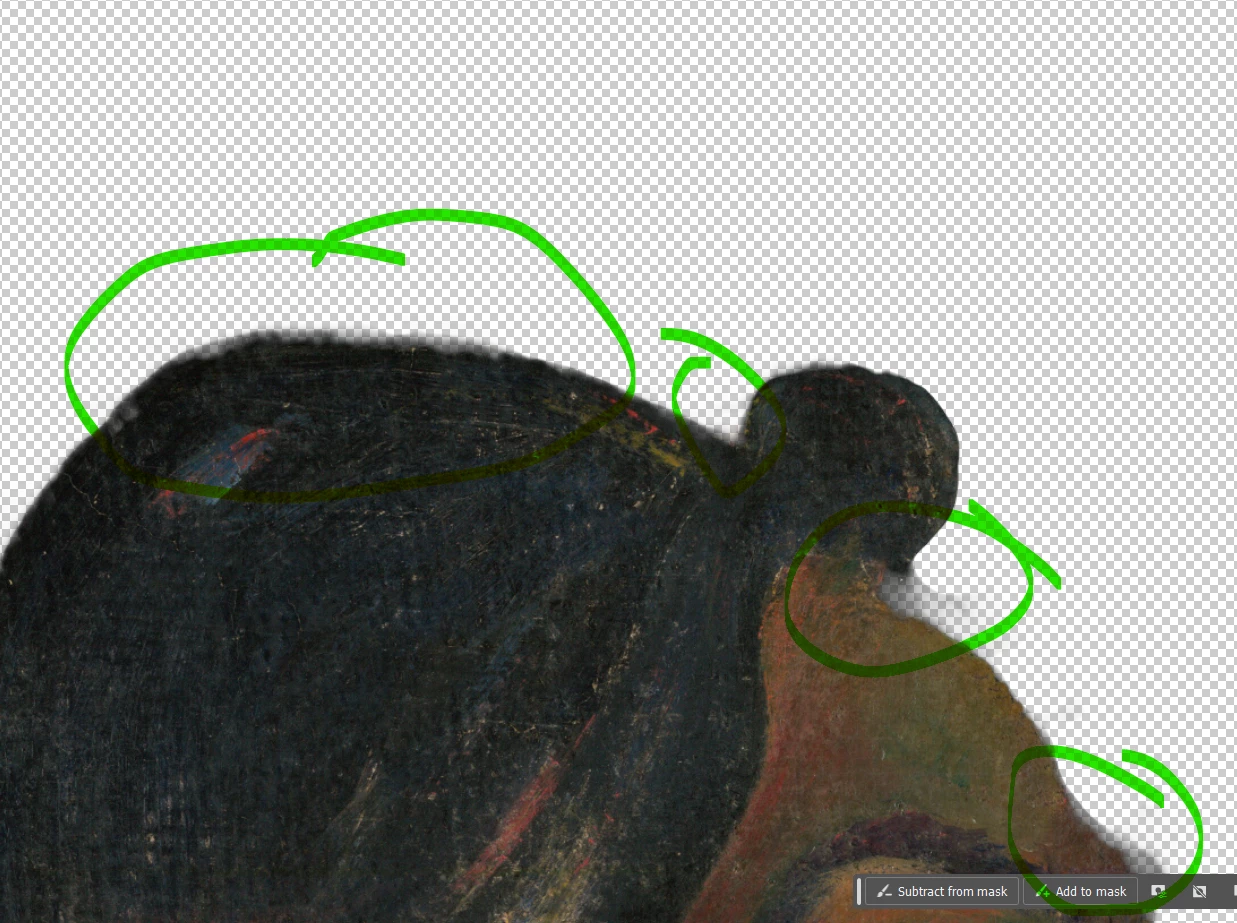

As you can see in the photo, after I apply my layer mask, it Photoshop seems to be creating these transparent areas around the edges. How can I get rid of these or what settings are causing this?
What you are probably doing is adding a Layer mask to the Background layer. When you do this, there is nothing below that layer, so it shows as transparent.
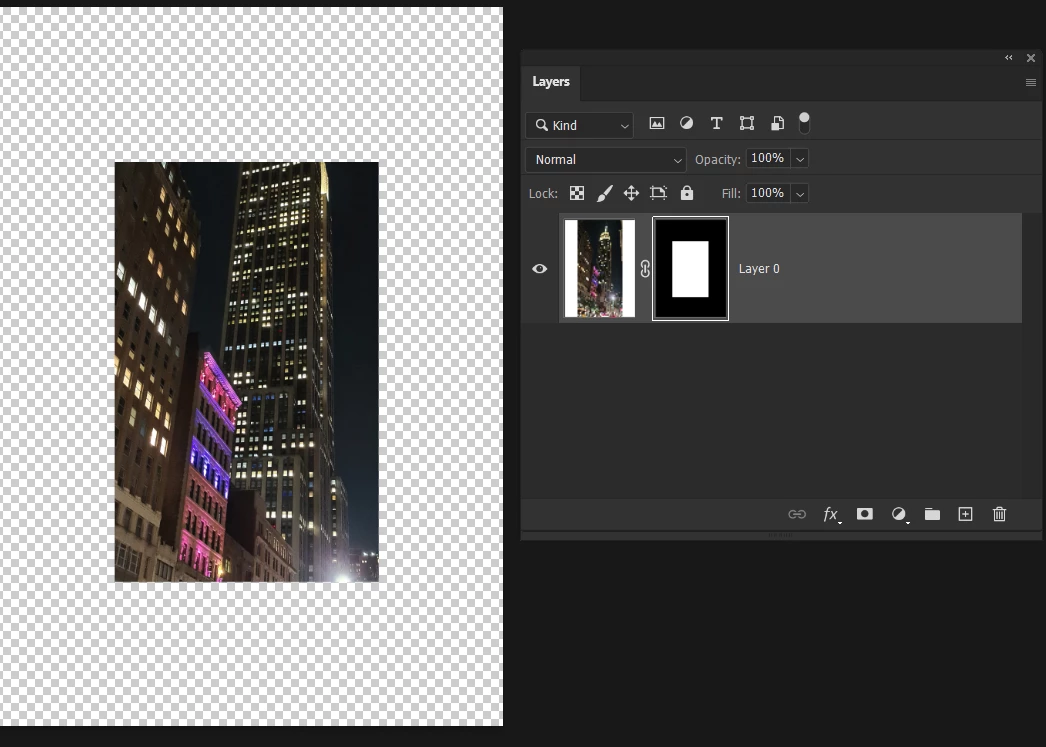
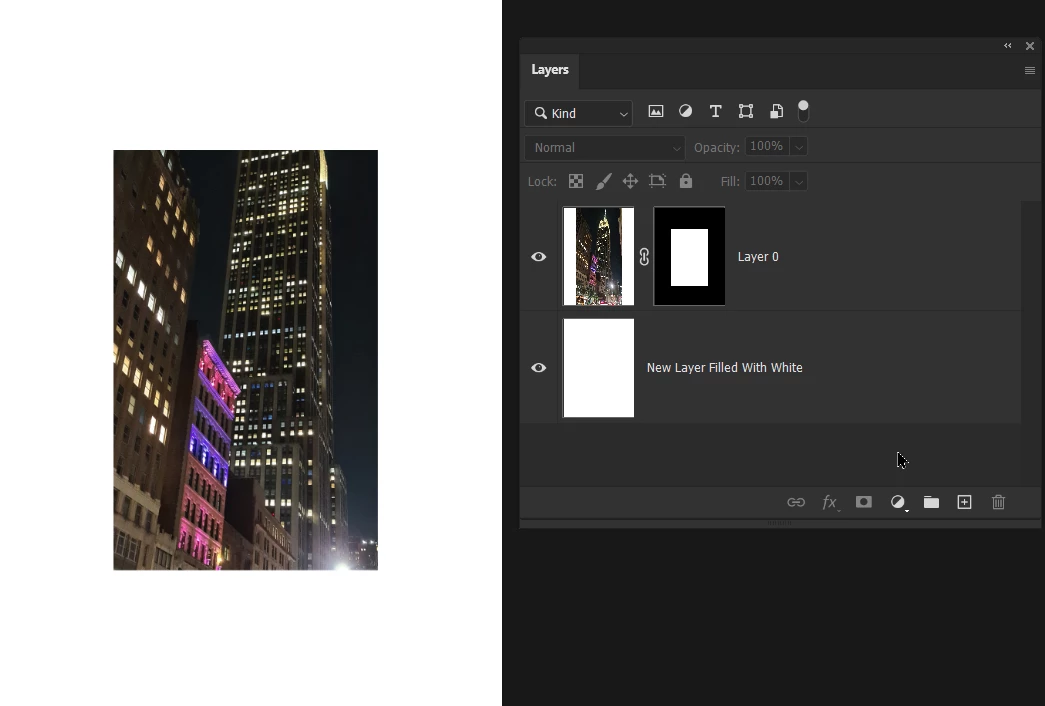
If the checkerboard upsets your view of the image, simply add a new layer below the layer with the mask, and fill it with white.
Already have an account? Login
Enter your E-mail address. We'll send you an e-mail with instructions to reset your password.


 AdChoices