


Question
Learn Icon Highlight will NOT turn off.... anyone know how to disable this feature?
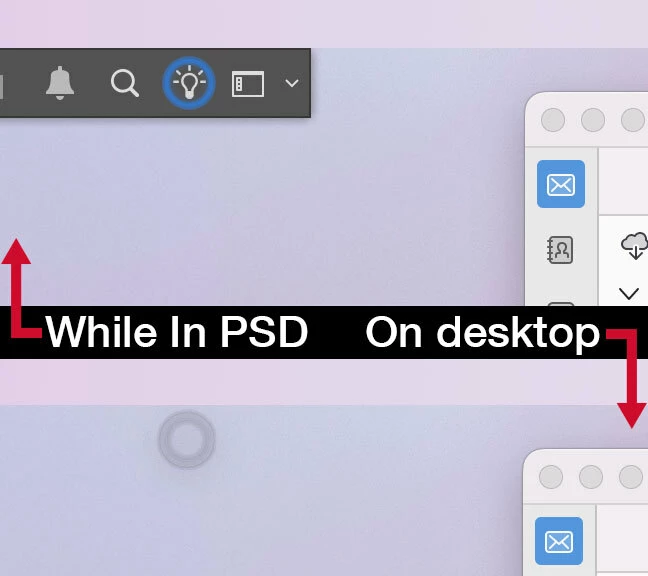
The top image is what appears while I am in Photoshop (2026 version 27.0), when I go onto the desktop, the stupid highlight around the lightbulb still appears as a shadow on my desktop, sometimes it goes away, but typically its there all day.
I cannot seem to turn it off.
I am worried about screen burn in.
Does anyone know how to turn this stupid thing off?
Adobe, I’m so sick of you guys fuckin’round with this legacy applications. I don’t need the “Learn” suggestions highlighted while I’m working in this program that I’ve worked in for the past 25 years. If you could focus on keeping it perfectly stable, that’d be great.
 AdChoices