

Answered
lighting effects. / Missing ovals for rotation, movement and scale?
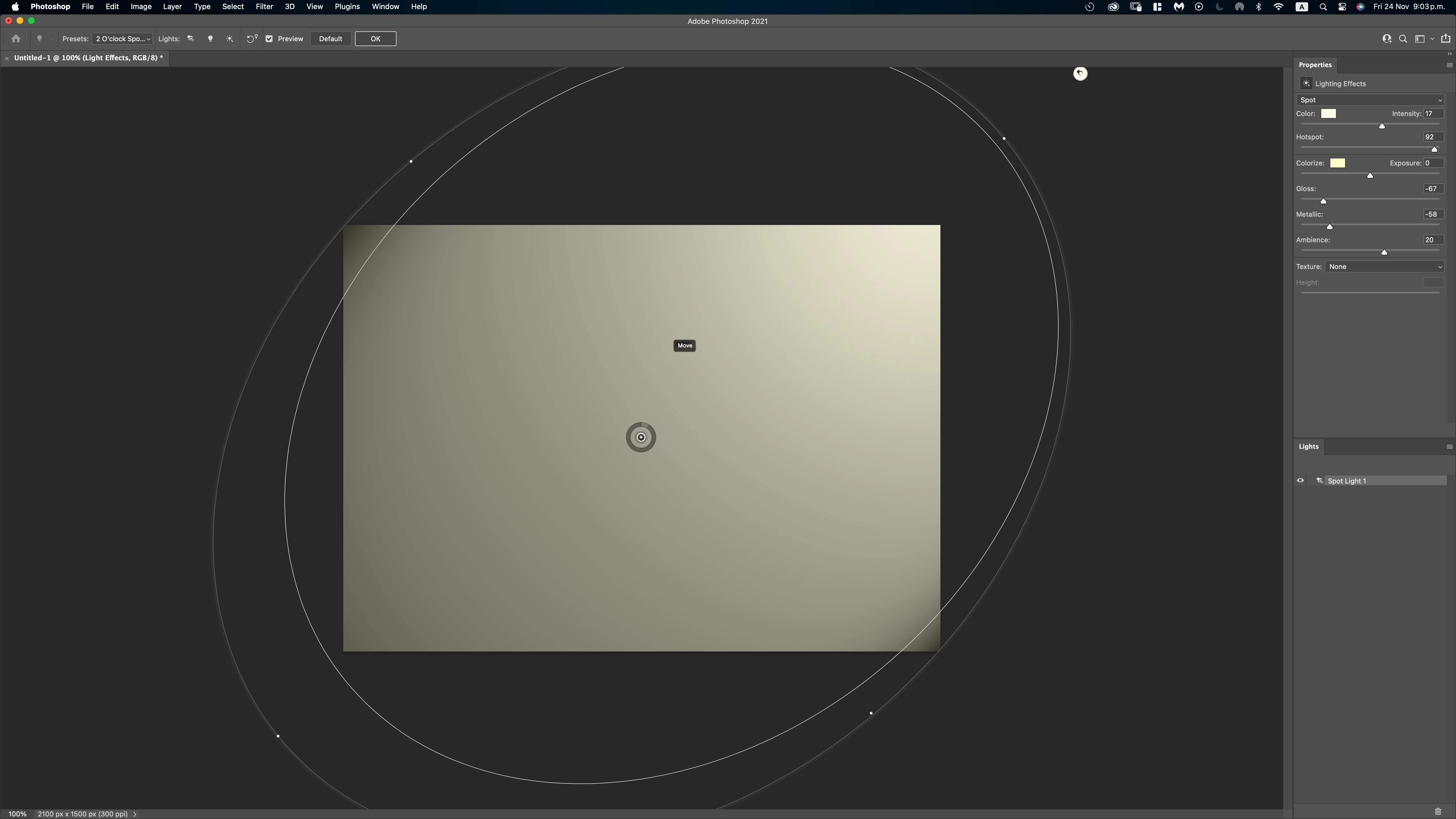
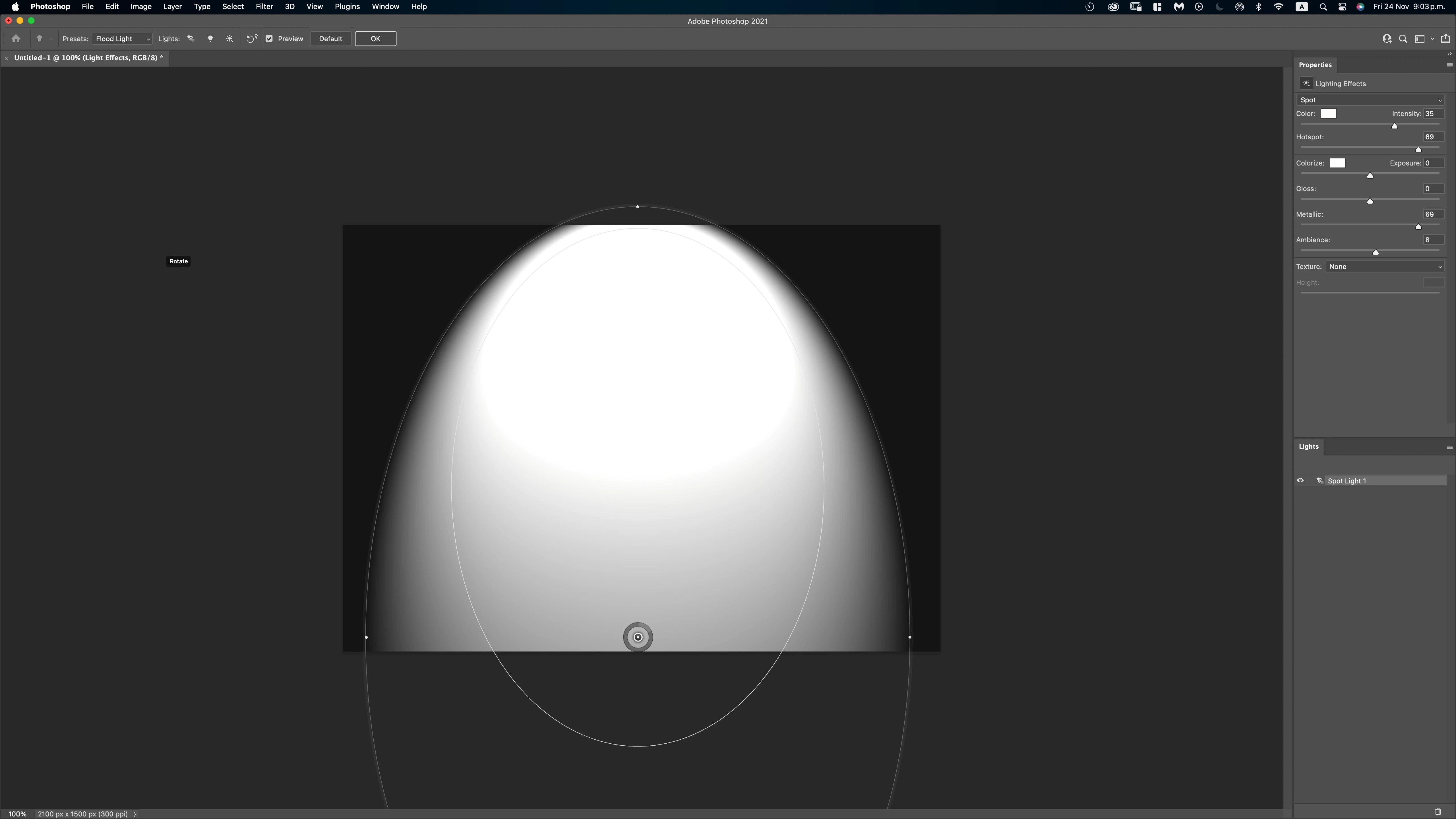
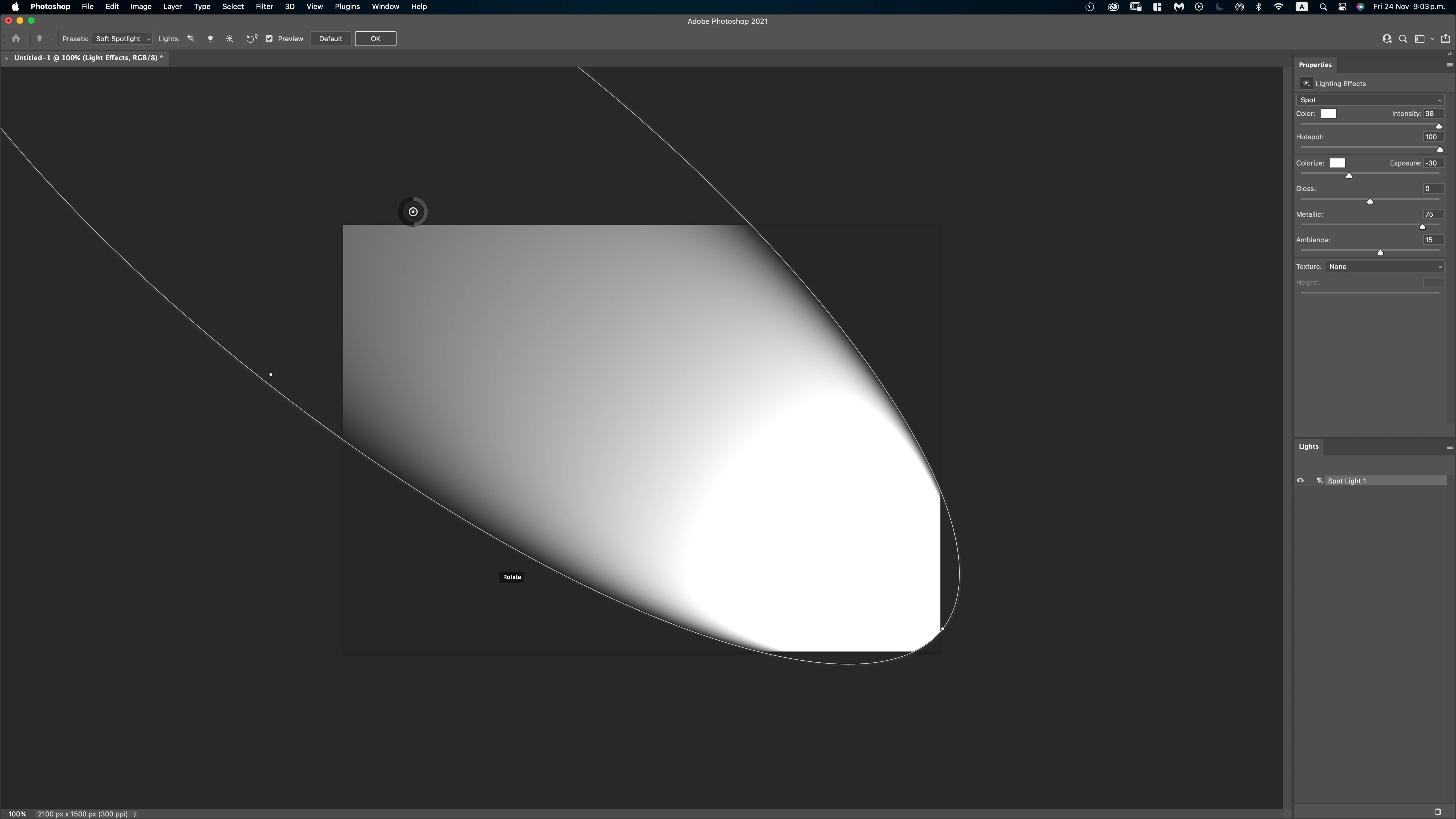
In version 22.2, when selecting any preset, immediately displays ovals that allow you to move, rotate, and scale the light aces.
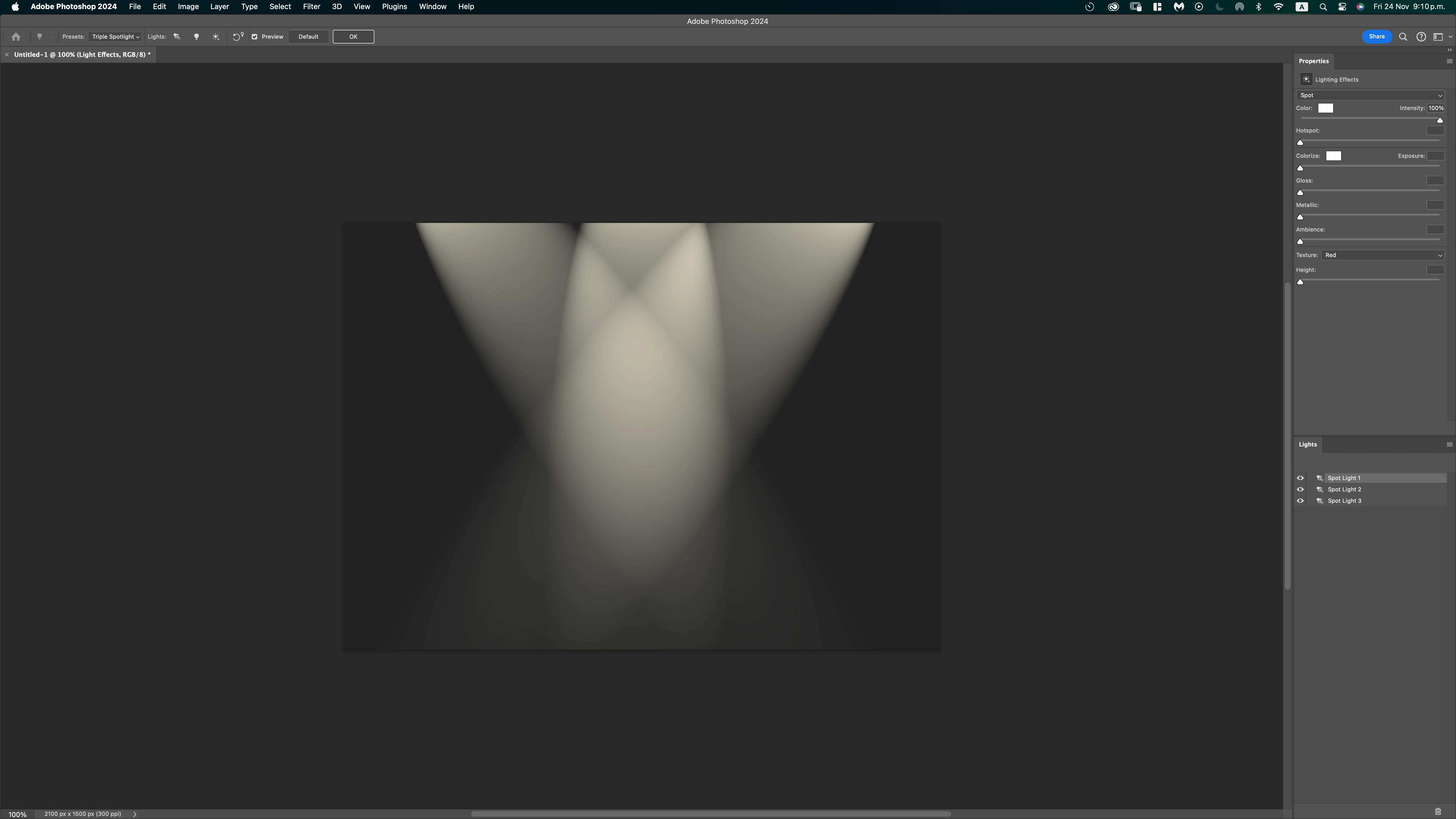
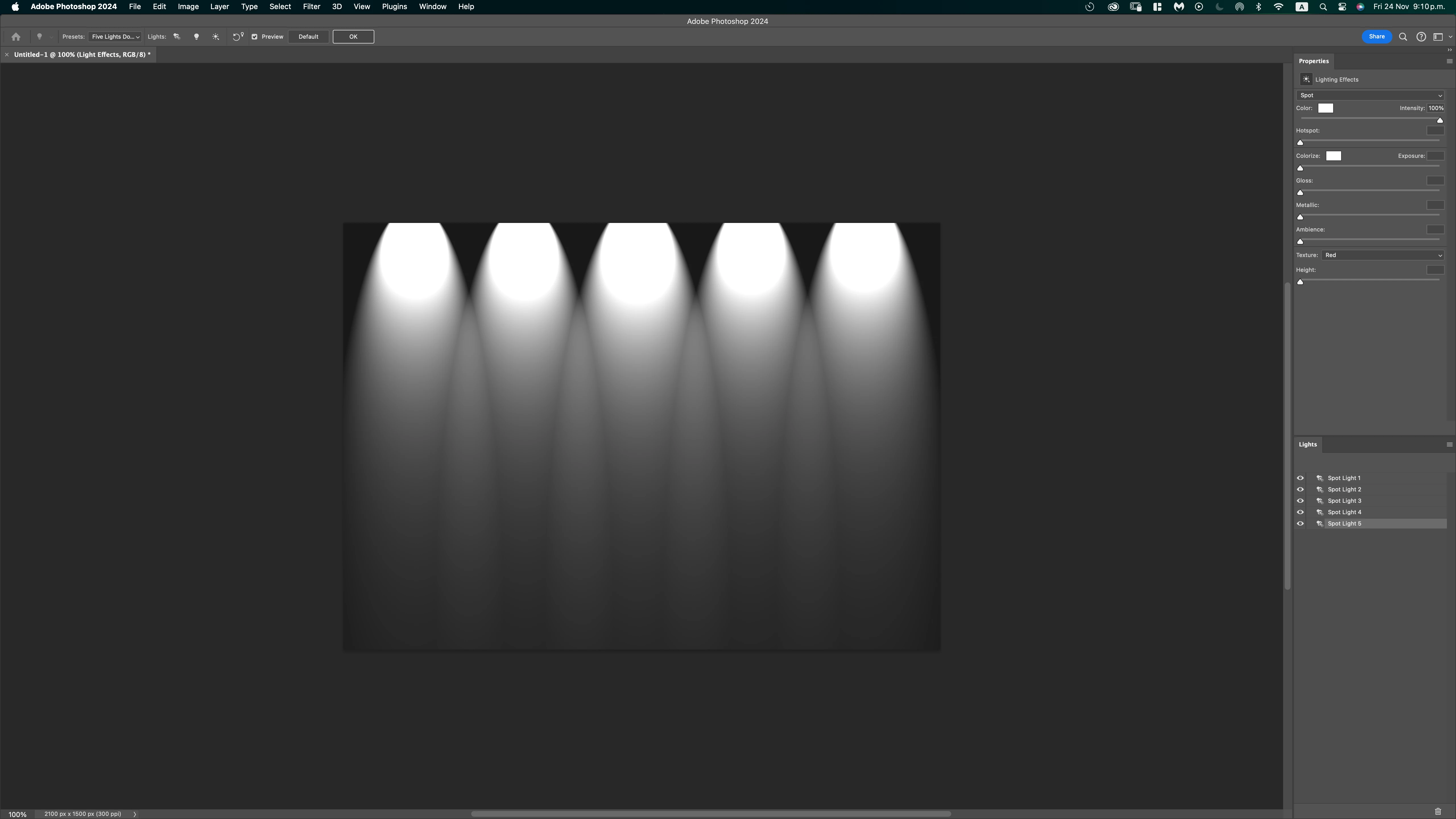
In version 25.1, this does not happen. Any preset I select does not show these ovals, making it impossible to modify the lighting these figures allow.
I have already reset the preferences and reinstalled Photoshop (after having deleted Creative Cloud, with all the programs and their preferences) but I can't get the ovals to appear. Is there a command or setting to make them display, or is this a glitch?
I have attached screen images of both versions.
Thanks to the community for the guidance.
Photoshop 22.2
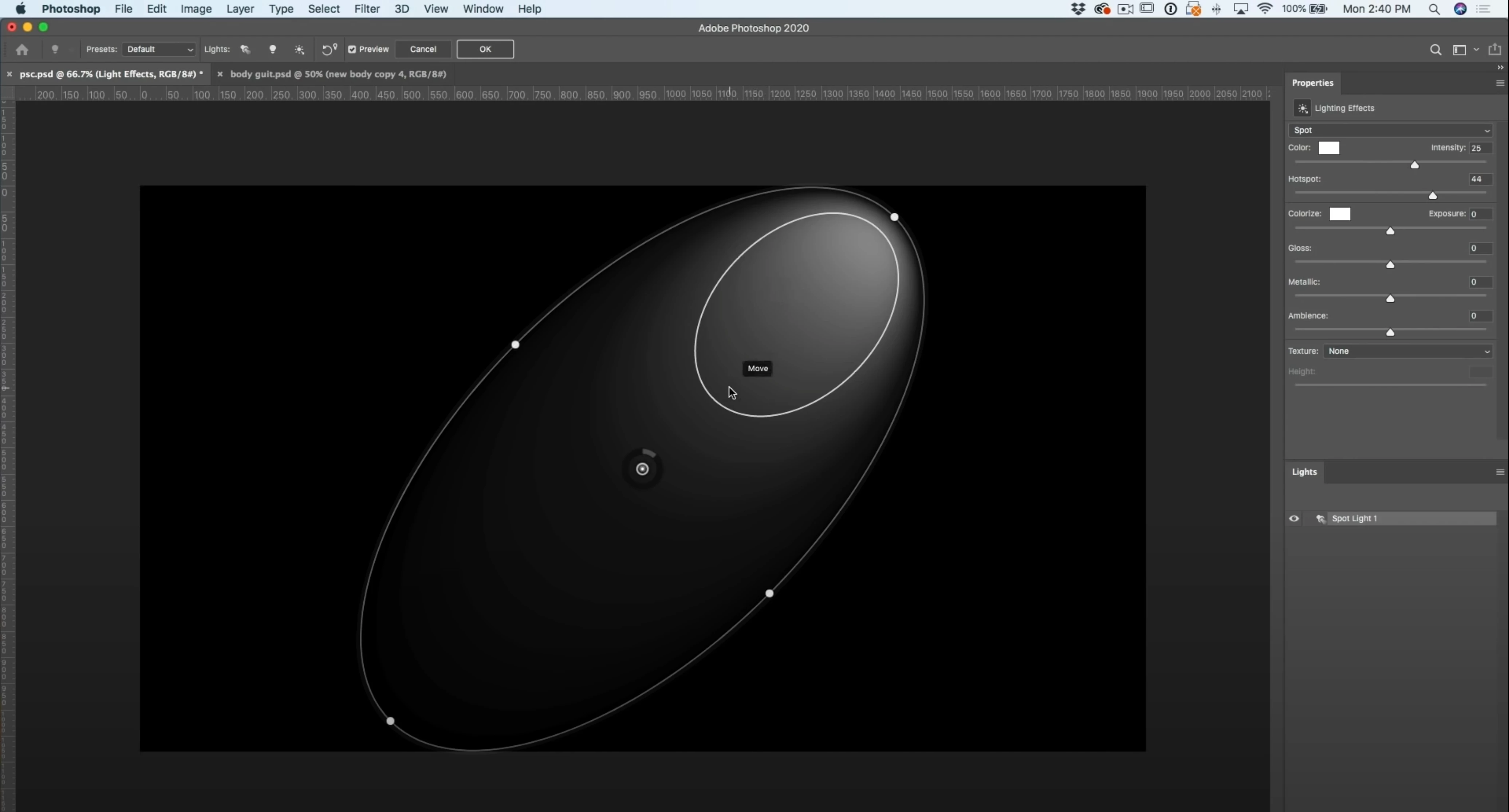 Photoshop 25.1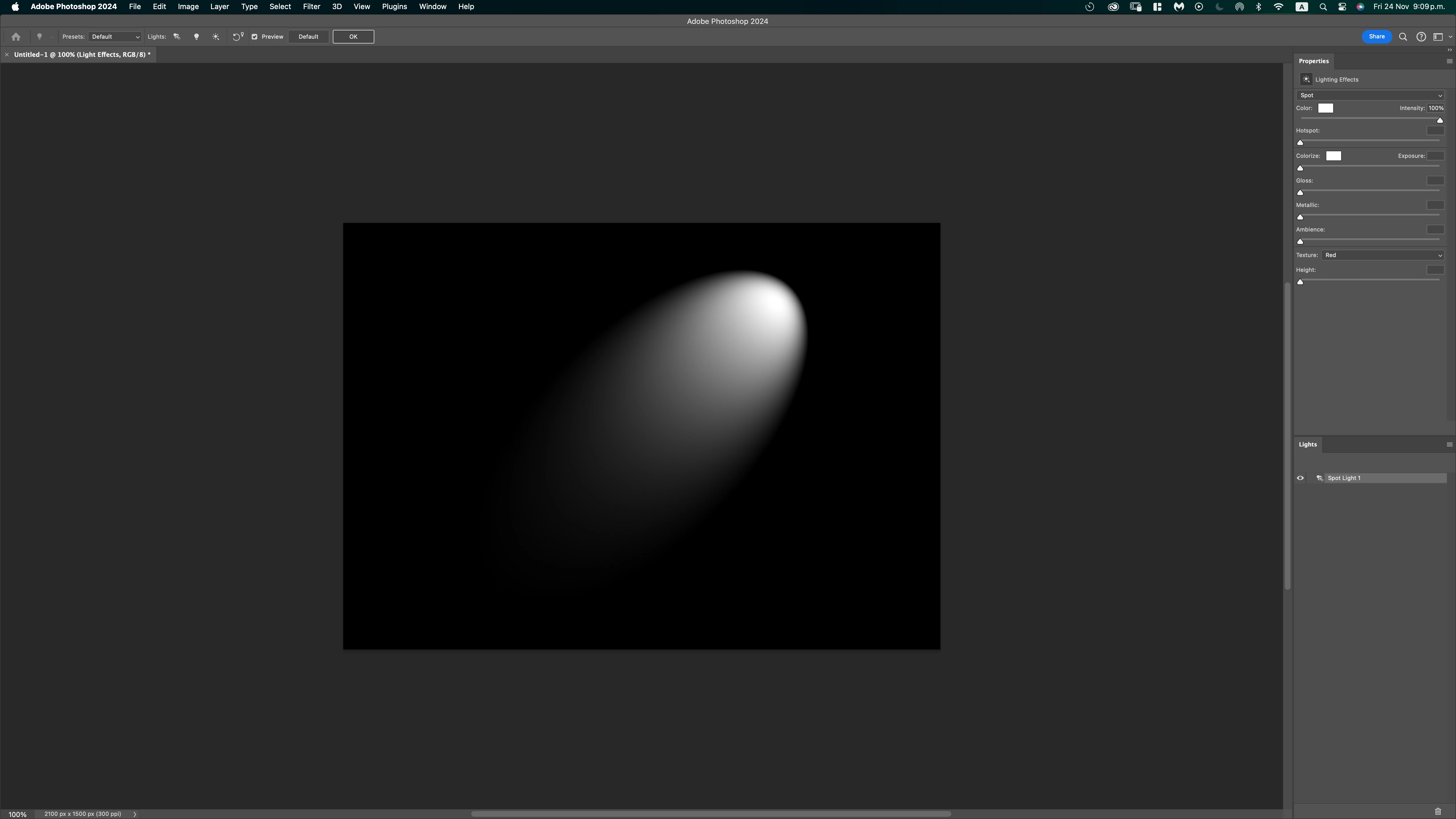


 AdChoices