
Participant
January 16, 2019
Question

Line Tool Has Bumpy Edges When I make the Line Diagonal

  • January 16, 2019
  • 3 replies
  • 1766 views

Hello,

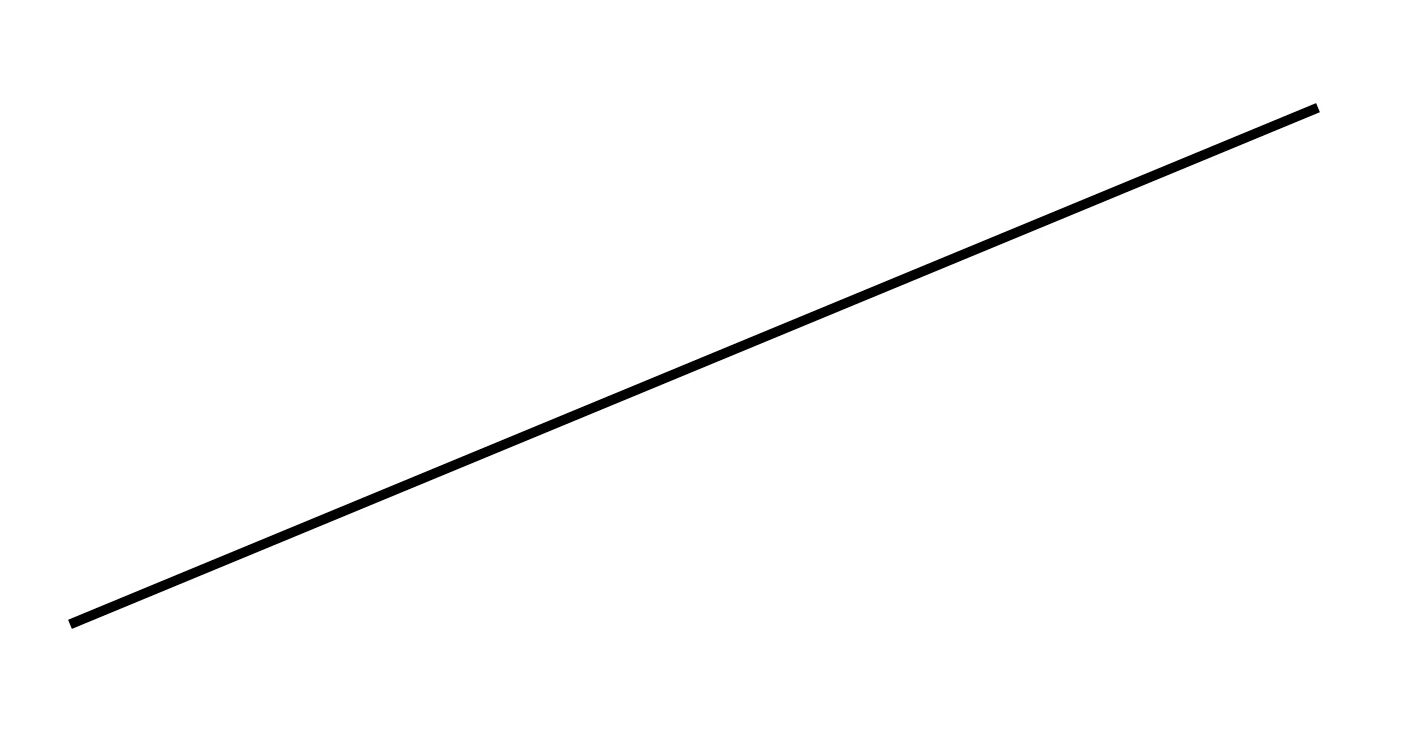
I have been experiencing problems with the line tool lately, whenever I make a straight line, the edges appear too be bumpy. I have had this problem before and I do not remember how I fixed it. I am not sure if I changed a setting or something, but I can't find much on the internet. Here is a screenshot for reference, any ideas on how to fix this??

=
    This topic has been closed for replies.

    3 replies

    Daniel E Lane
    Inspiring
    January 16, 2019

    You are probably making it at a smaller size and resolution than you previously have. A larger size and resolution to your image will make the edges seem much smoother.

    Chuck Uebele
    Community Expert
    Community Expert
    January 16, 2019

    If you ever zoomed in, that is what they look like. If your file is lower res, then it will be more noticeable. The vector line is smooth, but PS has to interpret it in pixels, so it's going to be jagged at the pixel level.

    Chuck Uebele
    Community Expert
    Community Expert
    January 16, 2019

    Looks normal to me. A diagonal line is going to have rough edges due to the nature of square pixels. There is anti-aliasing on your posted image.

    Participant
    January 16, 2019

    I have never had the lines looks this, they always look flush on the edges until now