Participant
November 14, 2020
Question

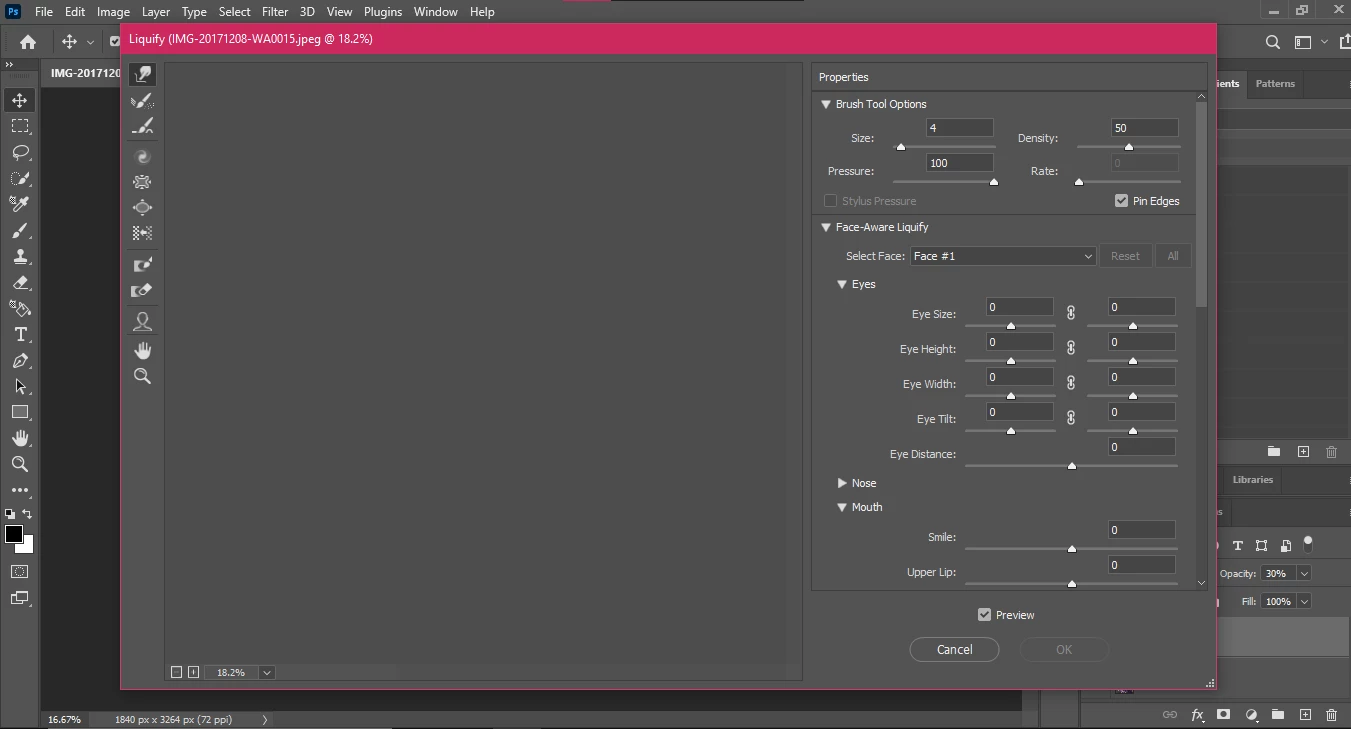
liquify is not working

  • November 14, 2020
  • 2 replies
  • 348 views


That's all there is to it, nothing more, how can i use tools , cant see image in liquify 


This topic has been closed for replies.

2 replies

josephlavine
Community Expert
Community Expert
November 14, 2020

From your screen capture, which is appreciated, it is tough to tell whether there is an image on the regular window. Please post a screen capture showing your image and all layers. 

warmly/j

Participant
November 19, 2020


c.pfaffenbichler
Community Expert
Community Expert
November 14, 2020

The screenshot was a great idea, but many relevant elements are not visible – does the Layer have content, is a Selection active, what are the Liquify-settings like »Show Image«, »Show Mask«, »Show Backkdrop«, …? 

Participant
November 19, 2020


c.pfaffenbichler
Community Expert
Community Expert
November 19, 2020

The Liquify window is cropped, what are the rest of the settings? 


What happens when you apply the Filter without GPU usage (by clicking ctrl-alt when invoking the Filter)?
