
Participating Frequently
November 14, 2020
Question

Load Path as Selection not working properly

  • November 14, 2020
  • 1 reply
  • 770 views

I am creating complex paths, load them as selections to create new layeers. This morning it stopped working properly.  Now when I load path as selection it only selects the outside path and ignores all inner paths.  I am inserting screenshots showing before and after I hit the load path as selection button. I don't know how this changed nor how to fix it.
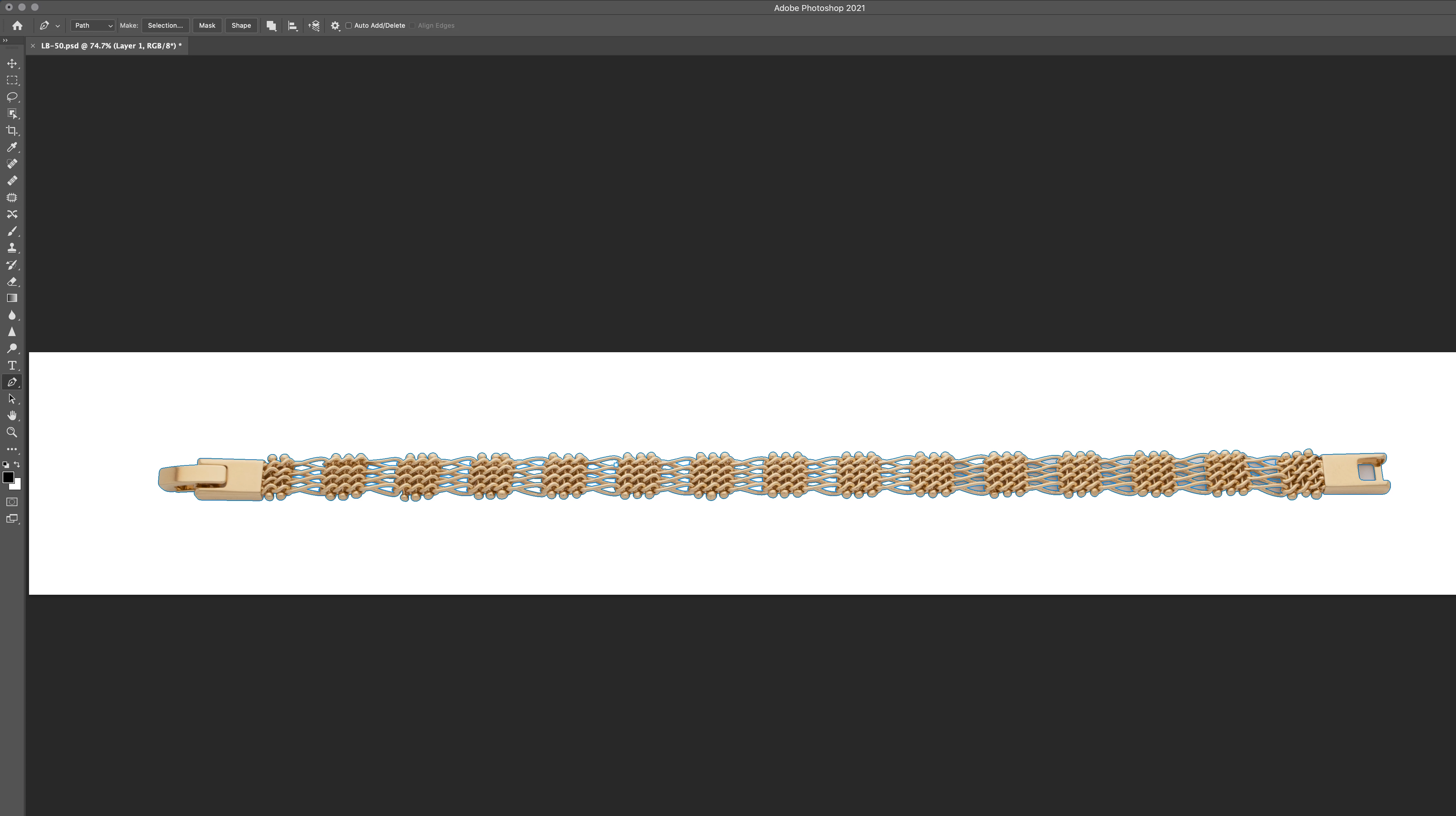
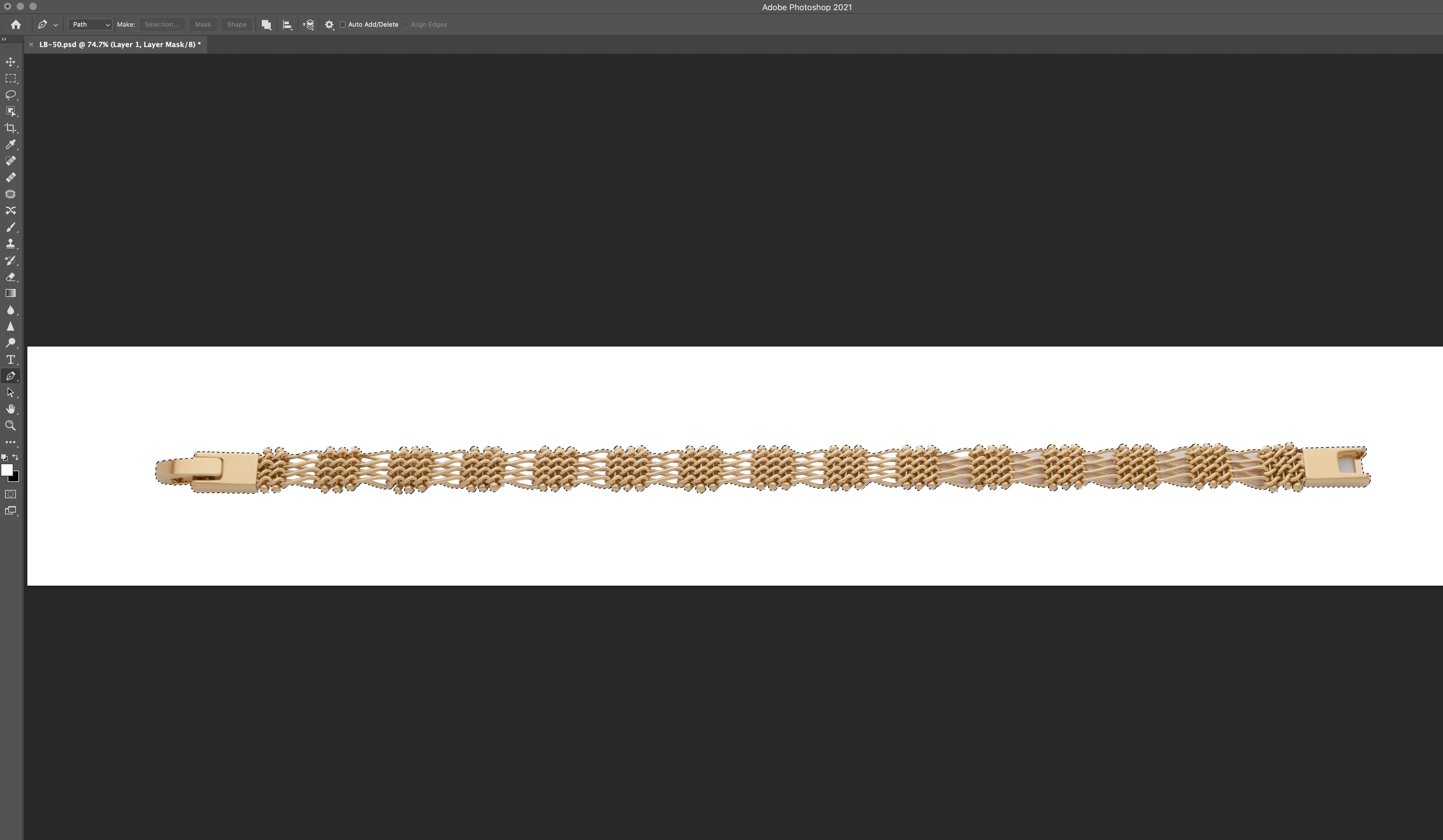
This topic has been closed for replies.

1 reply

c.pfaffenbichler
Community Expert
Community Expert
November 14, 2020

Your screenshots seem close to useless … could you please post meaningful screenshot with the pertinent Panels (Toolbar, Layers, Paths, Options Bar, …) visible? 

What are the subPathItems’ individual Path Operations? 


Why do you make Selections and not use Vector Masks? 

drfeymAuthor
Participating Frequently
November 14, 2020
Hi,

a couple hours after I posted that, I tried resetting my preferences and that seemed to solve the issue.

Thanks,
Duane Feyma


Sent from Outlook
c.pfaffenbichler
Community Expert
Community Expert
November 14, 2020

If the issue should arise again check the Path Operations you set for the individual subPathItems. 

And why don’t you use the Paths as Vector Masks?