BenVERDEILLE
Participant
August 26, 2024
Answered

Loss of quality when importing a RAW file

  • August 26, 2024
  • 2 replies
  • 491 views

Hi everyone, when I import a RAW file into CAMERA RAW ( to edit it in PHOTOSHOP) or into LIGHTROOM, my images become noisy. But when I look at them in FASTSTONE IMAGE VIEWER, they remain clean. I've tried different profiles, even though I generally open my images in Adobe Colour. I have tried with a linear profile I created (for EOS R5), but the result is similar. I suppose this loss of quality is due to the dematrixing of my RAW by CAMERA RAW/LIGHTROOM. Is there a solution to keep a good quality image please?
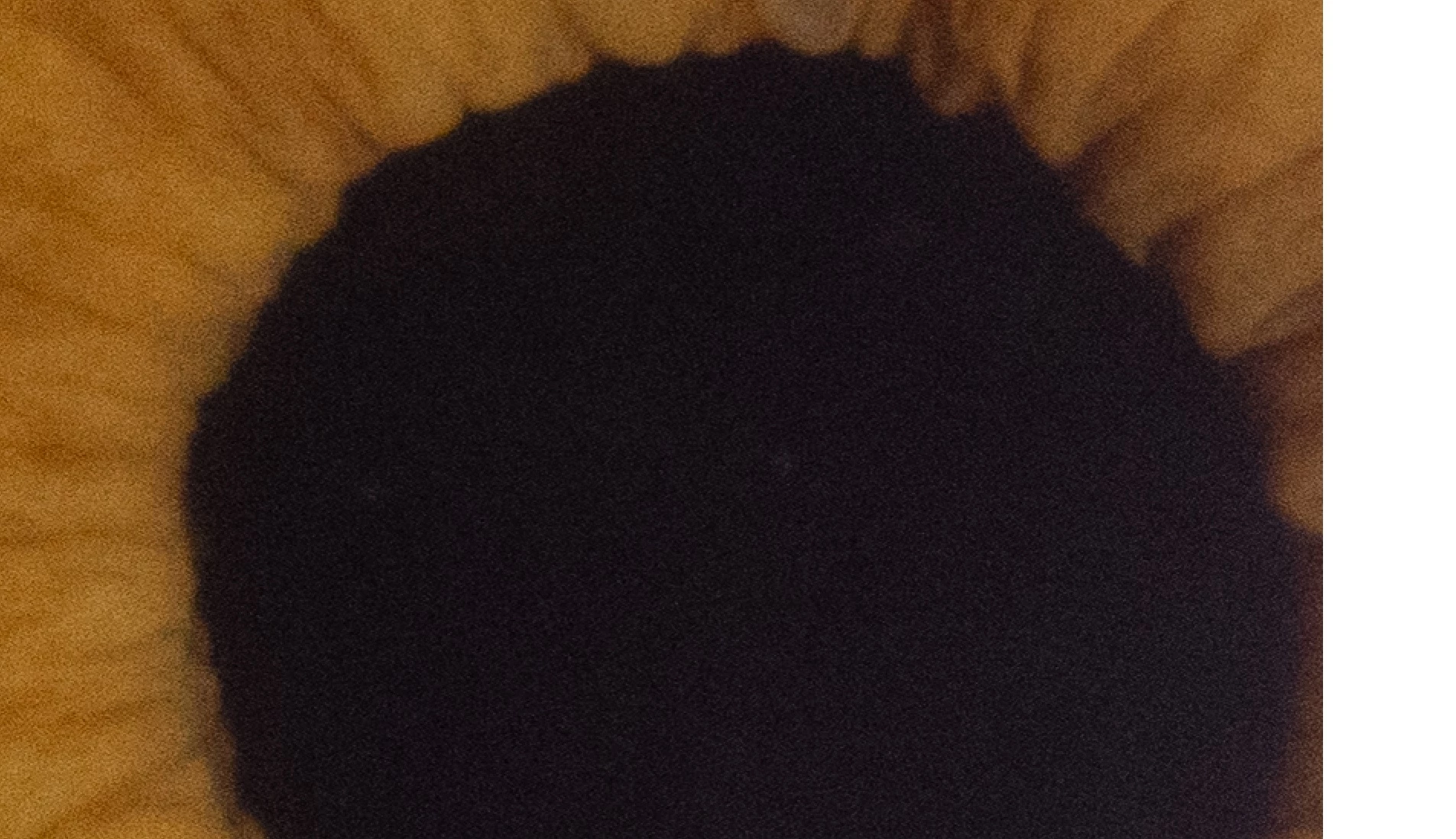
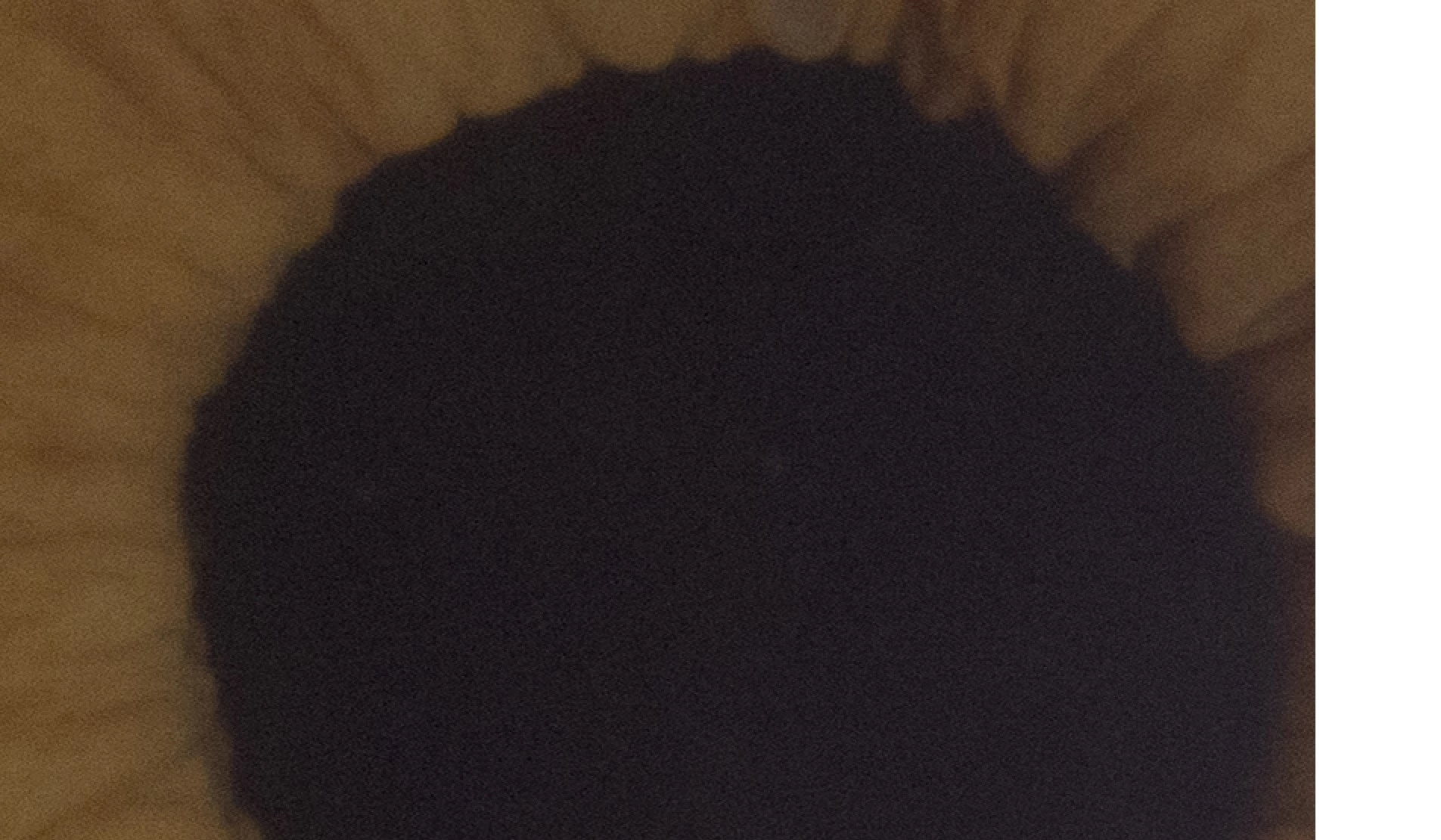
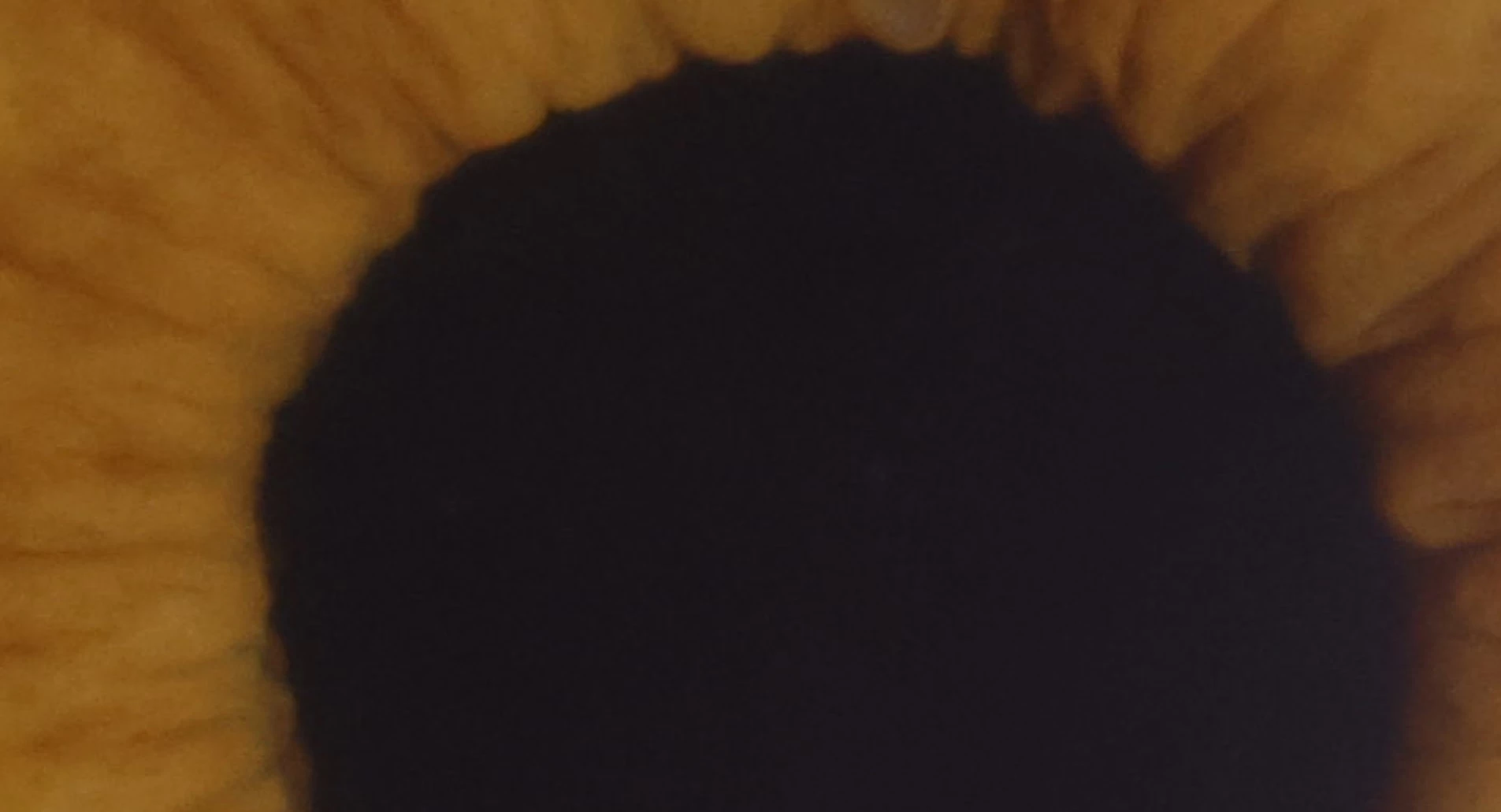
Attached are three examples of my RAW zoomed to 200%. This is a photo of an iris. The file is after opening in FastStone. The 2nd is the preview in CAMERA RAW, using the ADOBE COLOUR profile. The 3rd is the preview in CAMERA RAW, using the linear profile I created.

Many thanks for your help!
This topic is closed to new replies. Start a new post to keep the conversation going.
Correct answer Per Berntsen

FastStone is not a raw converter and cannot display raw files, so it displays the jpg embedded in the raw files.

The jpgs have most likely had noise reduction applied by the camera.

You have to apply noise reduction to the raw files in Camera Raw or Lightroom.

2 replies

Per Berntsen
Community Expert
Per BerntsenCommunity ExpertCorrect answer
Community Expert
August 26, 2024

FastStone is not a raw converter and cannot display raw files, so it displays the jpg embedded in the raw files.

The jpgs have most likely had noise reduction applied by the camera.

You have to apply noise reduction to the raw files in Camera Raw or Lightroom.

BenVERDEILLE
Participant
August 26, 2024

ok, thank you ! 🙂