


Question
M1, 8‑bit, high-strength Smudge lightens near-white edges; 16‑bit does not
Smudge tool lightens near-white edges in 8-bit RGB on Apple Silicon; same stroke is clean in 16-bit.
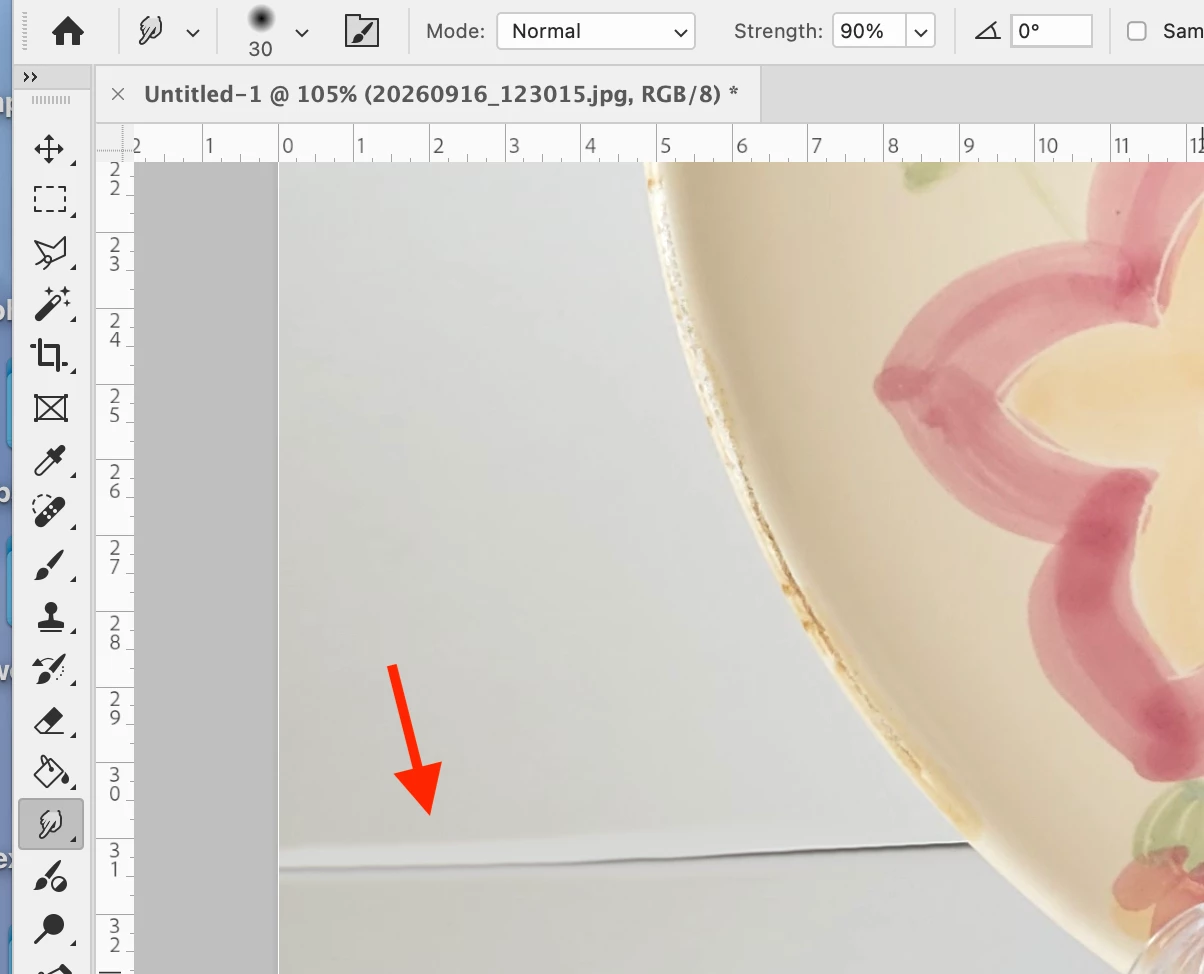
Product: Photoshop (desktop), Apple Silicon M1
Mode: RGB/8, Strength ~90%, Mode Normal Steps
- Open an 8-bit RGB photo with a thin dark line on a near-white area (ceramic rim, paper edge, etc.).
- Smudge tool, Normal, Strength 90%, Finger Painting off.
- Stroke along/across that line.
- Convert the same file to 16 Bits/Channel and repeat the same stroke.
Result: In 8-bit the stroked area lightens / washes out. In 16-bit it only smudges.
Expected: 8-bit high-strength Smudge should move pixels without lifting luminance.
Notes: Happens at the Strength needed to move a thin edge. Workaround is convert to 16-bit, smudge, convert back — not acceptable as daily practice.
 AdChoices