
Participant
October 21, 2024
Question

MacOs 14.7 Sonoma - Cannot Install Photoshop

  • October 21, 2024
  • 1 reply
  • 298 views

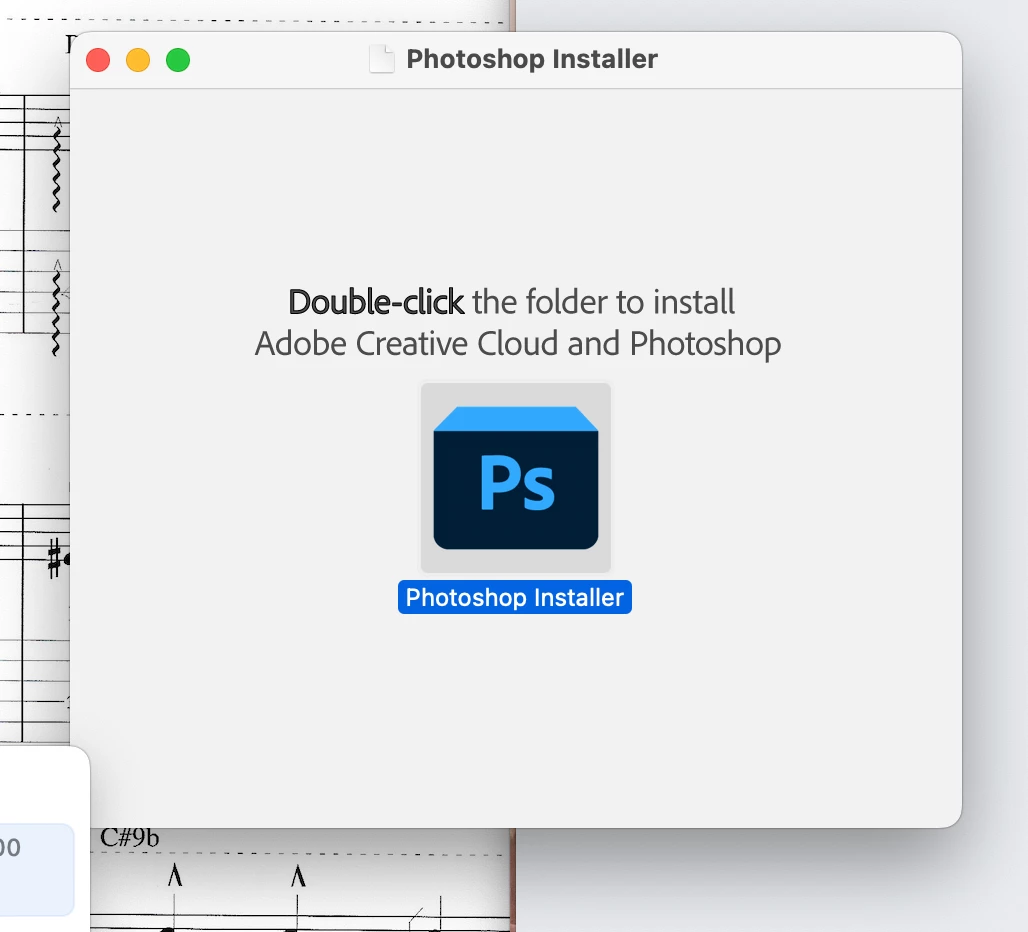
MacOS 14.7 Sonoma on 27" Intel iMac  - when I double-click the Photoshop Installer (Blue "Ps" icon in the "Double-click the folder to install Adobe Creative Cloud and Photoshop" window),  the PhotoShop installer window opens and closes, but NOTHNG HAPPENS.
This topic has been closed for replies.

1 reply

Anshul_Saini
Community Manager
Community Manager
October 22, 2024

Hi @Vittorio35567915qu7s,


Let’s get this sorted! Could you try installing Photoshop directly from the Creative Cloud desktop app? That often resolves installation problems.


Out of curiosity, where did you get the installer you’re using? Knowing that might help us troubleshoot further.


Let us know if the Creative Cloud app approach works or if you run into other issues!​

Best,

Anshul Saini