
Answered
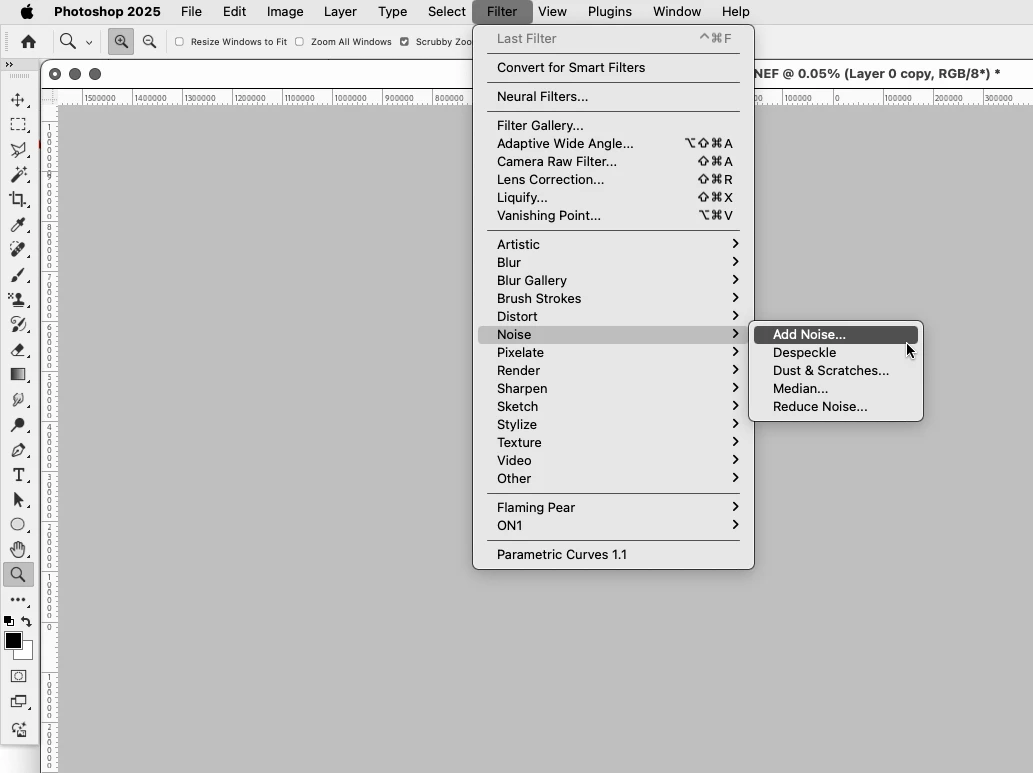
MacOS 15.1.1 & PS 26.1 = No built-in plugins, Rosetta is installed
Hi There,
I have a new install of Sequoia (erase and install, no migration) and a new install of Adobe CC but I don't see any of the built-in plugins for Photoshop.
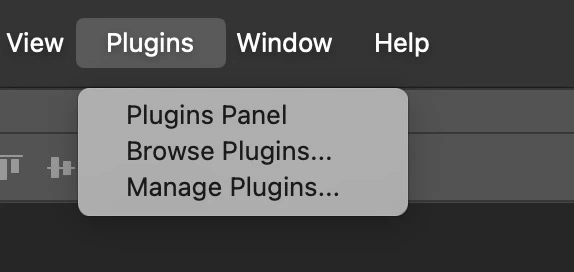
Other posts state that the built-in plugins require Rosetta. To activate Rosetta, I went..
- CMD + I on Terminal
- Tick 'Open using Rosetta'
- Opened Terminal which worked
But after restarting Photoshop, I still don't see any plugins. How do I install?
Cheers, Ben
- MacOS 15.1.1
- PS 26.1
- New M4 Macbook Pro


 AdChoices