

Answered
macOS Catalina: Helvetica Regular is missing
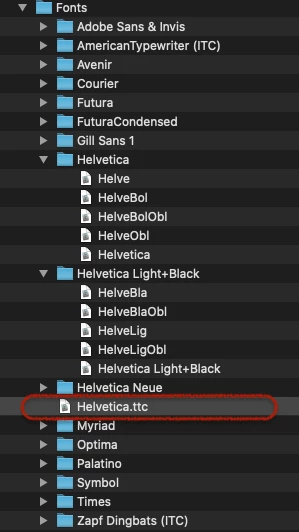
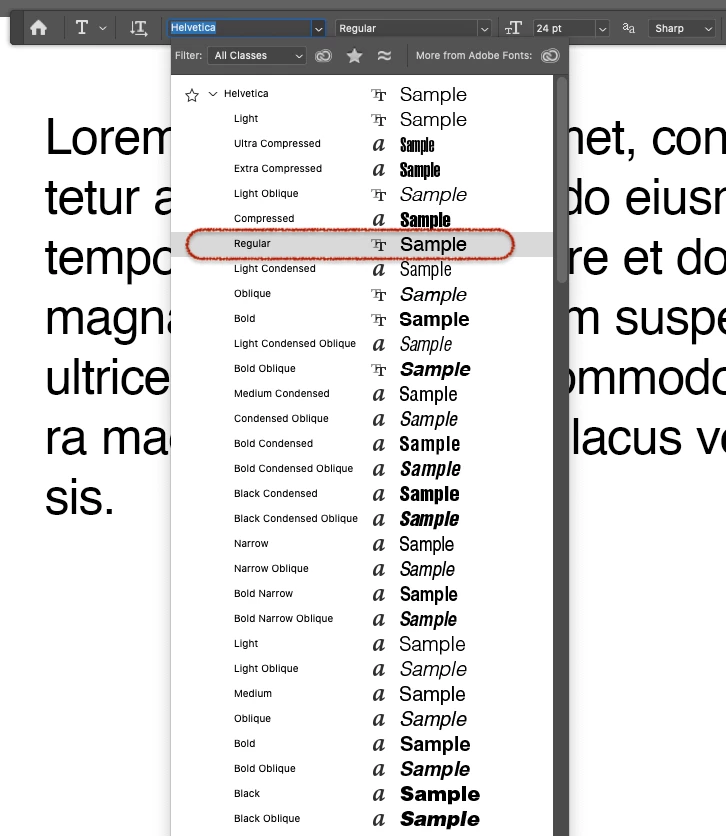
In Photoshop Helvetica Regular is missing, and cannot be selected from drop down menus. The font is there and works in any other application. In Adobe Illustrator, too!
Any ideas?

In Photoshop Helvetica Regular is missing, and cannot be selected from drop down menus. The font is there and works in any other application. In Adobe Illustrator, too!
Any ideas?
Already have an account? Login
Enter your E-mail address. We'll send you an e-mail with instructions to reset your password.
 AdChoices