
Participant
May 2, 2018 11:27 PM UTC
Answered

MagicPicker color wheel is blank in Photoshop. Ideas?

Hi! Suddenly MagicPicker plugin extension is launching as a blank panel in my Photoshop. It should look kinda like this (when I launch it from Window/Extensions):
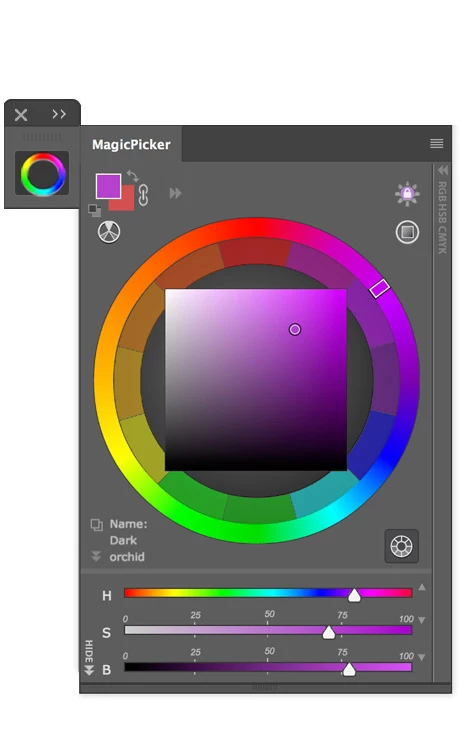
But it looks like this:
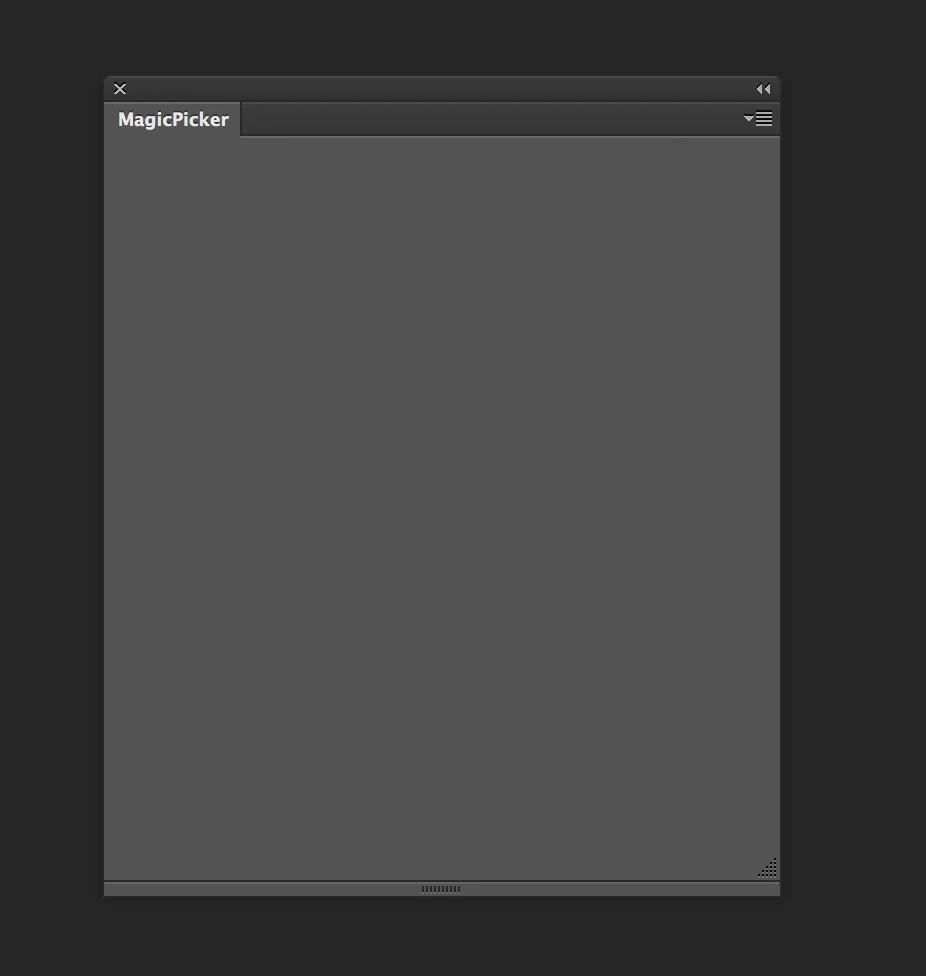
It started yesterday, before that it was working with no problems. Do you have any ideas what could have changed? I tried updating, restarting, cleaning - nothing helps!

Anastasiy Safari
Anastasiy SafariCorrect answer
Inspiring
May 2, 2018 11:37 PM UTC

Hi! I'm Anastasiy, creator of MagicPicker.

Sorry for the inconvenience! There was a problem with Photoshop CS6 and blank panel display and it got fixed in MagicPicker 6.2. You can update MagicPicker here​.

You can also read more about changes to the new version of MagicPicker color wheel (both in Photoshop and Illustrator) here.

5 replies

Anastasiy Safari
Anastasiy SafariCorrect answer
Inspiring
May 2, 2018 11:37 PM UTC

Hi! I'm Anastasiy, creator of MagicPicker.

Sorry for the inconvenience! There was a problem with Photoshop CS6 and blank panel display and it got fixed in MagicPicker 6.2. You can update MagicPicker here​.

You can also read more about changes to the new version of MagicPicker color wheel (both in Photoshop and Illustrator) here.

Translate
Participant
May 2, 2018 11:48 PM UTC

oooh, thank you Anastasiy! Yes indeed I have CS6 and going to upgrade now, easy fix oh yeah!

Translate