

Question
Make autosave on close for cloud files be an OPTIONAL feature.
You know when you close a file and this pops up?
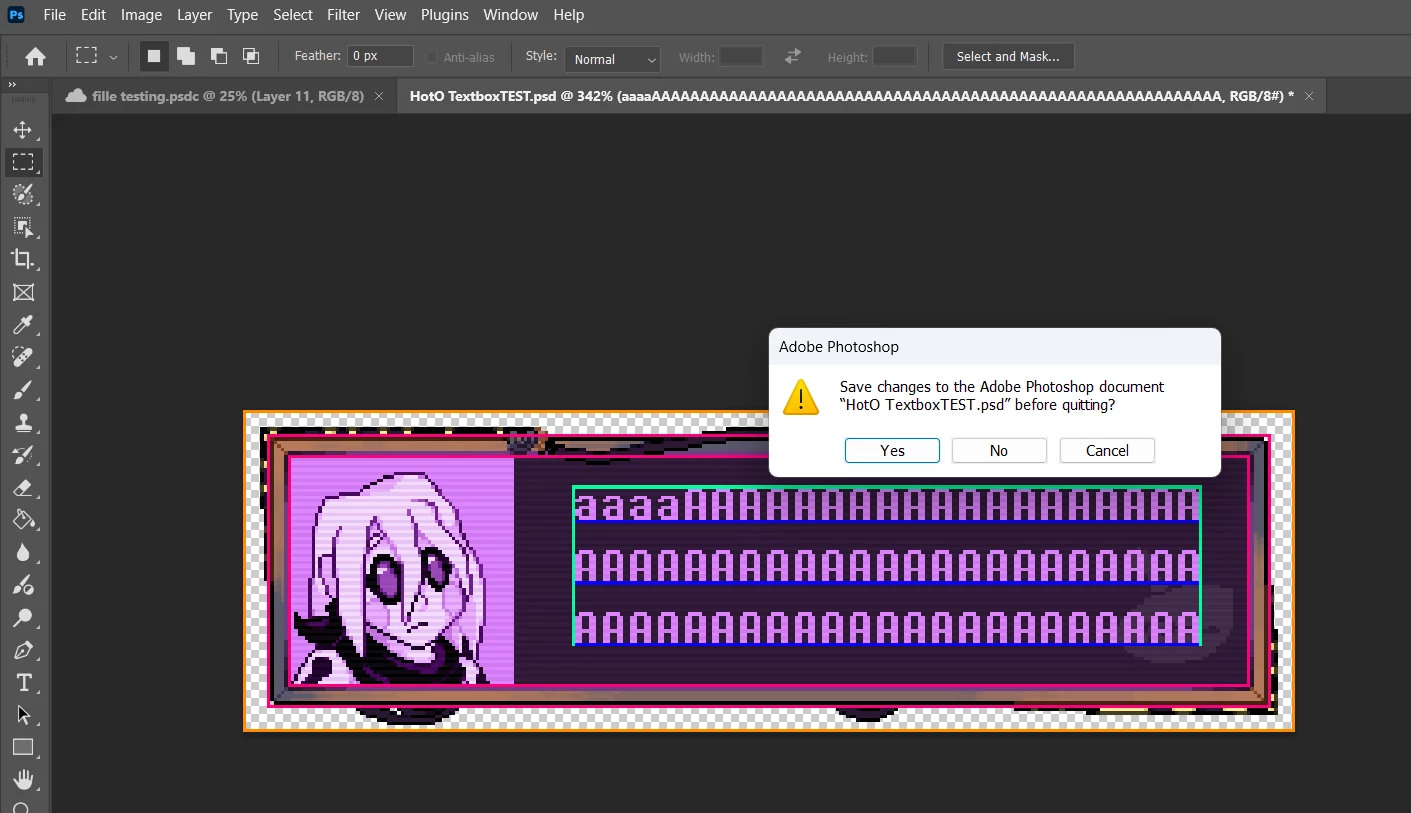
Apparently around version 2026 this doesn’t happen anymore for Cloud Files specifically, it just always autosaves, no way to have it be how it was, if you use cloud files you are locked into saving your file whenever you close the window, even if its a misclick.
- Of course there is using just local files… wich you can’t really see thumbnail preview on file explorer nor does photoshop include a “Local Files” section in its home menu file browser, so you’d be giving up thumbnails unless you want to install outside apps to solve the issue. And well, the obvious… and storing your files in the cloud you also give up that too.
- And any other possible solution is just extra steps to what worked well enough before.
So my proposal here is to give back just this system of saving back as an option for Cloud Files also, for people who want some control of what gets saved when, even for Cloud Files.


 AdChoices