


Answered
Make Photoshop Remember the Last Selected Color Mode in the Info Panel
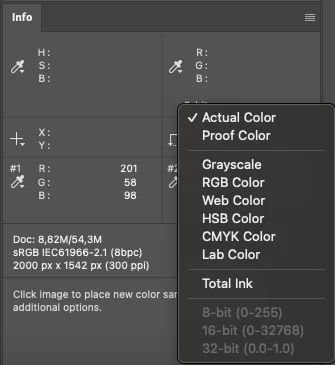
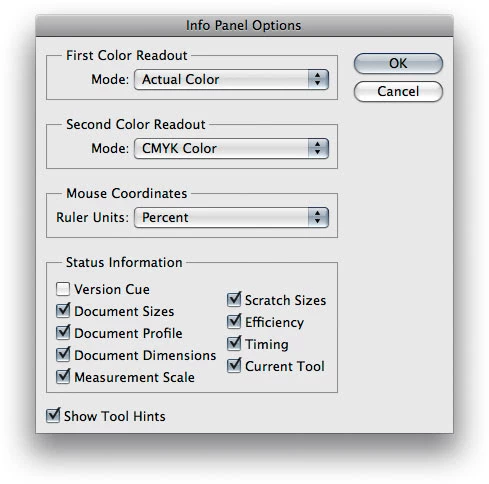
I often use the Color Sampler Tool to place color measurement points. However, by default, the Info panel always displays the color in RGB, while I constantly switch it to HSB.
Why not make Photoshop remember the last selected mode? This would greatly simplify the workflow, as I have to click the triangle under the eyedropper and manually select HSB Color every time
.


 AdChoices