desioner
Participant
Sep 21, 2018 2:43 AM UTC
Answered

Making a vector QR from jpg

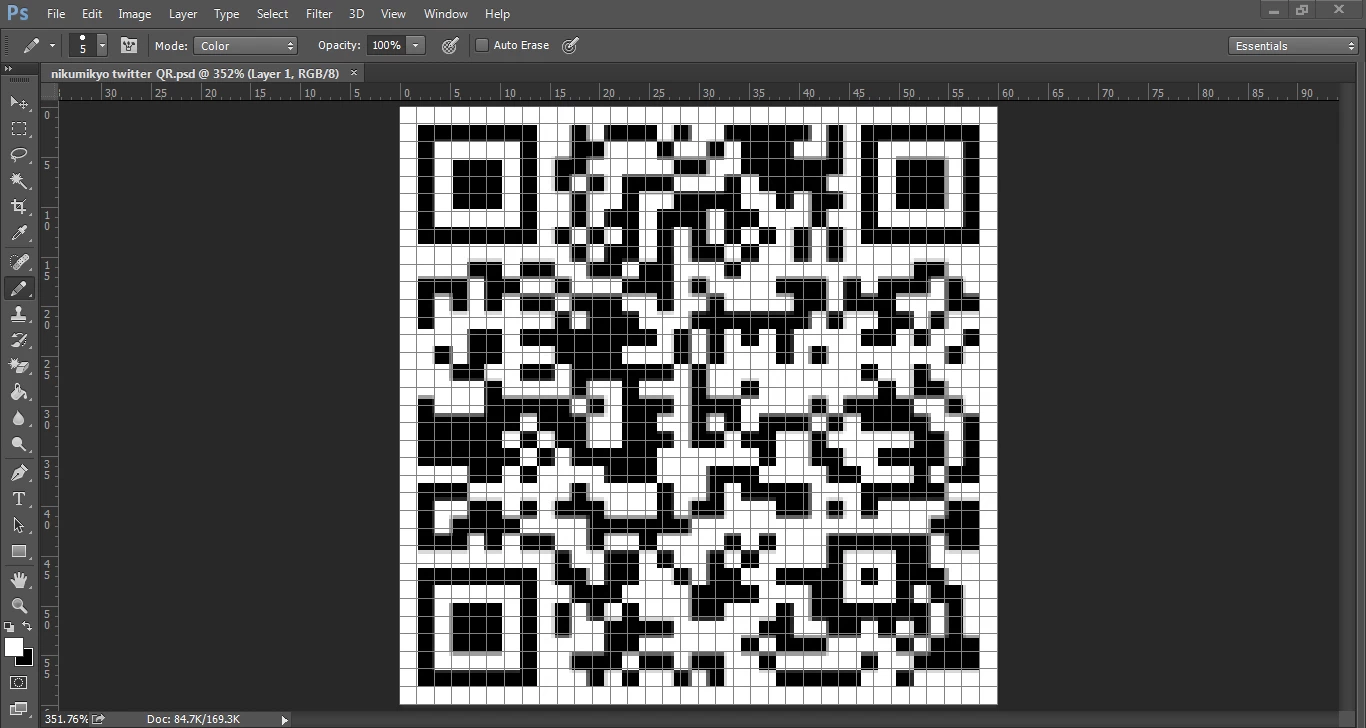
I have a low quality jpg image of a QR code. I'd like to create a vector version. I have it in a document with a grid but as you can see the grid and the QR code are not "synced". The registration marks are fine but most of the other data "blocks" are all over the place. Not lining up with the grid at all. Any thouhgts on how this can be corrected and prhaps the easiest way to create a vector version of this?

JJMack
JJMackCorrect answer
Community Expert
Sep 21, 2018 3:53 AM UTC

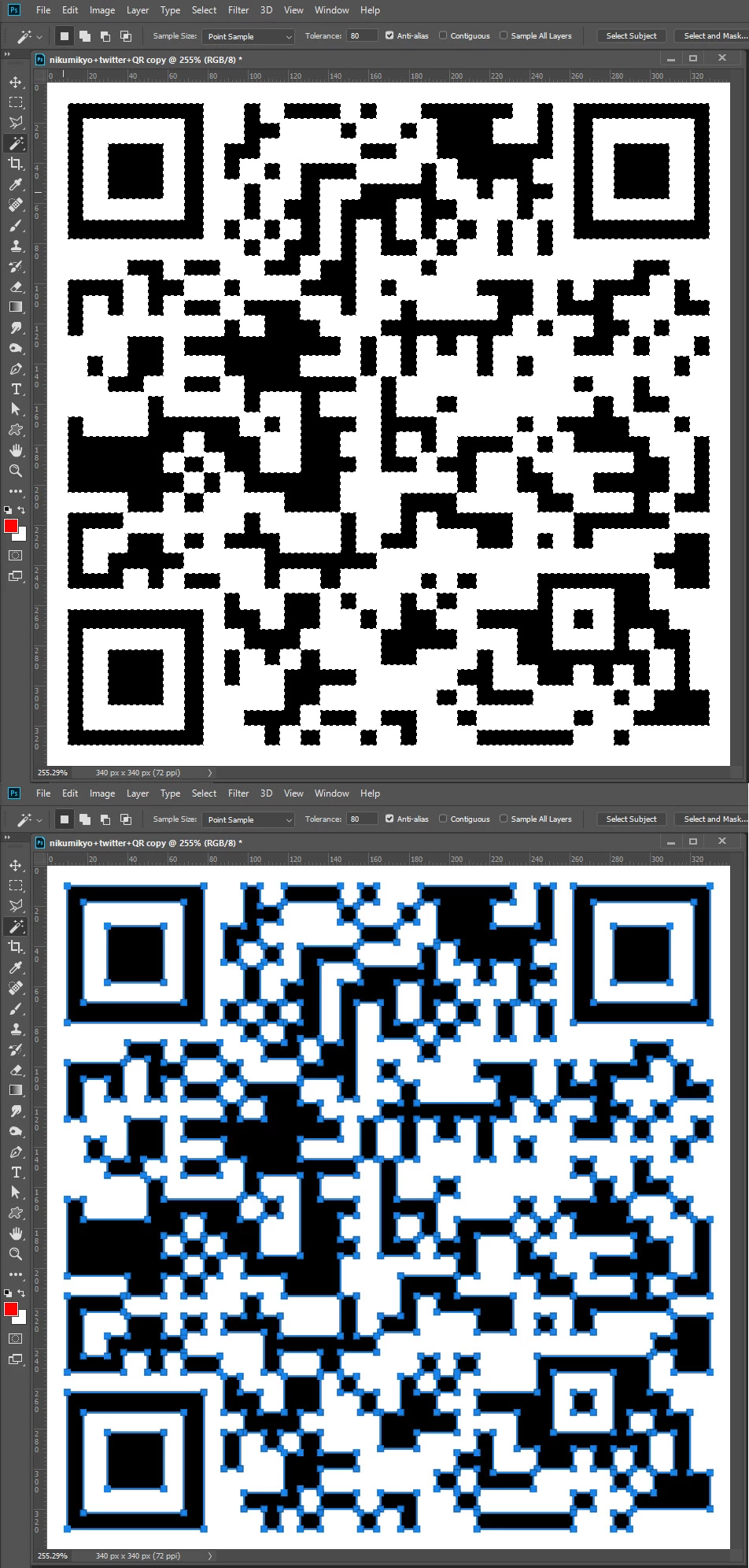
Instead of creating a custom shape with Potrace use the magic wand to select black and convert the selection to a Path using the convert to path icon in the path palette

]

JJMack

4 replies

JJMack
Community Expert
Community Expert
Sep 21, 2018 2:45 AM UTC

Post a jpg sample.

Translate
JJMack
desioner
desionerAuthor
Participant
Sep 21, 2018 2:53 AM UTC

Sure, here is the original QR code.

Translate
JJMack
Community Expert
JJMackCommunity ExpertCorrect answer
Community Expert
Sep 21, 2018 3:53 AM UTC

Instead of creating a custom shape with Potrace use the magic wand to select black and convert the selection to a Path using the convert to path icon in the path palette

]

Translate
JJMack