
Answered
Many visualization and brush problems in Photoshop
I am having a bunch of problems out of the blue:
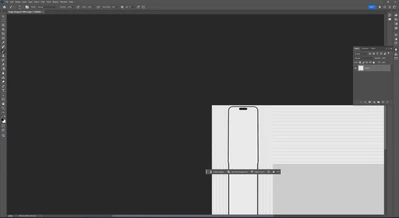
1. There is a weird visualization issue on the right and bottom of the imported image when you go close to those areas.
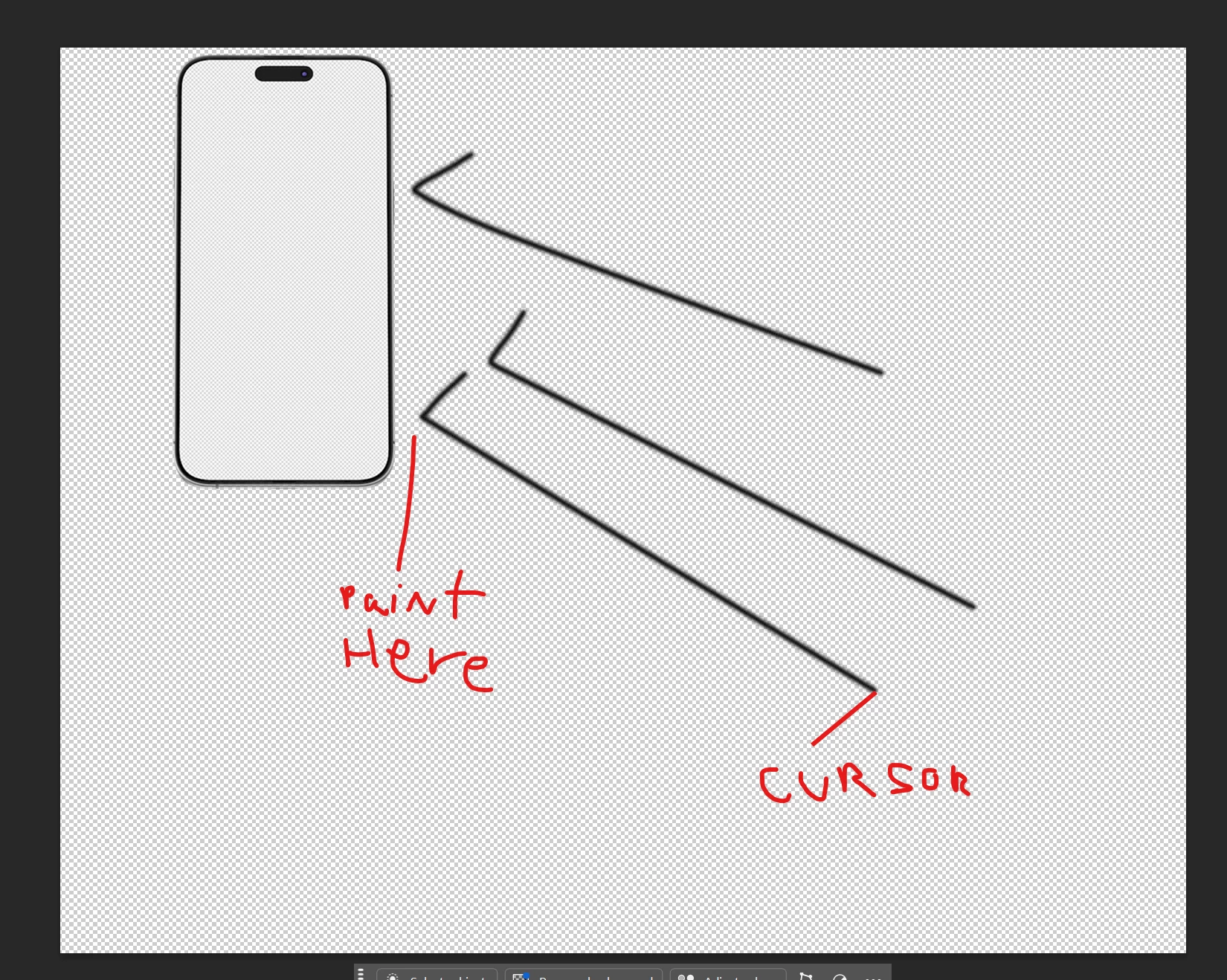
2. The brush does not paint where I want, it paints many pixels on the left.
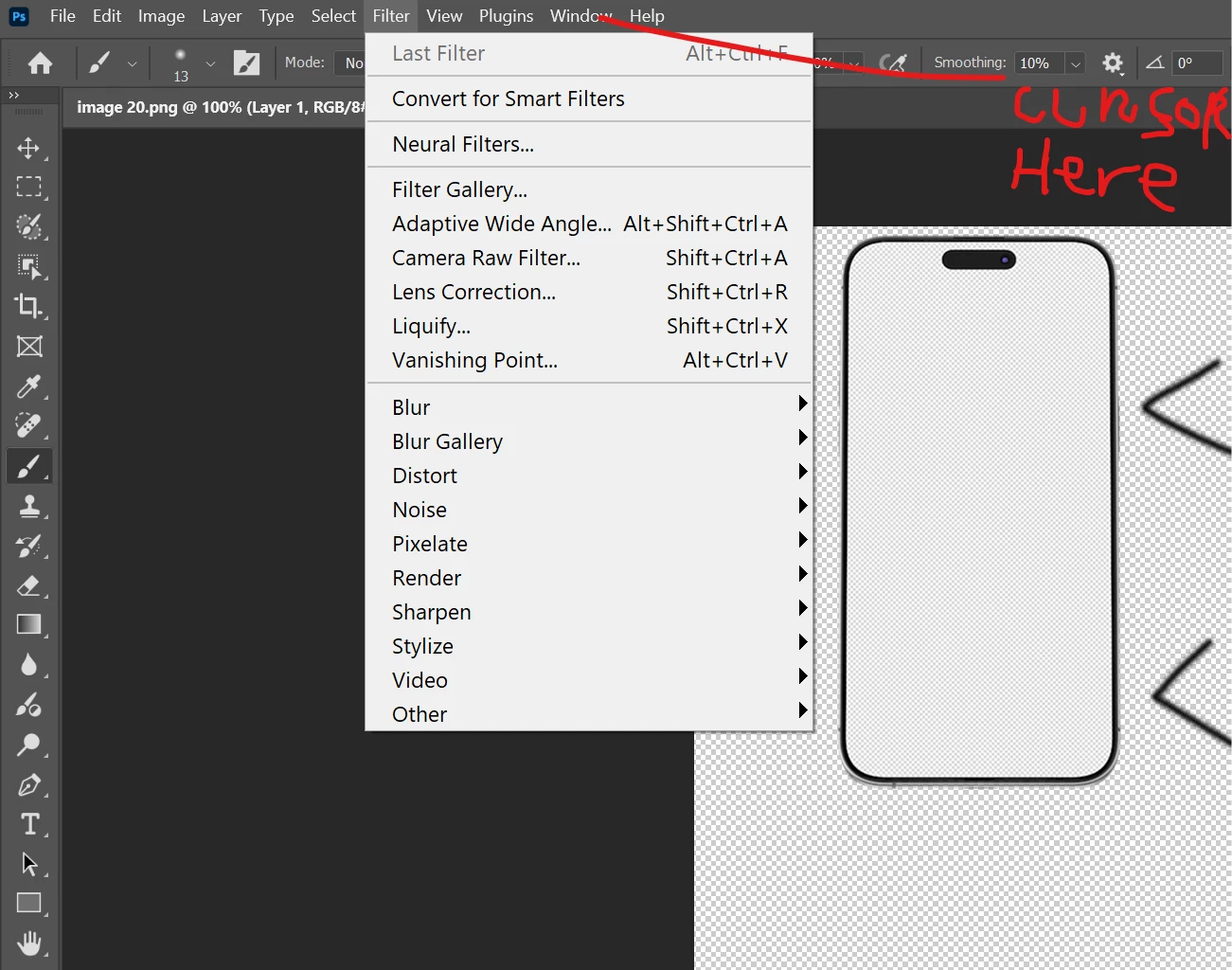
3. I can;t access some of the tabs on the menu as the mause is like pointing on the left.
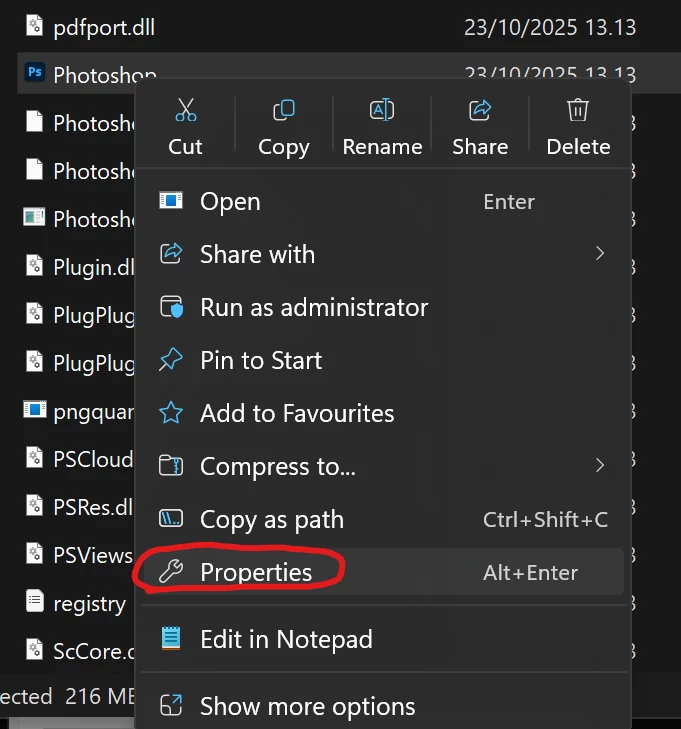
I can solve the 2 and 3 issues by setting my screen to 100% on the windows display settings. The problem is that I have a 4K window so if I do that, anything on my pc is very tiny and I can't work like that.
I can also solve the 1 issue by unclick Using Graphic Processor on the preferences but that creates a nasty lag and problems with zooms.
Does anyone have a solution for this?
Thanks!


 AdChoices