
Question
Marching Ants Not Showing While Dragging Marquee Tool
When dragging the marquee tool, the active selecting is black. When I release, the selection turns turns into marching ants. Having a black border for selection makes it difficult to use the tool when selection is against a black background. I don't know how to fix this and I've been scouring the internet for ideas.
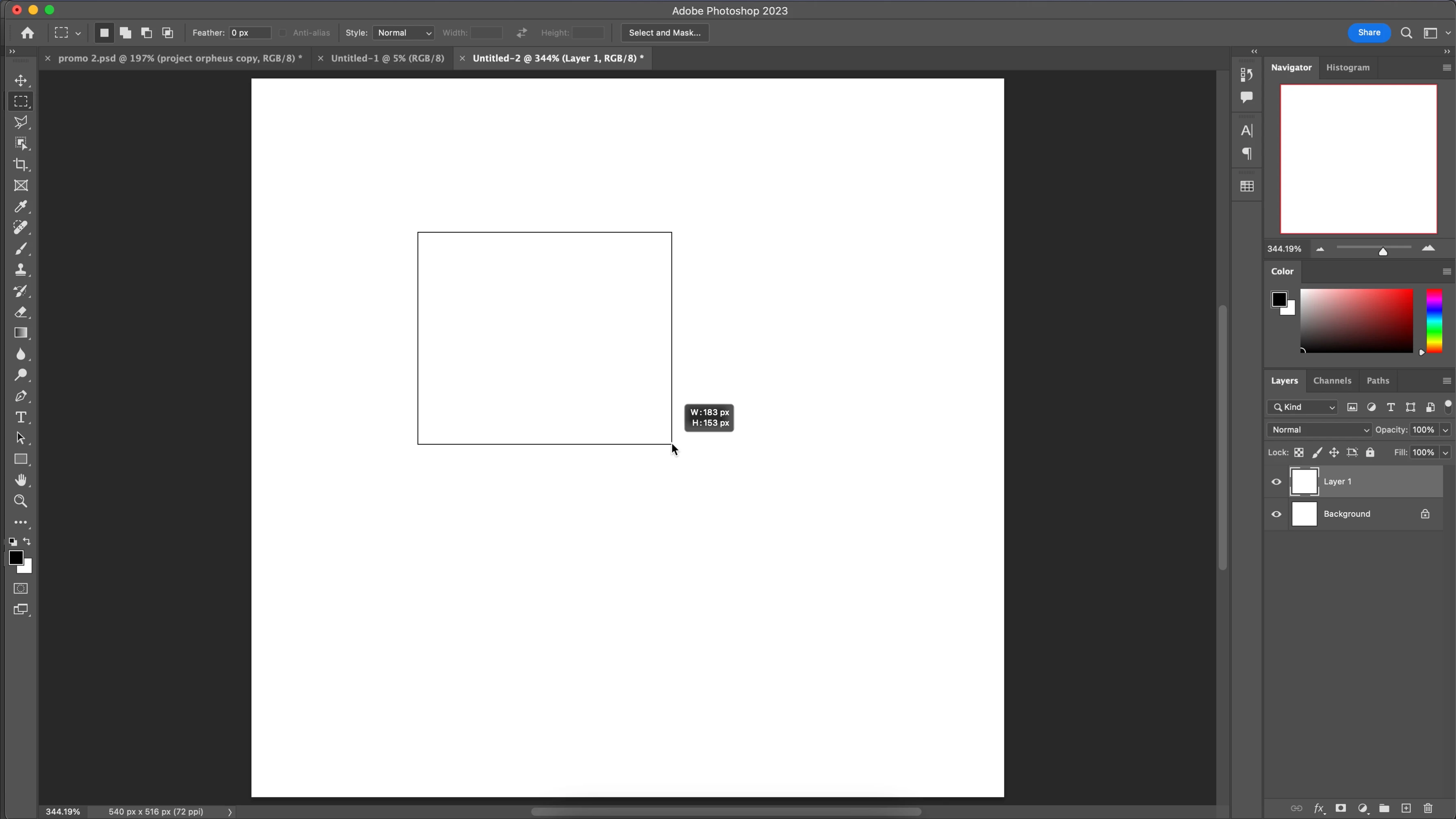
So far, I have tried these methods and nothing has worked so far:
- Updating photoshop
- Resetting the marquee tool
- Resetting photoshop preferences
- Turning "Selection Edges" on and off again
- Redownloading photoshop
 AdChoices