


Marquee tool issues
- 7 replies
- 1118 views
- Translate
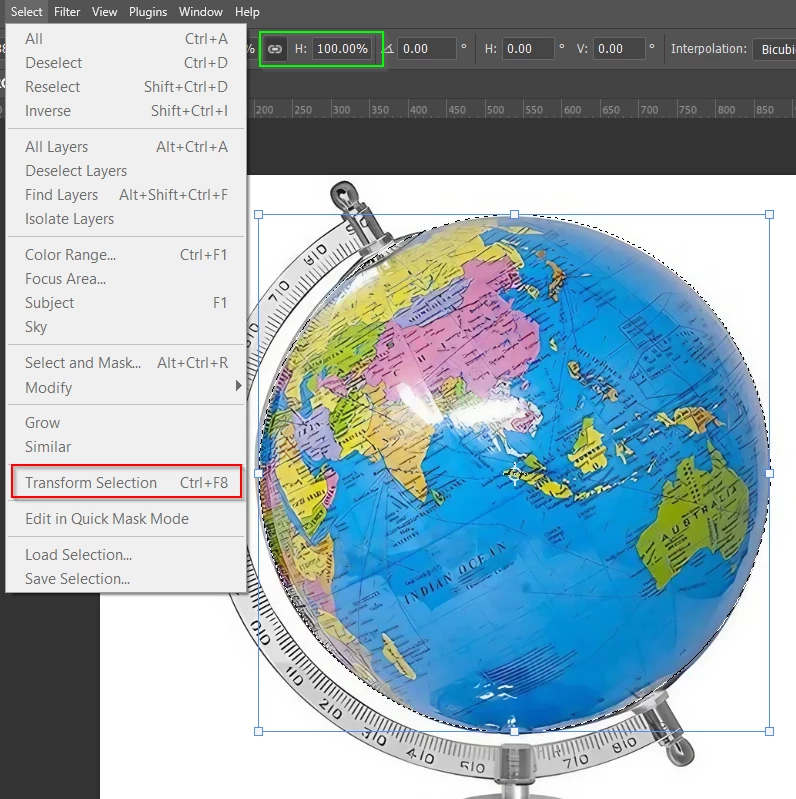
I have a circle in a scanned drawing that I am trying to select with the Ellipitical Marquee Tool.
1) When I click and drag to make the marquee (holding Shift to make it a true circle), the marquee only increases in size if I drag on the diagnols. Horizontal or vertical does not work. Is this the way the tool is supposed to work?
2) Trying to select the drawn circle with the circular marquee tool, I click on the upper left of the circle and drag to the lower right across the diagnol diameter of the circle but the marquee eillipse does not follow the cursor. It doesn't start at the exact upper left nor follow the cursor down. It lags behind. So when I drag from upper left to lower right of the circle, I end up with a circular marquee much smaller than the circle. I cannot get a marquee the exact size of the circle I wish to select. Am I doing something wrong or is there a setting that needs to be changed?
BTW, if I try this with the rectangular marquee tool—also dragging on the diagnol— the rectangle follows the cursor, starting exactly at the upper left and ending at the lower right.

 AdChoices