
Answered
Maximize Compatibility
I usually get this window because of this option. What is the importace of this option when choosing?
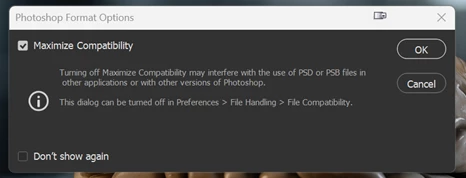
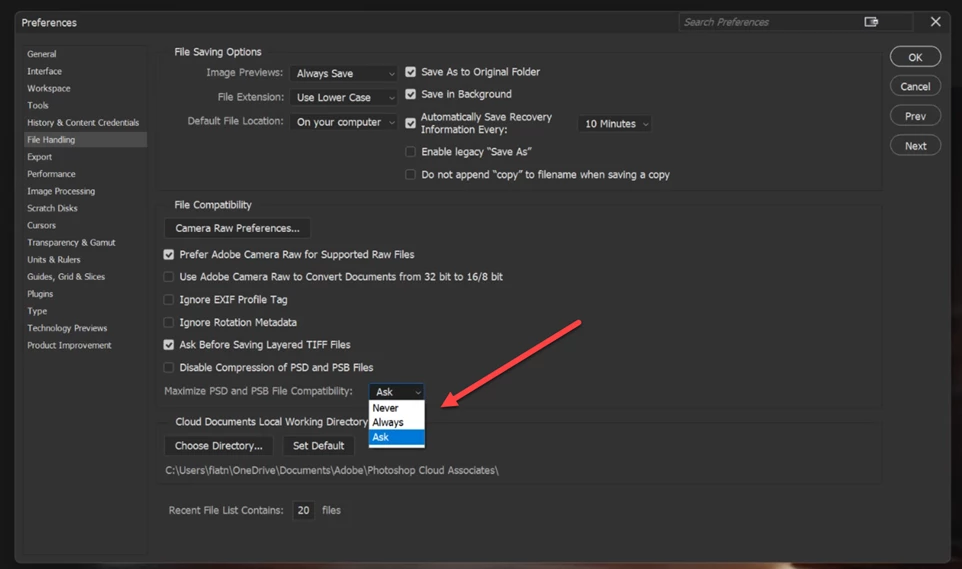

I usually get this window because of this option. What is the importace of this option when choosing?
Maximise compatibilty, writes an additional layer into the PSD/PSB document file. That layer is a flattened copy of the image. It is not needed by Photoshop, which opens the individual layers, but it is used by other applications. For example, Lightroom Classic needs that compatibility layer to display an image of the file content. As an added bonus, if the PSD file becomes corrupted, there is sometimes a possibility of recovering that single flattened layer. I would always include it by setting it to 'Always'.
Dave
Already have an account? Login
No account yet? Create an account
Enter your E-mail address. We'll send you an e-mail with instructions to reset your password.


 AdChoices