

Answered
Menu options greyed out
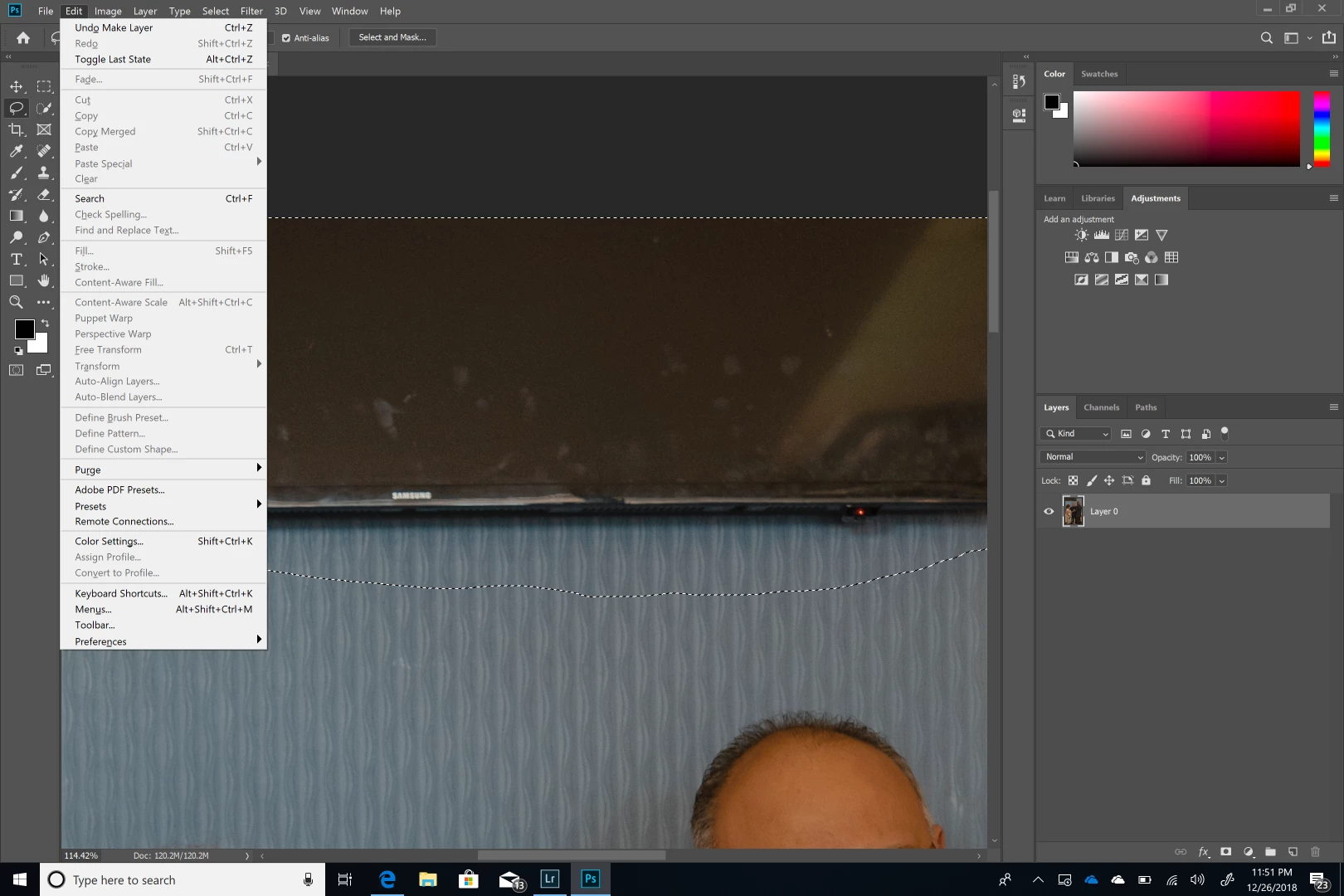
I have imported a file from Lightroom to Photoshop using the edit in Photoshop 2019 option, to remove some items using the content aware fill feature. the problem I'm now having is that the features in the menu are all greyed out. I have reset the program options in the preferences menu. I have started the processes again from scratch and still having the same results after restarting the computer. The lasso tool is what I'm using to select the object. Additionally almost all of the menus are exhibiting the same issue. Below is a screenshot of the issue.


 AdChoices