
Participant
April 12, 2025
Question

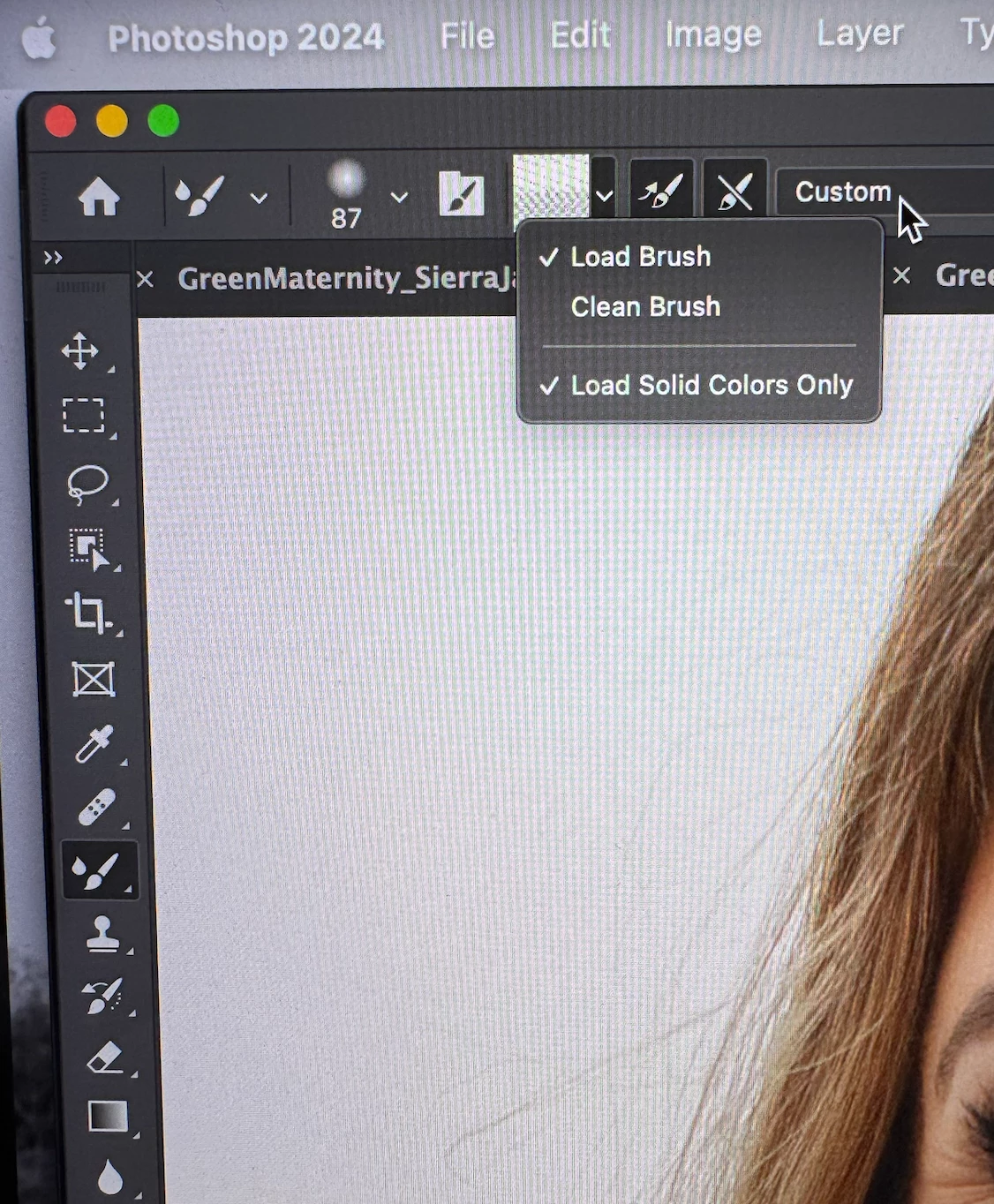
Mixer Brush tool not selecting skin

  • April 12, 2025
  • 2 replies
  • 154 views

I am trying to figure out how to reset the mixer brush tool at this point. I went into photoshop to smooth some skin on portraits and the mixer brush won't select the skin but instead has this weird static or automatically adjusts to solid color.  I can turn off the "solid color" option but it still just looks like static when I'm selecting skin and when I try to use the tool it just looks like a flat color instead of the texture of the skin. Anyone have this issue and figure it out? 
2 replies

davescm
Community Expert
Community Expert
April 13, 2025

There was a problem with the mixer brush in PS2024 (v25.x). It should be resolved in PS2025 (v26.x). Try installing the latest version - v26.5.
Dave

c.pfaffenbichler
Community Expert
Community Expert
April 13, 2025

If this is a technique you picked up from some tutorial please check which Tool settings they are actually using. 


Could you please post screenshots with the pertinent Panels (Toolbar, Layers, Options Bar, …) visible that illustrate the effect? 

https://www.take-a-screenshot.org/

Have you reset the Tool yet?