
SCP173
Participant
January 4, 2020
Question

Modifying and Controlling 3D Model Components

  • January 4, 2020
  • 4 replies
  • 269 views

Hello,

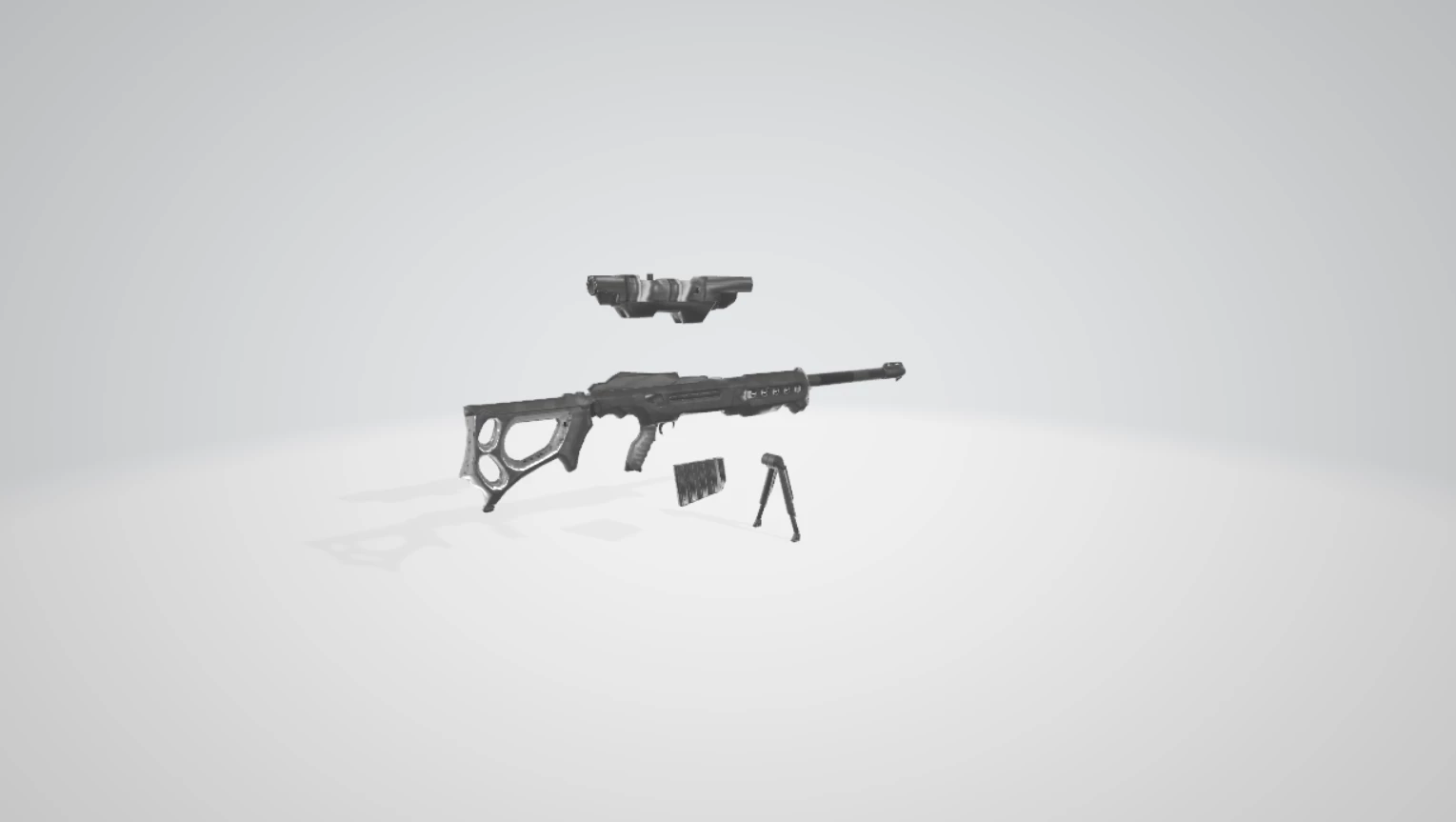
I'm new with Photoshop's 3D workspace and features, but have a little experience with it from following some Youtube videos and such. I have been posing models and then rasterizing those objects to use on my Photoshop projects. I opened a model today that was detached - I assume that it's because it is meant to be used in games, but I have not found a way to attach the model parts together. Is there any way I can do this in photoshop? I attached a screenshot of what the model looks like below. 

Thanks!
 

This topic has been closed for replies.

4 replies

Ussnorway7605025
Legend
January 5, 2020

Photoshop can move Obj files around inside a 3D scene, it can also merge all (some) of the different Obj files together or cut them up into smaller parts & you do all of this from the 3D panel

now for fine control of the mesh you need another software like Fuse, Wrap3.3, Blender or Maya but that is not needed to move, merge or cut Objs


please show us a screengrab of your 3D panel so we can see the parts

Mylenium
Legend
January 4, 2020

No, there isn't. PS isn't a 3D modeling app and there is no way to select polygons, vertices and so on individually nor is there a function to just split non-contiguous meshes. You have to move on to greener pastures, i.e. a proper 3D program like the free Blender.


Mylenium

Ussnorway7605025
Legend
January 4, 2020

if you opened it in Photoshop then its prob a Obj file so yes you can move them together... show us your 3D panel please

lambiloon
Community Expert
Community Expert
January 4, 2020

Hi i dont think there is such option in Photoshop because its main purpose is for texturing but if you import single objects like layers work in Photoshop may be it can help...Regards

Ali Sajjad / Graphic Design Trainer / Freelancer / Adobe Certified Professional