
Participant
December 18, 2024
Question

.mov files

  • December 18, 2024
  • 4 replies
  • 223 views

My collegue and I recently updated Photoshop to 26.1.0. We both are having the same problem.
When we import .Mov files, these are not showing up (= are transparant) in our documents. 
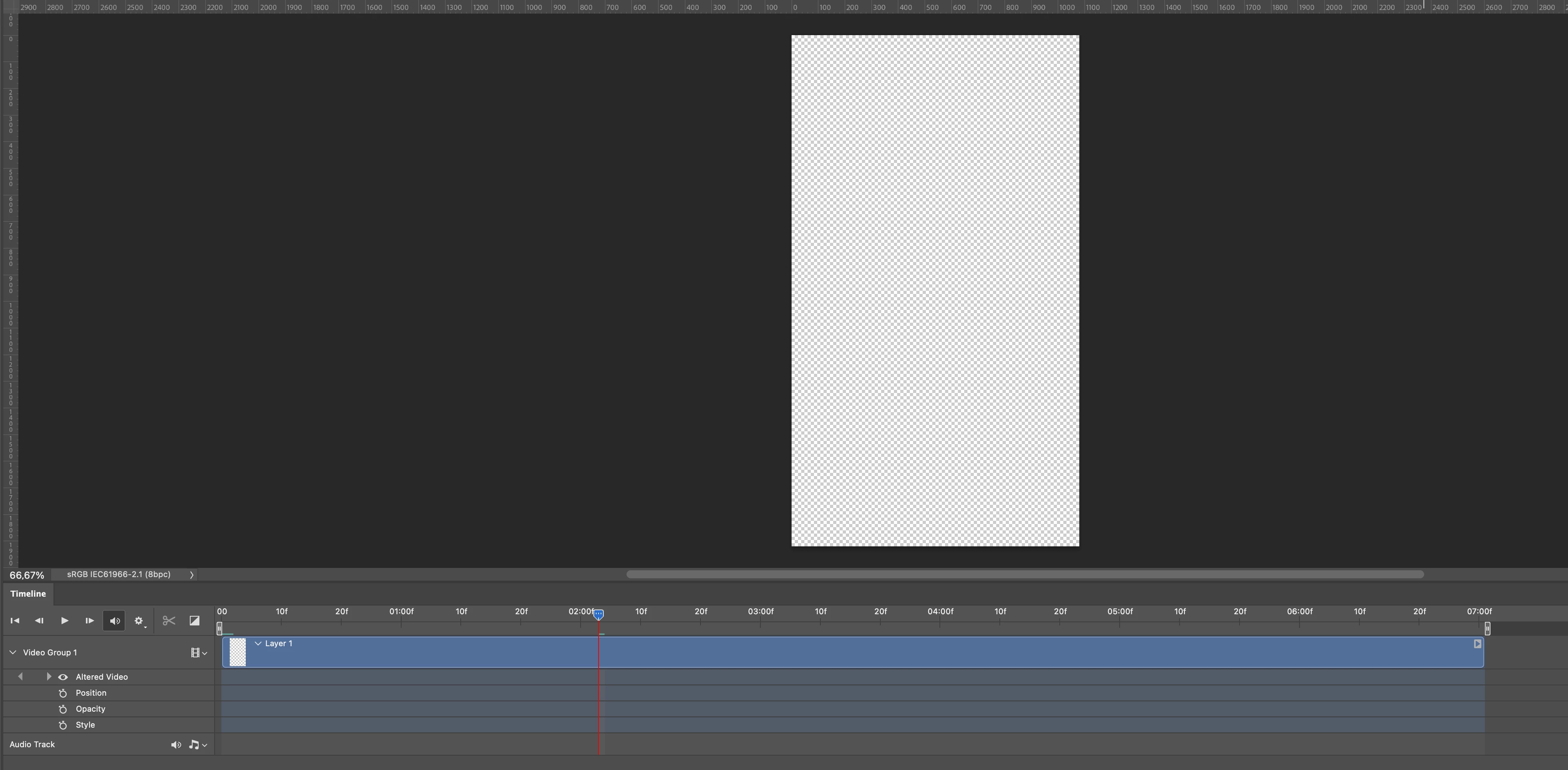

Is there a setting we need to change or plugin to install to fix this problem?
We both are Desktop publishers, so we have (almost) no experience with Premiere or After Effects. We know that Photoshop is not the right tool, but it works for us. It doesn't make sense for us to change to a different Adobe programme.

This topic has been closed for replies.

4 replies

Participant
December 18, 2024

Are there any codec supported by the current version of Photoshop that you can recommand preferably without any loss of quality of the videofile?

And is there a chance that Photoshop will receive an update in the (near) future, so .mov will be supported again? 

davescm
Community Expert
Community Expert
December 18, 2024

Mov is a container not a video codec. Within that mov file, a movie will be encoded using a codec, and Photoshop needs that same codec to read and open it.

If you use Handbrake it will show you what encoding the file has used. Photoshop, being primarily a raster image editor, has access to limited codecs. Premiere Pro, After Effects, Adobe Media Encoder have access to a lot more.

If the file is encoded using an unsupported codec then you will need to convert it or use an application that does support it.


Dave

Participant
December 18, 2024

Yes, those solutions work and we do use Handbrake. But for our workflow it would be easier if we could import .mov files.
Importing .mov worked in before in the previous versions, would be amazing if it would works in the current version. 

creative explorer
Community Expert
Community Expert
December 18, 2024

@.D_VanGerwen have you thought of converting your files to a more compatible format like .MP4? When I sometimes mark my students homework by video, it gives me a .mov file but it's huge like gigs. So, I use an open-source video compression, and it converts my MOV toMP4. Try using Handbrake. HandBrake is a free tool that converts video files between formats and compresses them. It's user-friendly and works on Windows, Mac, and Linux. https://handbrake.fr

m