
DaveMan1000
Participant
Nov 14, 2026 1:46 PM UTC
Question

Move Tool not selecting layers

Updated to Version 28.0

The Move Tool is not selecting layers whenever I drag over them.

Everything is set to how it should be and it worked just fine for me last week.
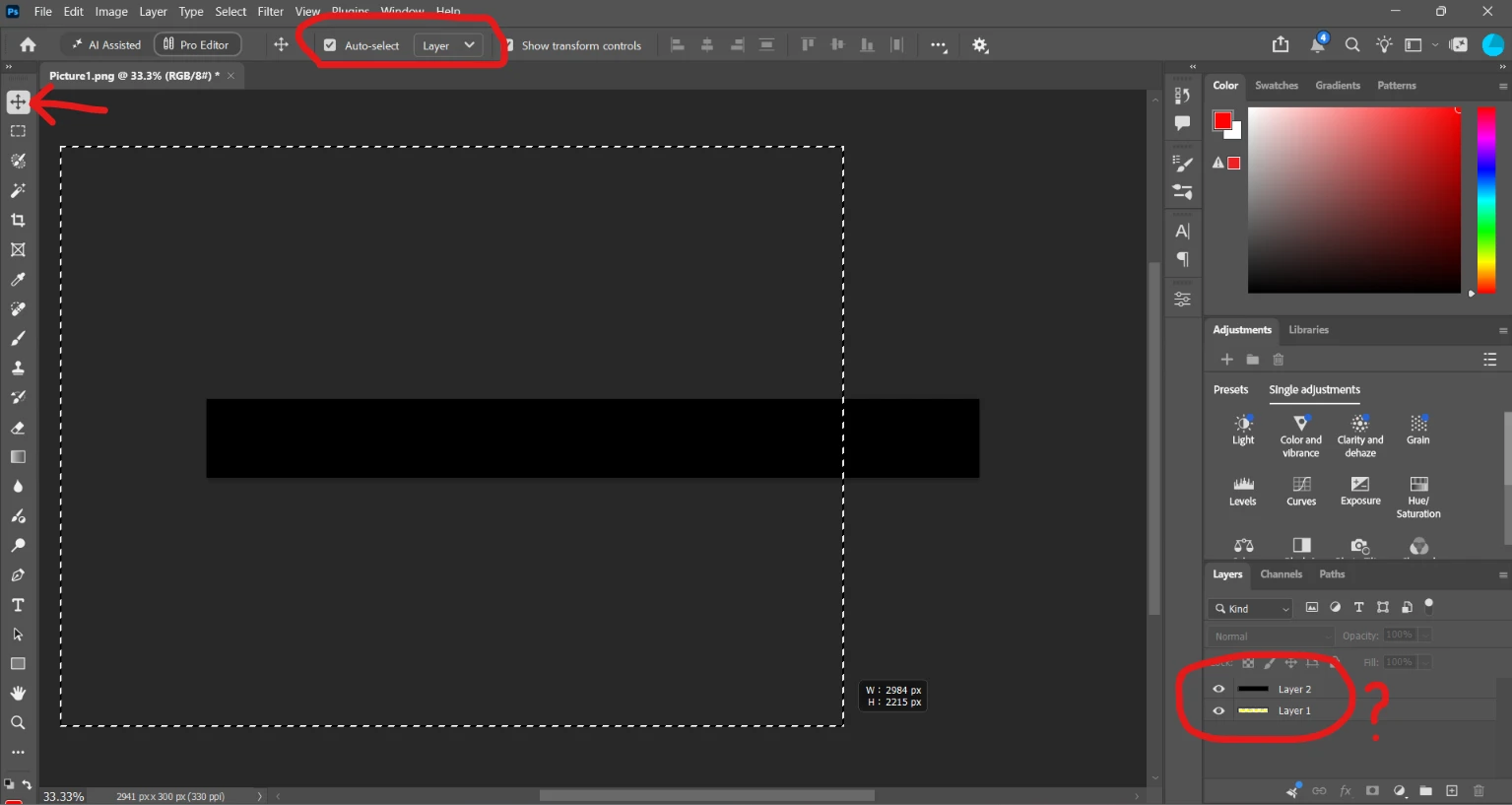
 

    1 reply

    Community Expert
    Nov 15, 2026 8:37 AM UTC

    Hi, this is a known issue with Photoshop 28.0, so it's not something you're doing wrong.

    The Move Tool's ability to select multiple layers by dragging a selection marquee has been broken in this release.

    Adobe has confirmed that the issue has already been fixed in the current Photoshop Beta, but the fix didn't make it into the 28.0 general release.

    You can follow the existing bug report here:
    https://community.adobe.com/bug-reports-711/p-move-tool-to-auto-select-multiple-layers-by-dragging-and-creating-a-marquee-box-no-longer-works-in-2027-v28-1655481

    For now, you can use Photoshop Beta, revert to an earlier stable version, or manually select multiple layers using Shift-click.

    Hopefully the fix will be included in the next general release.

    Translate
