
Participant
July 19, 2020
Question

Moving or resizing an object makes a visual duplicate of later

  • July 19, 2020
  • 1 reply
  • 518 views

Whenever I use the move tool, whether it's resizing an object or moving it, the object is making a visual duplicate on my screen, pictures to hopefully help clarify:
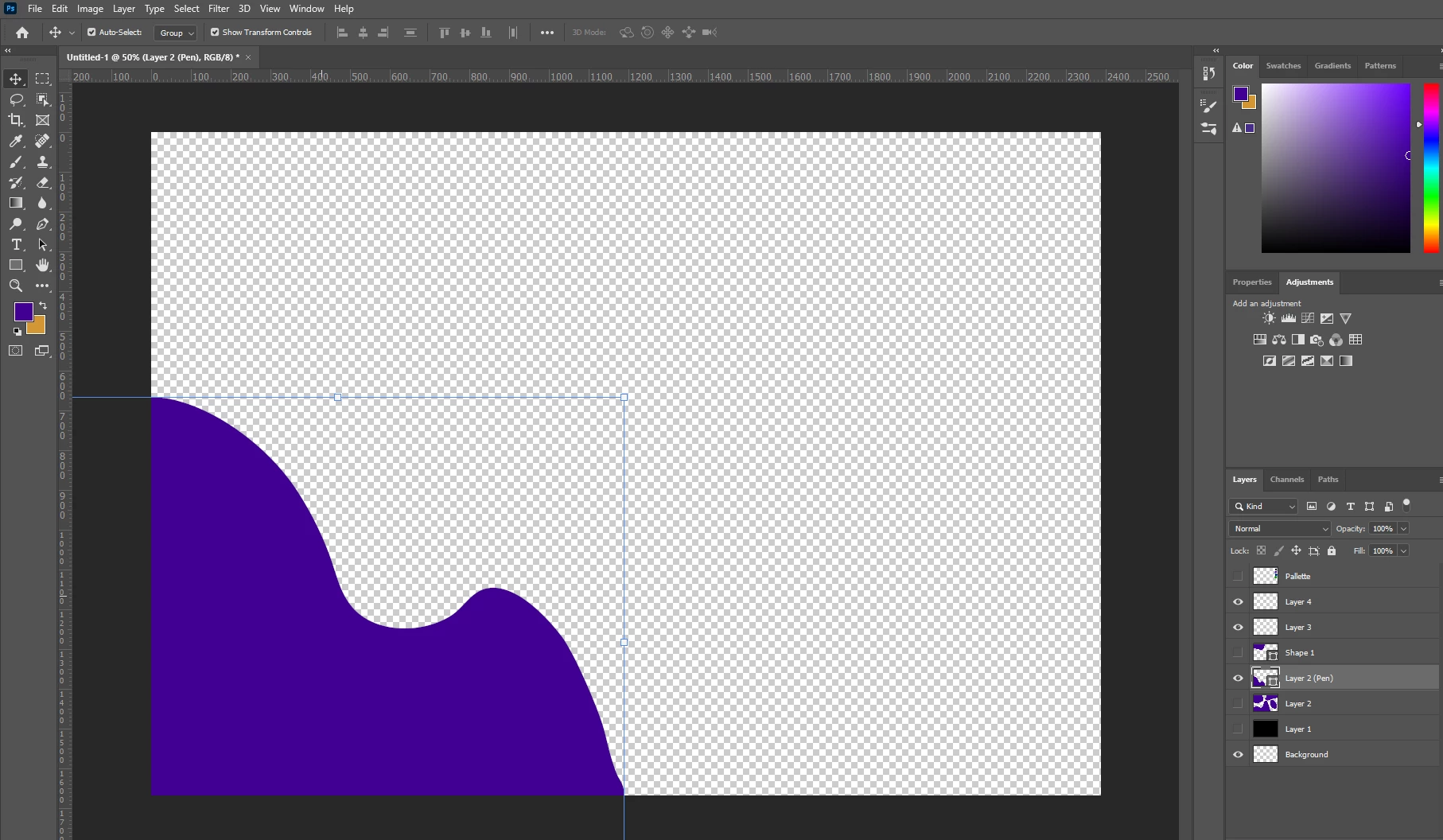
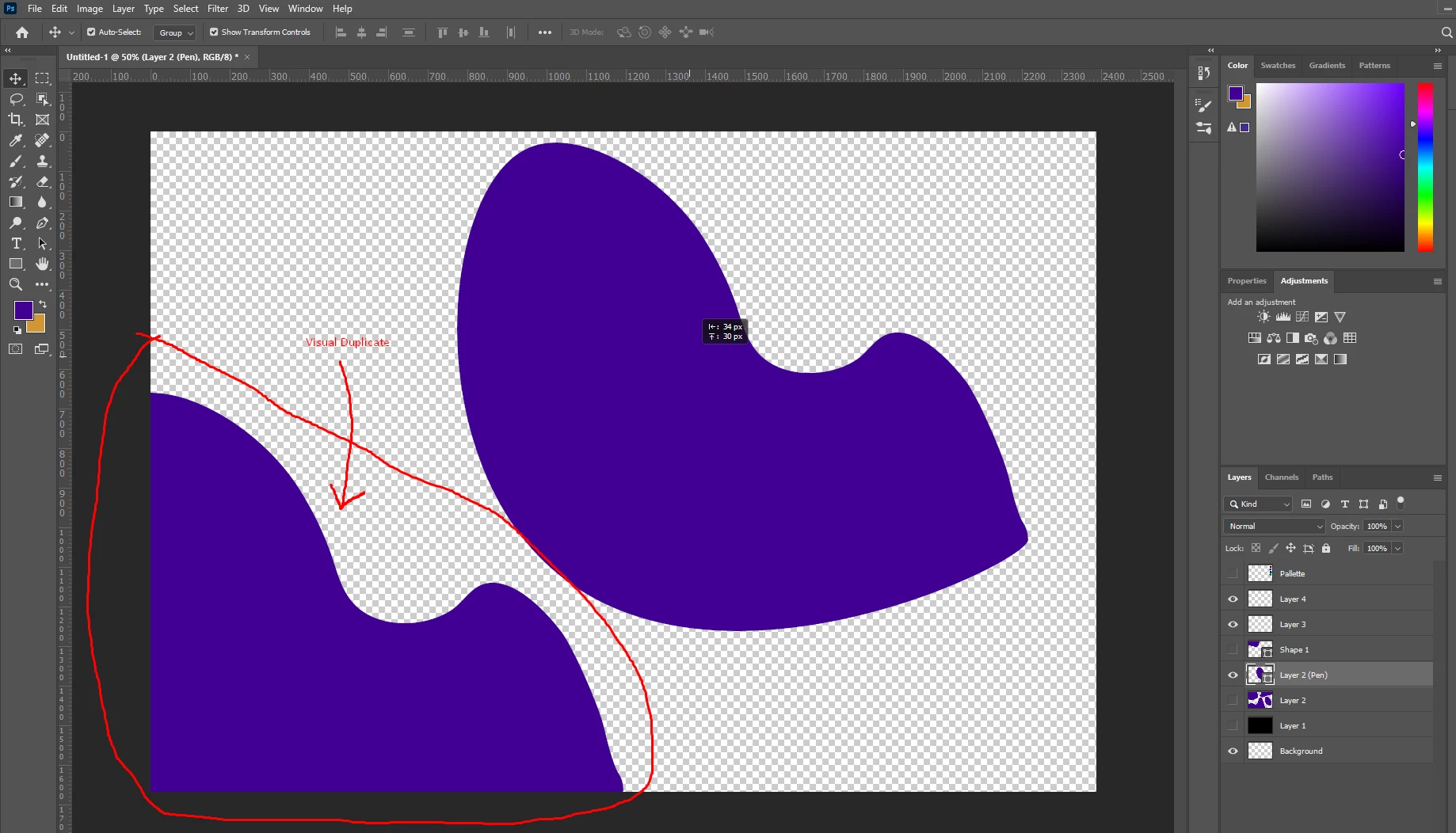
And if you look at the layer on the right, you see that the layer isn't showing the duplicate, but no matter what I seem to do it's not going away, this is especially annoying when trying to resize text, what should I do?

This topic has been closed for replies.

1 reply

Myra Ferguson
Community Expert
Community Expert
July 19, 2020

Does disabling Legacy Compositing and restarting help--like the solution in this thread https://community.adobe.com/t5/photoshop/photoshop-making-unwanted-duplications/td-p/11241833?page=1?

Participant
July 20, 2020

Hey, I did try that, however it didn't work.  Instead, I "reset all preferences on close" and it did work.  it also fixed the crash on blending options problem too, thank you 😄

PECourtejoie
Community Expert
Community Expert
July 23, 2020

Hi, please try to update to 21.2.1, as one of the listed bug fixes is for this very problem, and please report if it worked: https://helpx.adobe.com/photoshop/kb/fixed-issues.html#photoshop-desktop-fixed-issues

(but leaving legacy off is the best option going forward, anyways)