
Question
Multicolor Logo converted into One Color in PS Action or Script
I am trying to automate converting any logo into one color. This process is very easy for logos with individual pieces but for logos with other colors nested inside them it is hard to find a one size fits all setting. I am currently just using threshold in my workflow and different settings create different results. I was hoping for some sort of adjustable threshold that could examine the the colors and decide which colors lighter then the main would be black while the other white. Also I know that the image trace feature in illustrator would work much better but i dont want to have to jump back and forth within the action or script. Thanks for any help. I included a example of 3 logos at he same threshold settings and the results.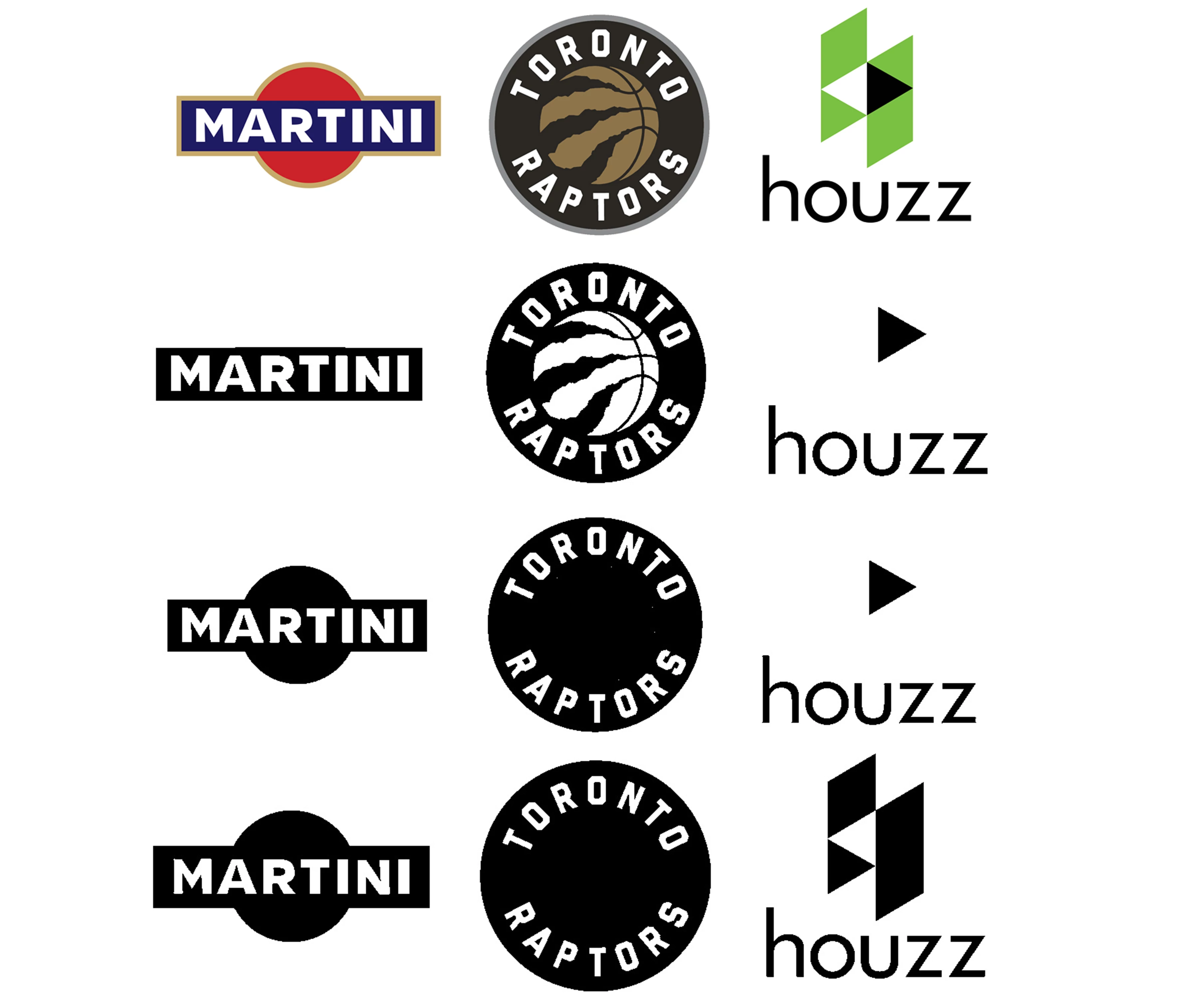
 AdChoices