
Participating Frequently
March 21, 2026
Question

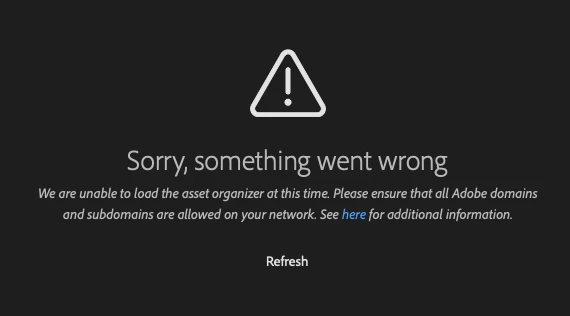
My creative cloud library will not link to my PS. It says. ' we are unable to load the asset organizer at this time. Please ensure all Adobe domains ans subdomains are allowed on your network.' I have no idea how to fix this issue. Please help.
  • March 21, 2026
  • 3 replies
  • 77 views


    3 replies

    Origins Boss
    Participant
    March 25, 2026

    having the same problem and adobe team try to fix it but no resolve.

    Nancy OShea
    Community Expert
    Community Expert
    March 22, 2026

    Check to be sure all Adobe Services are running.  

    https://status.adobe.com/

    If Cloud Maintenance is in progress, you may need to wait and try accessing your Library again later.


    Nancy O'Shea— Product User & Community Expert
    JustBlack
    Participant
    March 25, 2026
    what meen 


    Legend
    March 22, 2026

    What version of Ps are you running?

    Have you clicked on “see here”? Are you seeing this error in My Library? Are you signed in as seen in Ps>Help>Sign Out?

    Larry
    danyaleAuthor
    Participating Frequently
    March 22, 2026

    I am running PS 26.11.3 (2025). I clicked on “see here” and the information is unclear as to how to fix the issue. I am signed in. I deleted and redownloaded the app and that did not fix the issue. 

    Legend
    March 22, 2026

    Ps’ current version is 27.4, 2026. We can’t see the here instructions unless we can duplicate your error. Could you paste the link to the Adobe additional information page?

    Larry