Participating Frequently
February 23, 2025
Answered

My Photoshop Background is Black. How can i change it back to grey?

  • February 23, 2025
  • 1 reply
  • 409 views

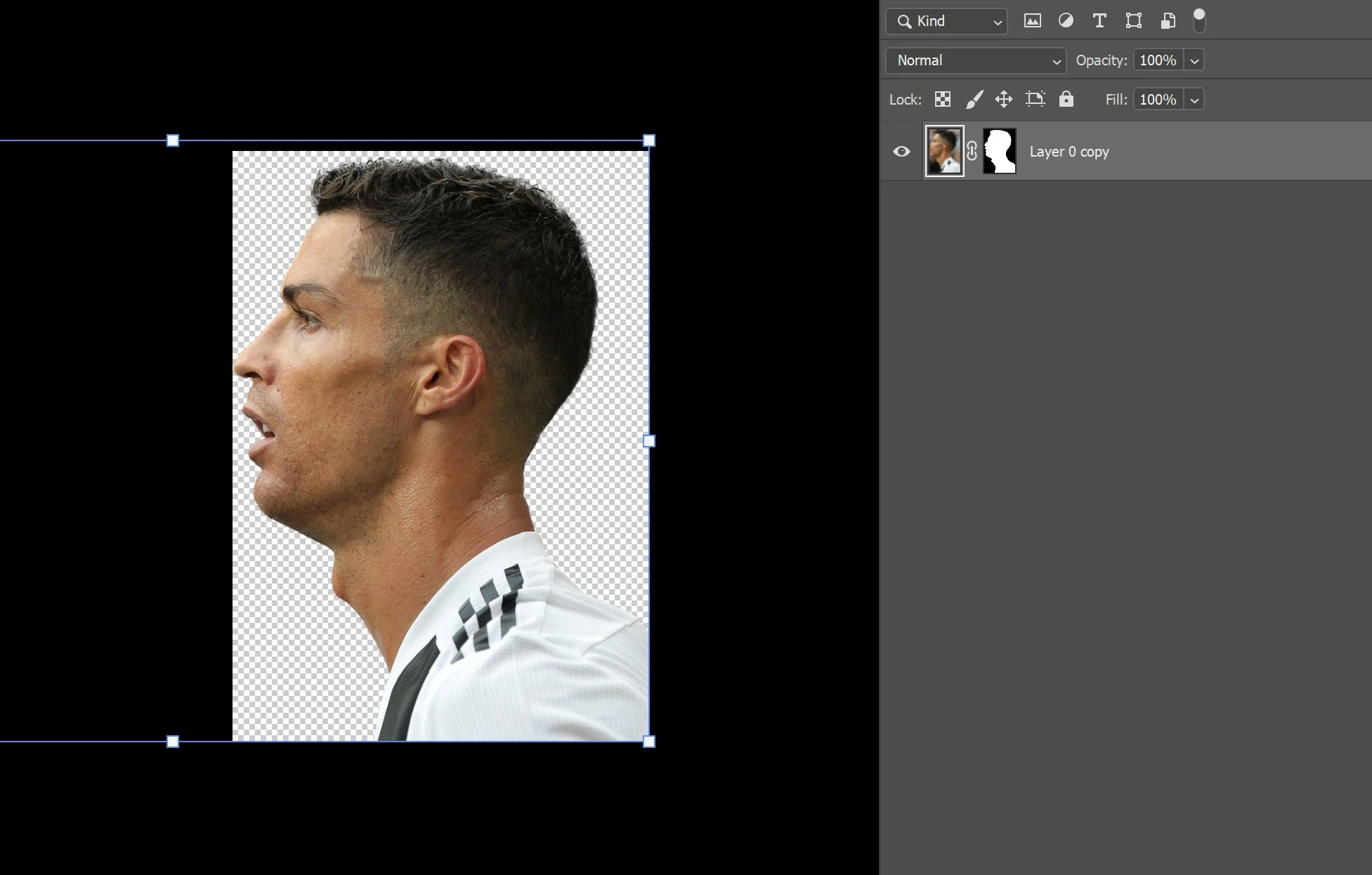
As seen in the screenshot below, my background while editing is black. The background color changed randomly when my finger accidentally hit some keys. Any help would be greatly appreciated.



Correct answer Ged_Traynor

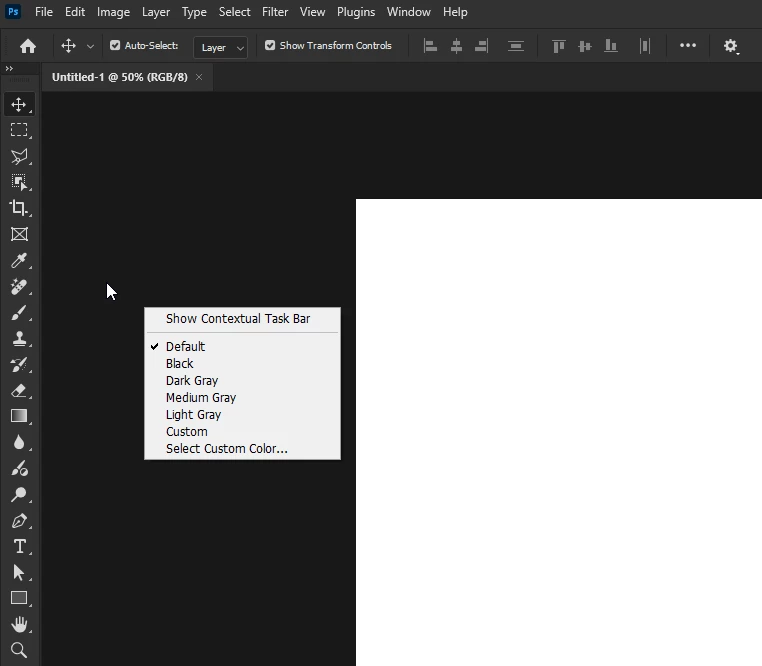
@TOLGA38021460on60 just right-click on an empty space on the canvas

1 reply

Ged_Traynor
Community Expert
Ged_TraynorCommunity ExpertCorrect answer
Community Expert
February 23, 2025

@TOLGA38021460on60 just right-click on an empty space on the canvas

Participating Frequently
February 23, 2025

Jeez, thanks. Thankfully it's super simple. Always annoying when i accidentally click on a button and Photoshop does something. Definitely something i won't forget. Thanks for the help.

Ged_Traynor
Community Expert
Community Expert
February 23, 2025

@TOLGA38021460on60 you're welcome