
Participant
February 17, 2025
Question

My photoshop (ipad) tweaking fr, got any help?
  • February 17, 2025
  • 1 reply
  • 174 views


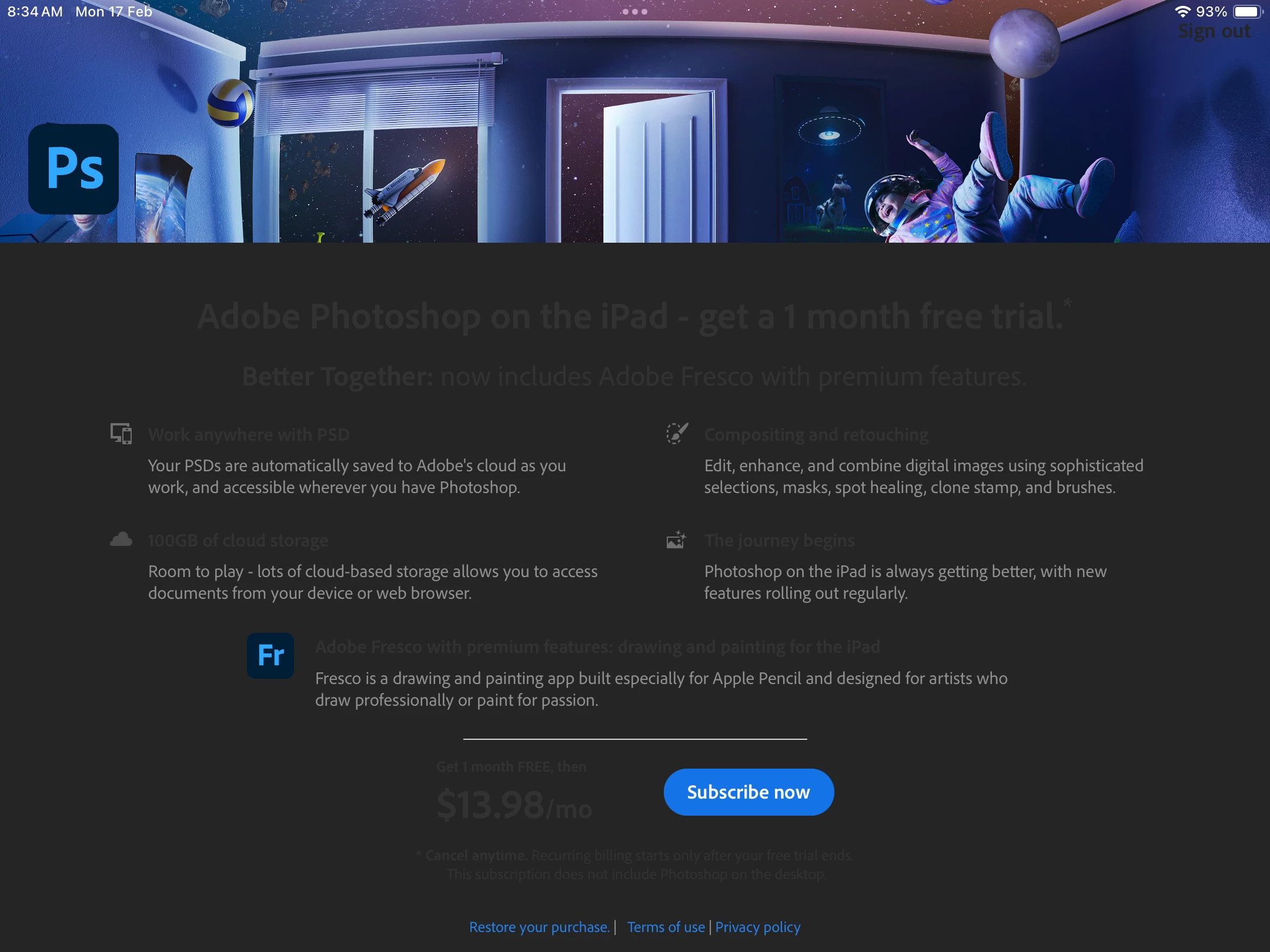
I am using an ipad 9th gen, and I am currently under the JAMF restrictions by my country's Ministry Of Education, (SIngapore). So I have tried uninstalling and installing this app 6 times already, and I tried signing in via Adobe and google, but it keeps leading me here. I can't open the restore your purchases due to restrictions, and it just stays here. Is there anything I can do, or should I just stick to photoshop express that's already there? They all deleted the App Store btw

1 reply

Sameer K
Community Manager
Community Manager
February 18, 2025

Hey, @amemus. Welcome to the Photoshop Community. I've checked the email you've signed in to the community with & couldn't find an active subscription.


Try removing the Autofill and password for Photoshop and any Adobe services from the Passwords App on the iPad, check if that helps, and reinstall Photoshop. Also, as the device is restricted, you might not have access to troubleshoot. 

I'll recommend reaching out to the centralized IT support that manages the device. 


Thanks!

Sameer K

(Use '@mention' to tag me when you reply)

amemusAuthor
Participant
February 22, 2025

Hi @Sameer K , thanks for replying!

So I've taken a look, I don't have any autofills or passwords for Photoshop, or any adobe apps. I reinstalled photoshop again, but the issue still persists. I will take your advice and ask my school, but in the meantime, I will use photoshop express