
My vector masks makes the layer disappear?
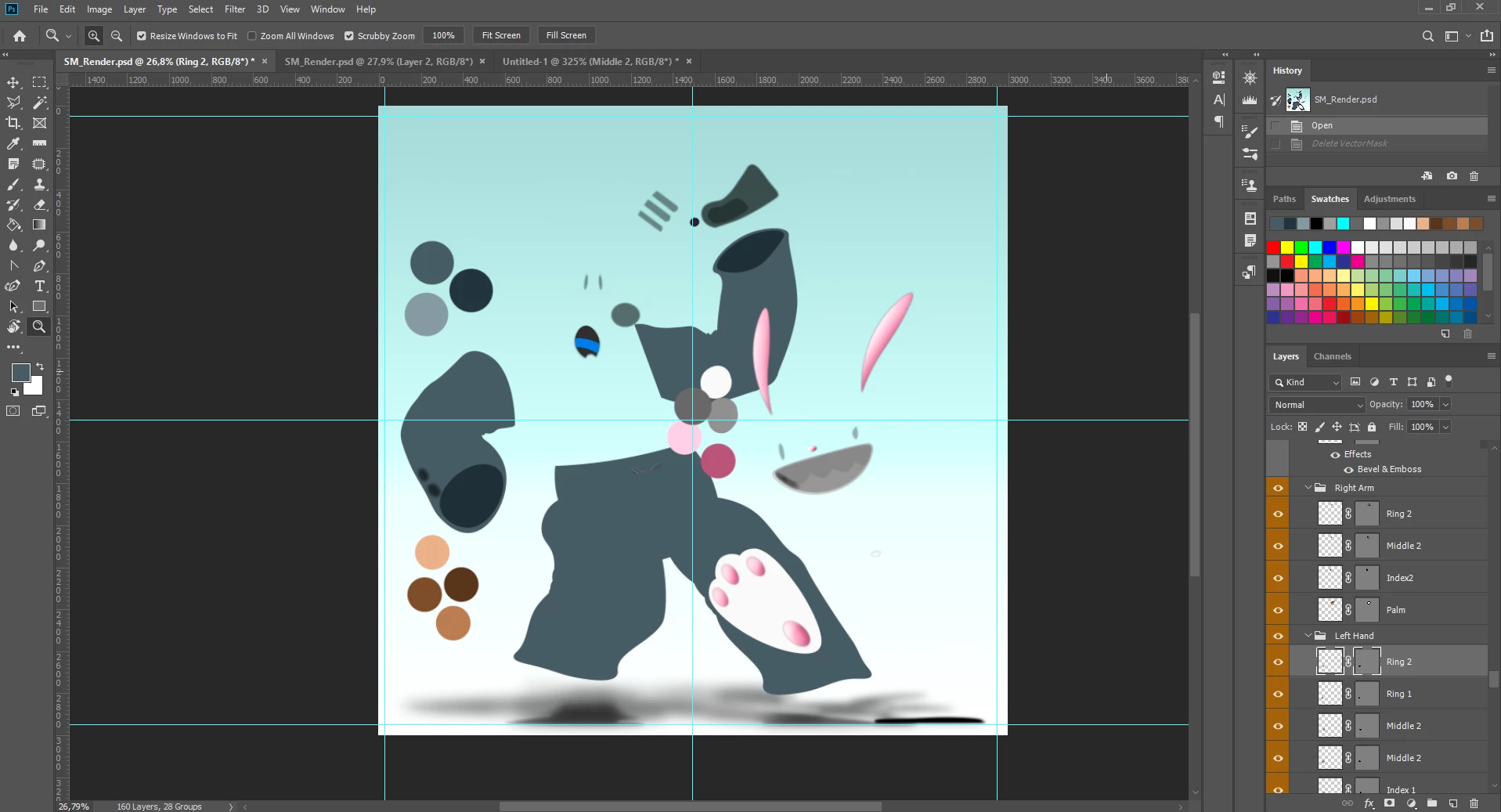 So here's a problem I don't think I've ever seen before. I was working on an illustration, and painting on a layer with a vector mask, when suddenly every layer with a vector mask applied completely disappeared? I didn't do anything specific, and there was nothing in the history that implied I'd done this. I tried going forward and back to different stages of the .PSD, but they just stayed like this? All the layers are still there, and have all their data, but I can't see them? Next I tried deleting the vector masks, which did reveal the layer again? Can anyone explain what is going on here and what I did?
For reference, here's what the rabbit is supposed to look like with all the layers visible. Not that drop shadow effect and the like are still visible on the image above.



 AdChoices