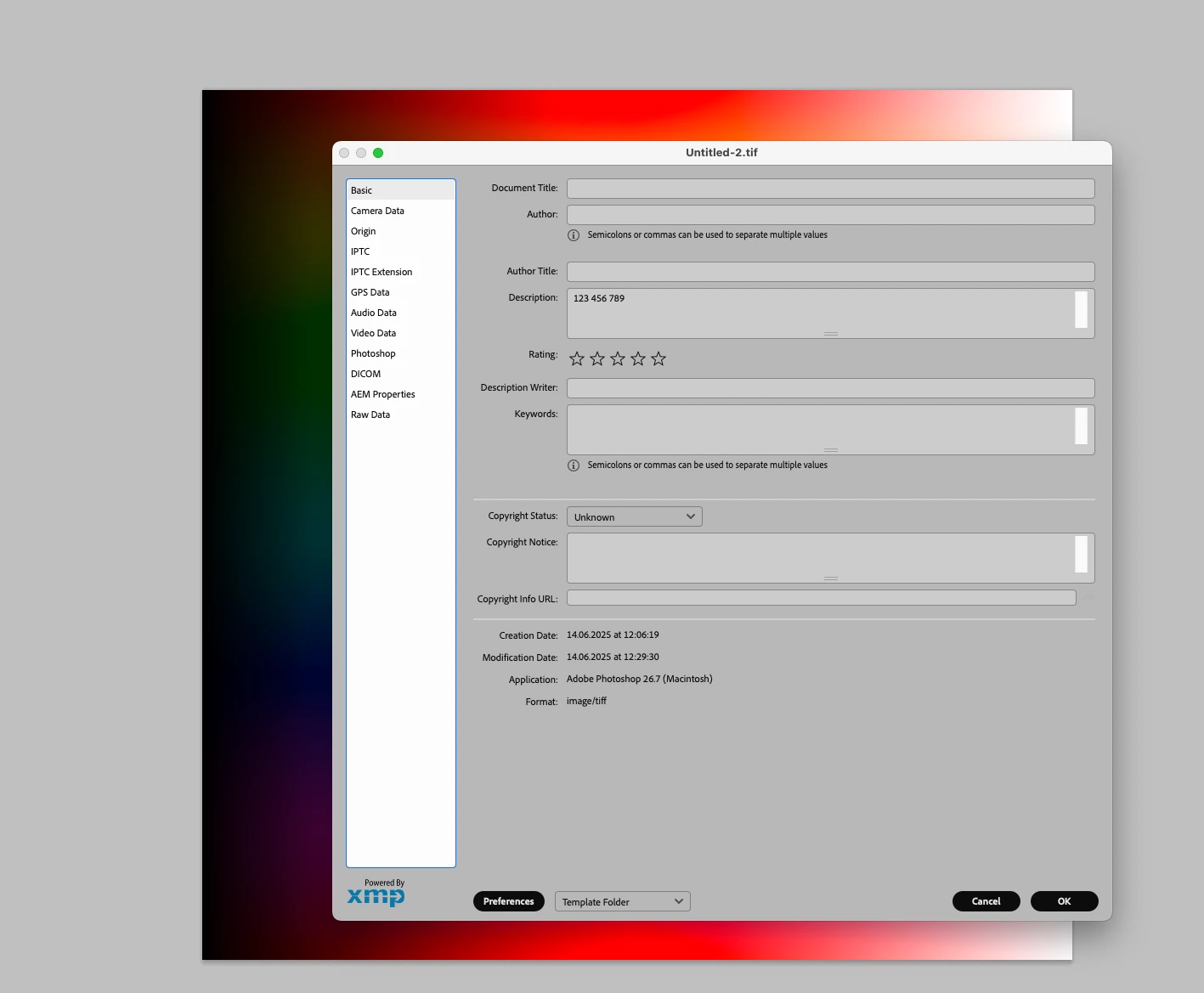
the txt could be drawn from the caption/description field if required, or preferably from another designated IPTC field if required, ideally one that isnt in use in current workflow, perhaps - Rights Usage Terms. The field would be pre populated before automation process begins.
re txt in relation to image, ideally i'd always like the txt to fill the expanded canvas space, this could be set at a fixed pixel dimension, or an increased percentage of canvas size.
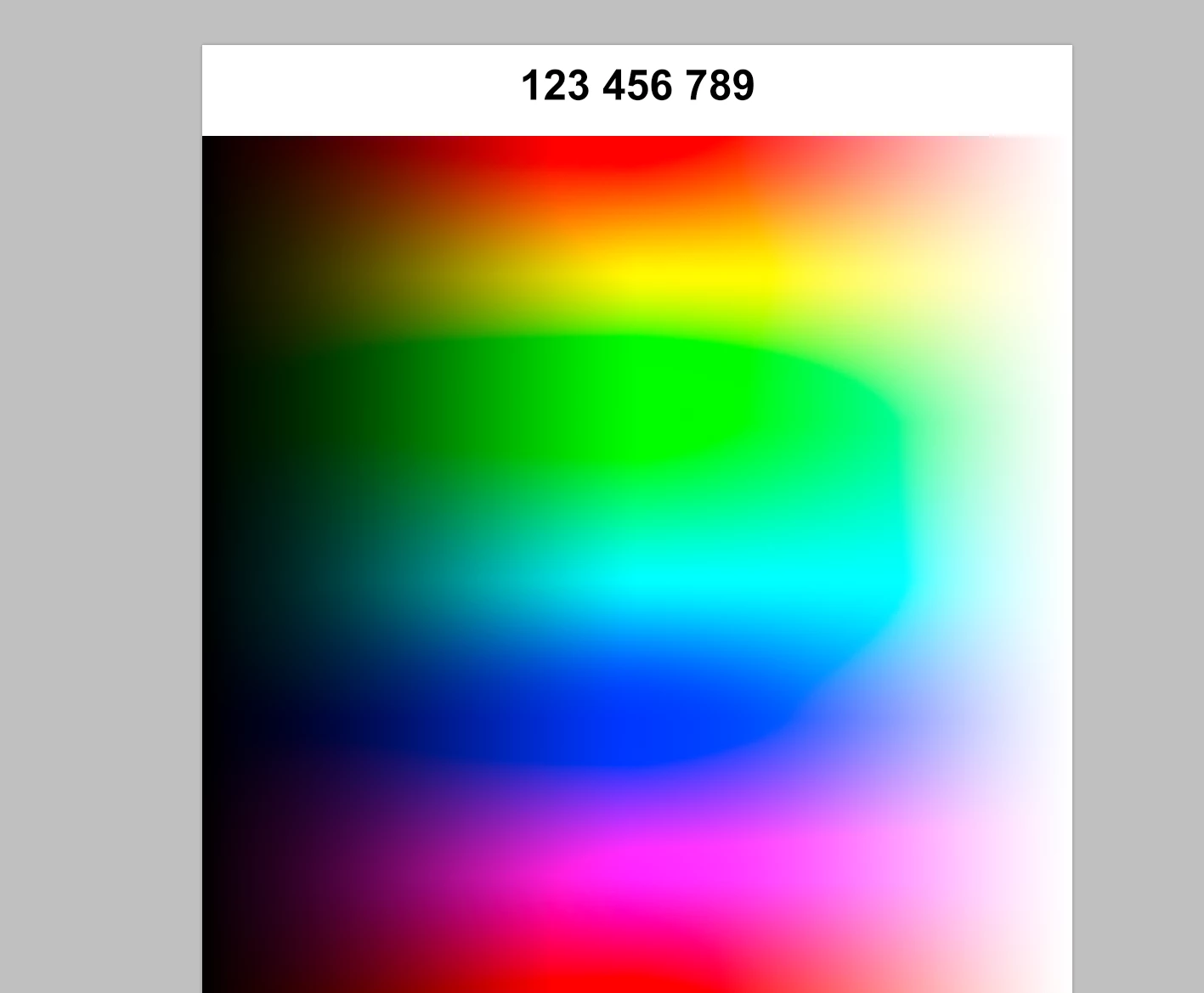
Disregarding »txt in relation to image« for the time being you could try this:
// 2025, use it at your own risk;
if (app.documents.length > 0) {
// set to pixels;
var originalRulerUnits = app.preferences.rulerUnits;
app.preferences.rulerUnits = Units.PIXELS;
////////////////////////////////////
var myDocument = app.activeDocument;
var theWidth = myDocument.width;
var theHeight = myDocument.height;
myDocument.resizeCanvas(theWidth, theHeight +214, AnchorPosition.BOTTOMCENTER);
addTypeLayer (myDocument.info.caption, [theWidth/2, 128]);
////////////////////////////////////
// reset;
app.preferences.rulerUnits = originalRulerUnits;
};
////////////////////////////////////
////// add type layer //////
function addTypeLayer (theString, theArray) {
var thisLayer = activeDocument.artLayers.add();
thisLayer.kind = LayerKind.TEXT;
thisLayer.name = theString;
var thisLayerRef = thisLayer.textItem;
thisLayerRef.kind = TextType.POINTTEXT;
thisLayerRef.size = 24;
thisLayerRef.font = "Arial-BoldMT";
var theColor = new SolidColor();
theColor.rgb.red = 0;
theColor.rgb.green = 0;
theColor.rgb.blue = 0;
thisLayerRef.color = theColor;
thisLayerRef.justification = Justification.CENTER;
thisLayerRef.position = theArray;
thisLayer.blendMode = BlendMode.NORMAL;
thisLayer.opacity = 100;
thisLayer.fillOpacity = 100;
thisLayerRef.useAutoLeading = true;
//thisLayerRef.leading = 0;
thisLayerRef.horizontalScale = 100;
thisLayerRef.verticalScale = 100;
thisLayerRef.contents = theString;
return app.activeDocument.activeLayer
};




 AdChoices