
Question
need to make one "line" from multiple bezier points
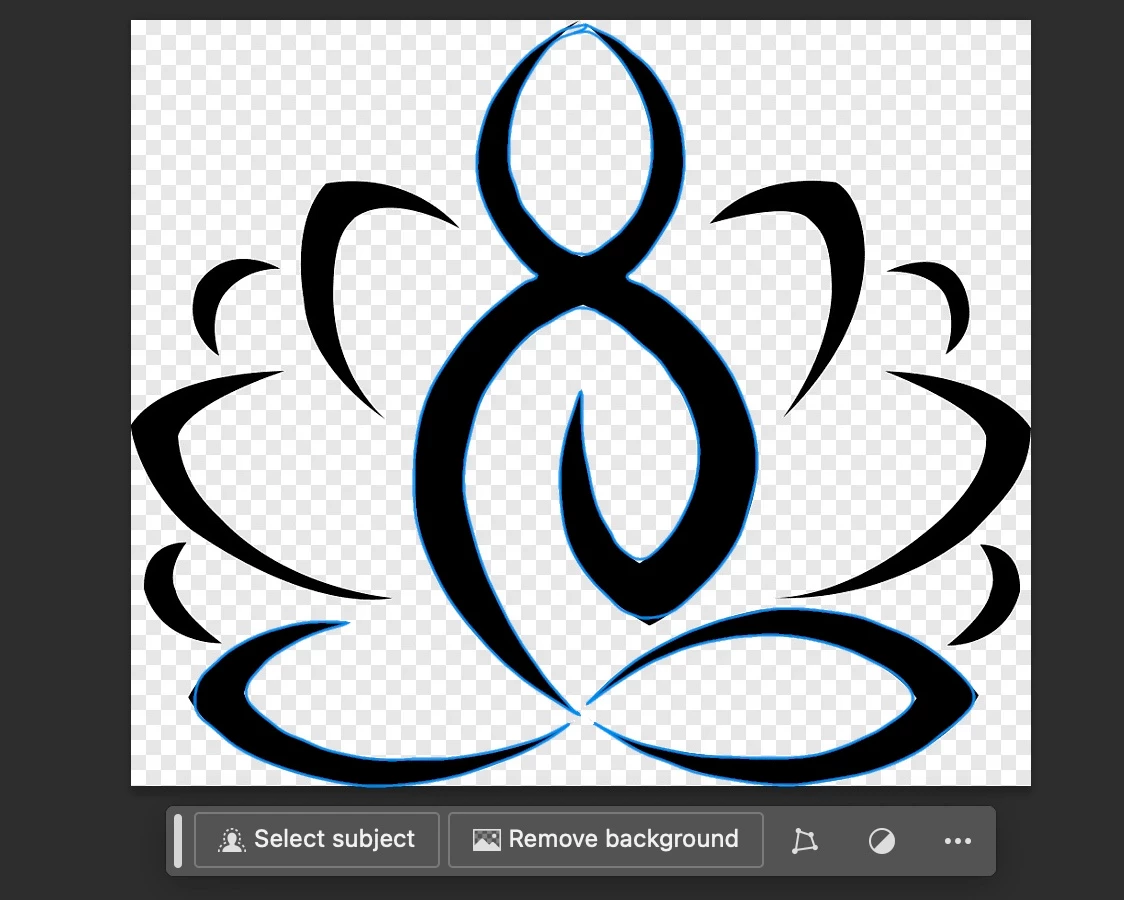
I have run into a problem. I am learning PS, but I ran into a road block and don't know how to properly ask the question to google. I was able to trace an image. Please see the "budda" in the center of the image. It has lines on both edges. I would like those edges to be combined into one (am I asking this question correctly) "vector line" (I did try to move it into illustrator with no luck).
Anyway, I want one line, so I can adjust the stroke diameter,.etc., to further manipulate this image.
- can't seem to get the .psd file to upload (923KB) so you can see what I am doing.
Thanks.


 AdChoices