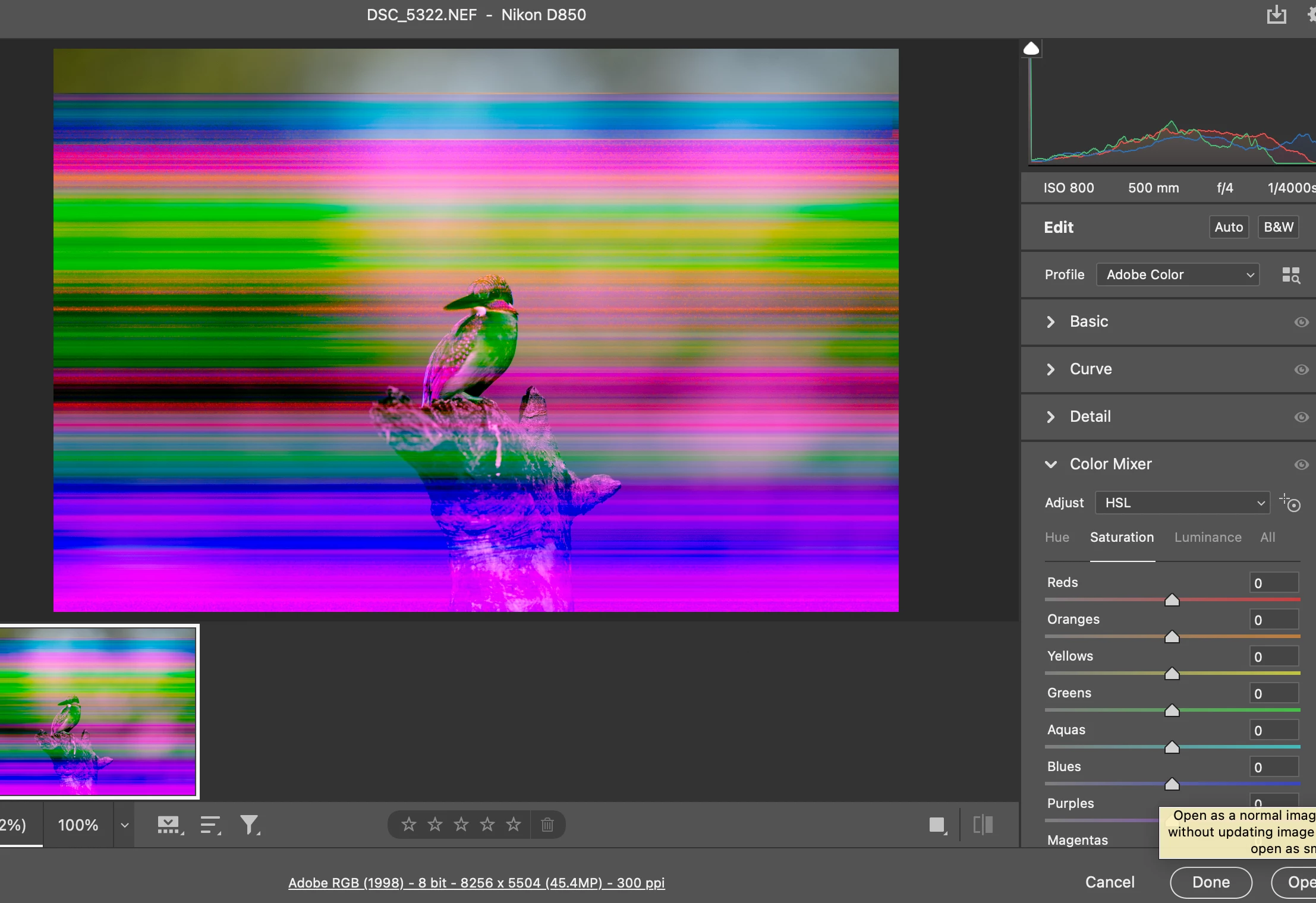
Most likely it's a GPU driver bug. First try to uncheck "use graphics processor" in Camera Raw Preferences (not Photoshop preferences). If that corrects it, update your driver from the manufacturer's site. Edit - strike that, you can't update the GPU driver separately on Mac. You have to wait for an OS update.
If that doesn't fix it, the harsh truth is that the files are corrupted. File corruption is always caused by failing hardware. Most often it's a failing disk or bad RAM, but it can also be cables, connectors, card reader, anything. Do you use external disks? Be particularly careful with cables/connectors there, don't move anything while the disk is operating.



 AdChoices