Answered
New HSL dialog too small
The new HSL dialog is laid out too small and the sliders are hard to adjust.the previous design had an easier setup.
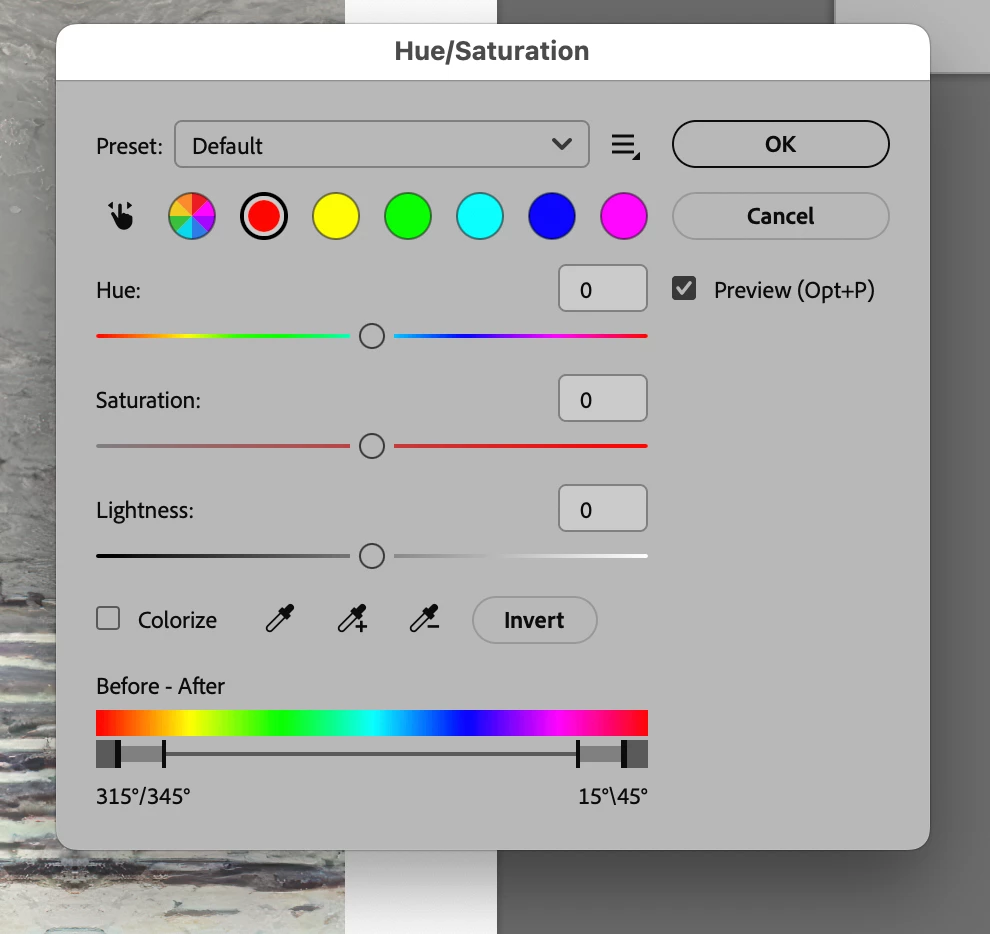

The new HSL dialog is laid out too small and the sliders are hard to adjust.the previous design had an easier setup.
You can get back the old Hue/Saturation dialog by going to Edit>Preferences>Technology Previews, unchecking Enable Modern User Interface and restarting Photoshop.
On the Mac side it’s Photoshop 2026>Settings>Technology Previews, uncheck Enable Modern User Interface and restart Photoshop.
In addition the On-Image Adjustment tool (Hand) doesn’t work in the Image>Adjustments>Hue/Saturation dialog when Enable Modern User Interface is enabled.
Already have an account? Login
Enter your E-mail address. We'll send you an e-mail with instructions to reset your password.


 AdChoices