
Question
Nie można wczytać planów, Sprawdź połączenie z internetem, AI nie działa
Hello, I have a problem with my Adobe account and AI in Photoshop. I have a 20GB Photography plan, but in Adobe Account there is a message: "Unable to load section. Try again". AI in PS does not work, a message appears "Check your internet connection and try again". Everything except AI works fine, I have all the latest updates via Creative Cloud.

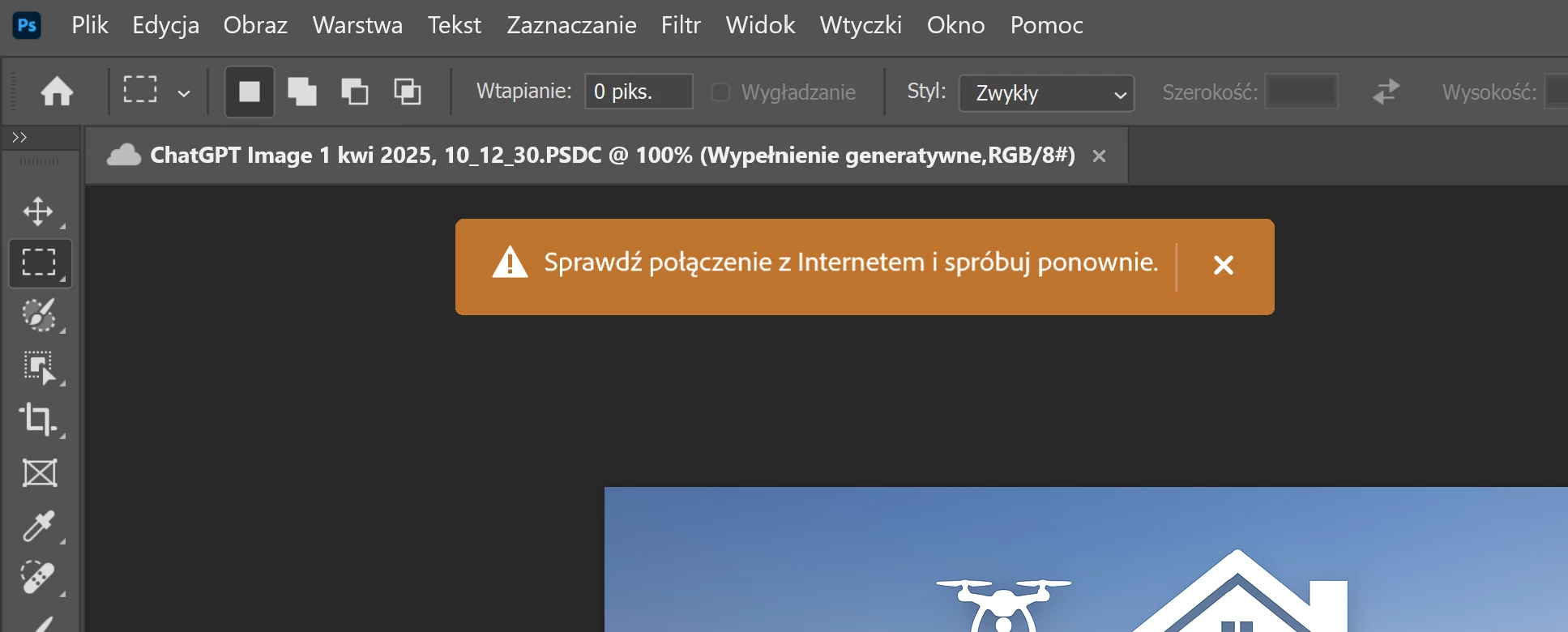
I didn't need AI before so I didn't look for a solution, but now I need it. Please help.
Best regards
Hubert


 AdChoices