
neonmamacita
Inspiring
Dec 17, 2018 3:56 PM UTC
Answered

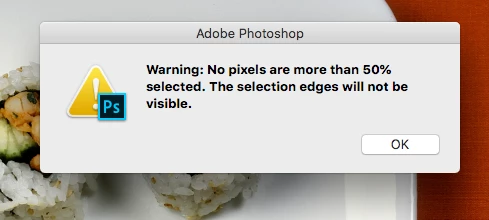
"No pixels are more than 50% selected" Error Message

When I try to make a selection then command + J, to duplicate that selection, I keep on getting the error below:
Here is a shot of the selection:
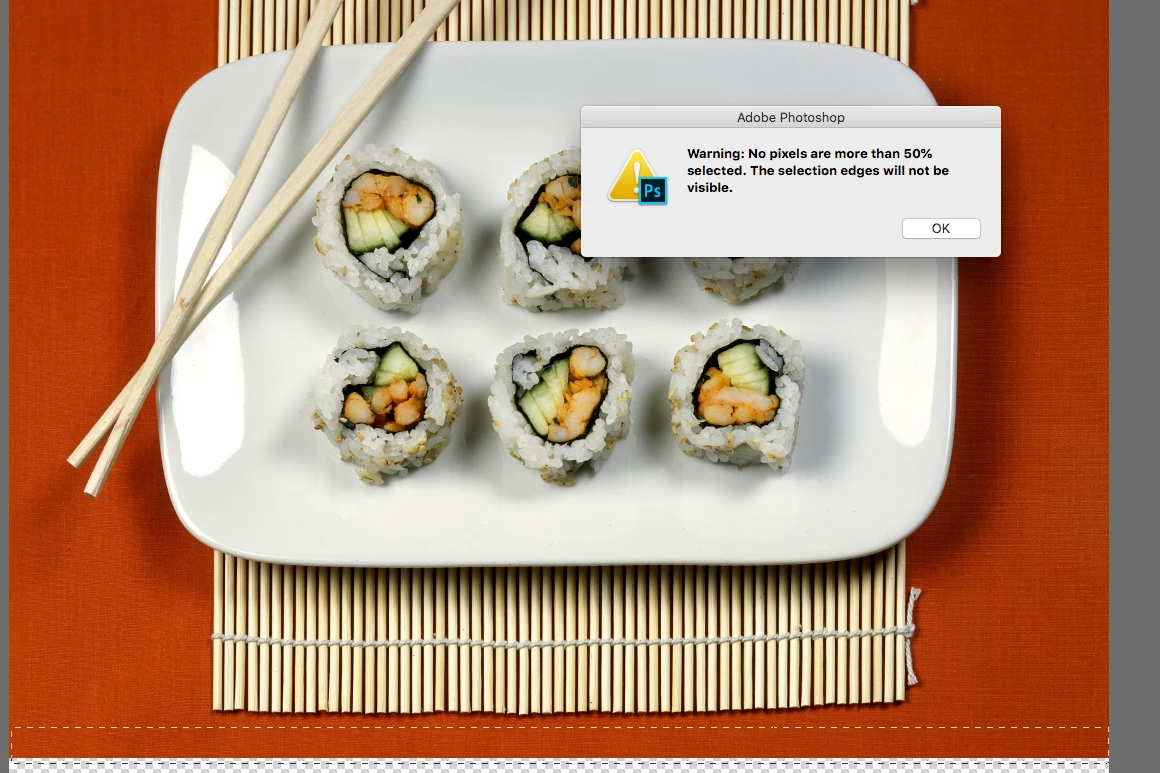
I can restart photoshop then it goes away for a bit, then just comes back. Any fixes?

    Participant
    May 14, 2025 10:49 PM UTC

    OK... got it...  the "options below the screen"...  Seems to work.  Thanks

    5 replies

    Sahil.Chawla
    Adobe Employee
    Adobe Employee
    Dec 17, 2018 4:13 PM UTC

    Hi there,

    Sorry to hear that, could you try reducing the Feather value to "0" in the Options bar and then make a selection and let us know if it helps?

    Regards,
    Sahil

    Translate
    neonmamacita
    Inspiring
    Dec 17, 2018 4:20 PM UTC

    Yes that helped!

    Translate
    Participant
    Nov 25, 2019 4:12 PM UTC

    Thanks, I tried this since I was having the same problem. 

    But now I get halows arorund my selection.  I'm trying to select and remove some pixels in a black & white layer mask.  Everything was so much easier in Pait Shop Pro!

    Fred

    Translate