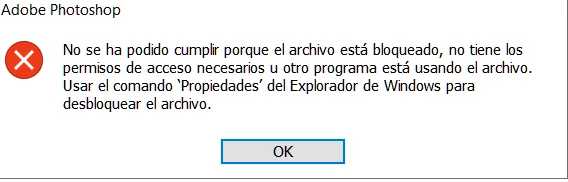
@Pedro28241080igis by any chance are you using an anti-virus software? If so, go into the settings of your antivirus or security suite and add the Photoshop executable file (Photoshop.exe) to its list of allowed applications or exclusions. If you're using Windows Defender, check "Controlled Folder Access" settings. If you don't, you can try saving the file to your desktop or your local C: drive's documents folder. If this works, the problem is definitely with the original folder's permissions or a background app monitoring that specific location (like a cloud service or network drive). I alsways right-click the file, select Properties, go to the Security tab, and ensure your user account has Full Control permissions.
Say, none of this works, I would reset my Photoshop preferences for good riddance! Close Photoshop. Hold down Control Alt Shift (PC) while reopening Photoshop. You'll be asked if you want to Delete the Adobe Photoshop Settings File. Click Yes. This often resolves strange file-related issues.





 AdChoices