


Participant
February 28, 2018
Answered

"Not a PNG file" error

  • February 28, 2018
  • 11 replies
  • 192808 views

Hi,

I recently (yesterday) bought a subscription and downloaded Photoshop cc 2018.

I cannot open a PNG file, this is what it says:
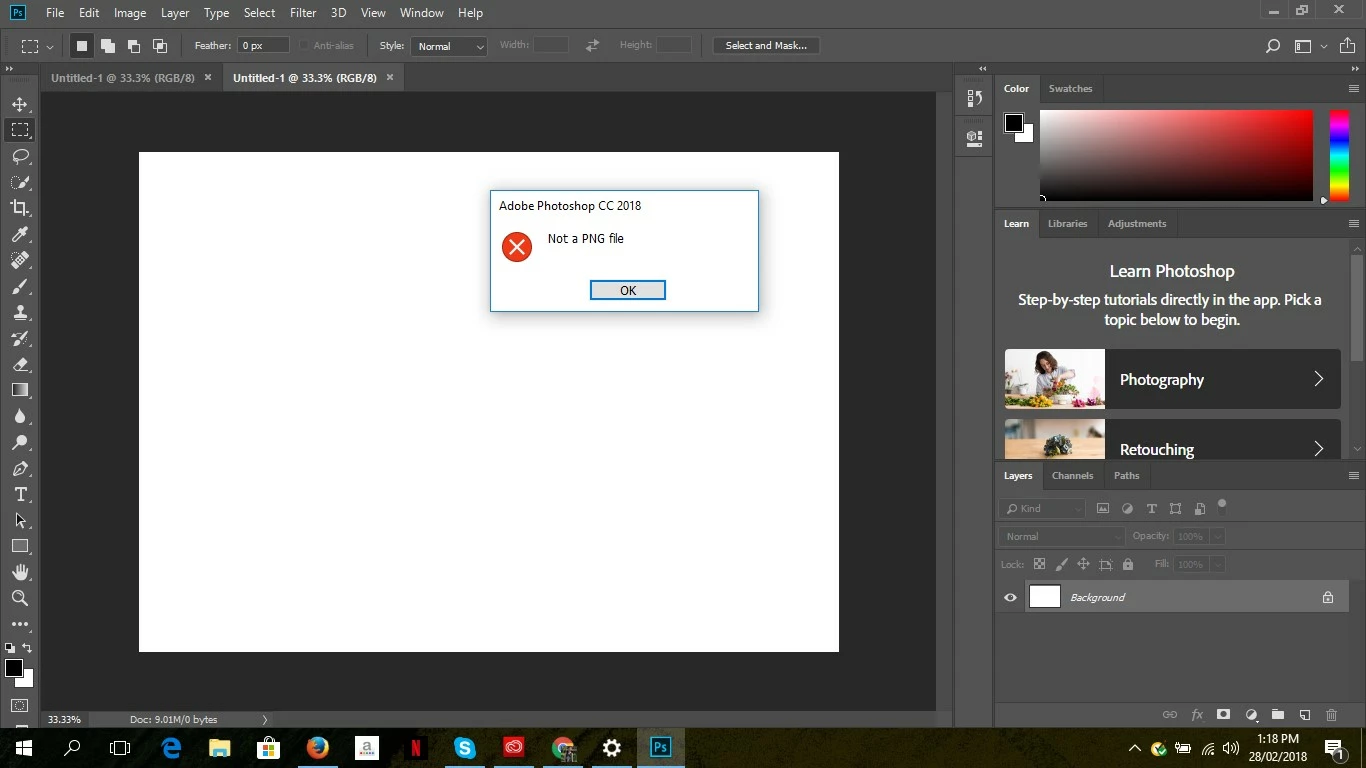
I cannot continue editing without the PNG file I am trying to open.

1. I have tried opening this same file on my other laptop which also has Photoshop cc 2018 installed and it opens perfectly.

2. I have tried uninstalling and then reinstalling but it still doesn't work.

3. I am using windows

This topic has been closed for replies.
Correct answer eaquino1985

You have a very valid point, thank you!

11 replies

mglush
Community Expert
Community Expert
February 28, 2018

Hi!

Does it have to be a png? If you can open it on your other computer, try saving it as a .psd file on to a flash drive and then open it on your new computer so you can at least keep working until you get an answer for why.

I know that's not the answer you were looking for, but it's just a practical work around until you find out the answer.

Michelle

eaquino1985AuthorCorrect answer
Participant
February 28, 2018

You have a very valid point, thank you!