Participant
September 24, 2024
Question

Not working brush

  • September 24, 2024
  • 2 replies
  • 220 views

Hey Adobe community, what's up?

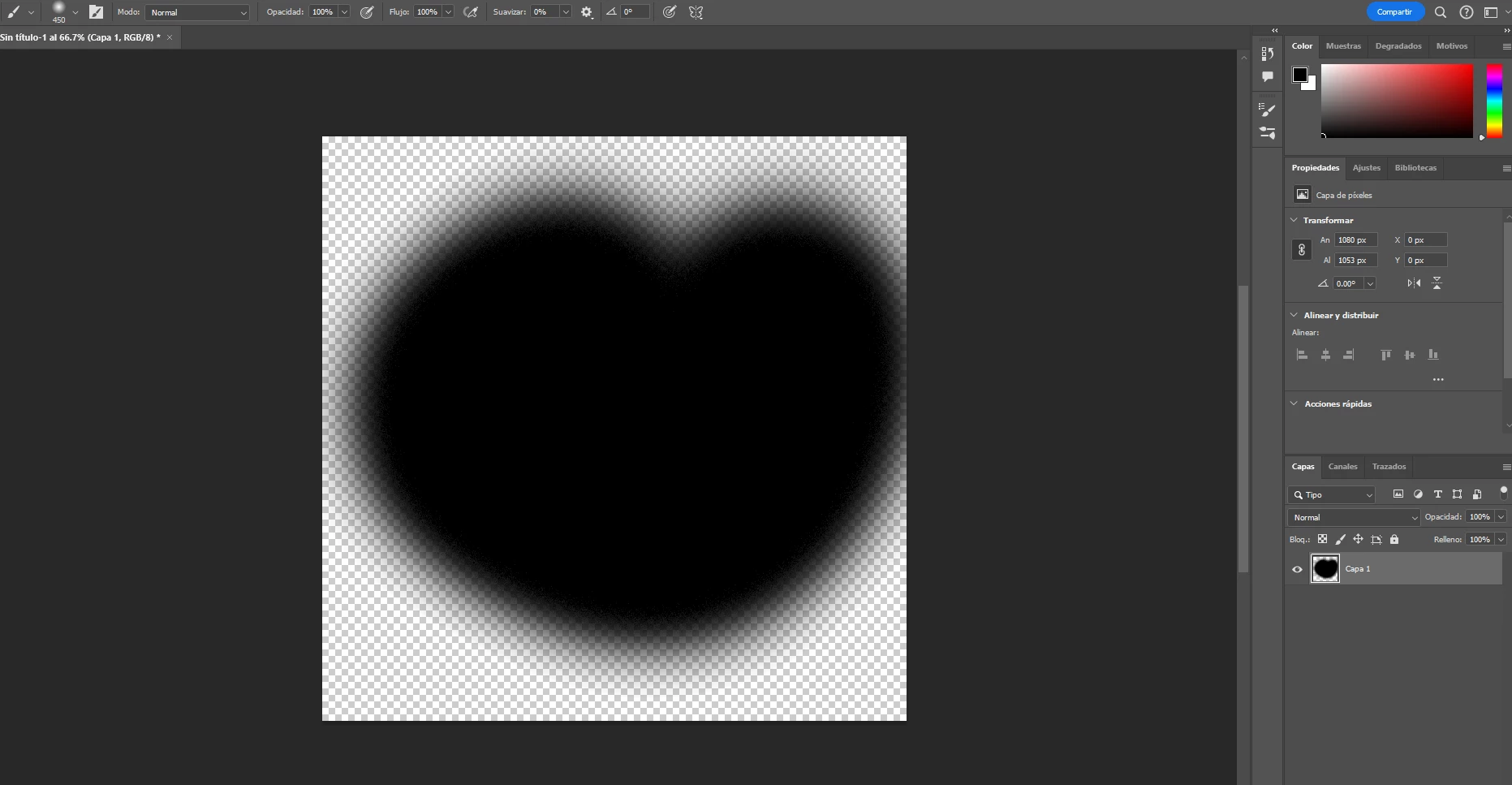
I'm having a problem with my brushes on photoshop, they are painting like a dissolve effect but everything is on normal, if anyone can help me pls answer this 🙂

This topic has been closed for replies.

2 replies

Participant
September 26, 2024

Because I'm not trying to paint with dissolve mode, I'm painting in normal and it is not working, and I don't know why.

If you can help me with that would be amazing!

Sameer K
Community Manager
Community Manager
September 26, 2024

Hey, @Julian37955063o2xs. Welcome to the Photoshop Community. I'll move this post to discussions. I'll need more info to help you figure this out. Please share the system info from Photoshop Help > System info > Copy and paste into a text document > upload and attach here. Are you using any stylus input or just the regular mouse and keyboard?


In this case, you can begin by resetting the Brush tool itself. Right-click on the Brush Tool icon in the Toolbar menu and select Reset Tool.


SameerK_0-1689016920310.jpeg


 Let me know how it goes.

Thanks!

Sameer K

(Use '@mention' to tag me when you reply)

Bojan Živković11378569
Community Expert
Community Expert
September 25, 2024

I do not see the Dissolve blending mode effect in your screenshot. Please take a screenshot at 100% view.