Answered
open eyes
How do i open closed eyes using photoshop?

How do i open closed eyes using photoshop?
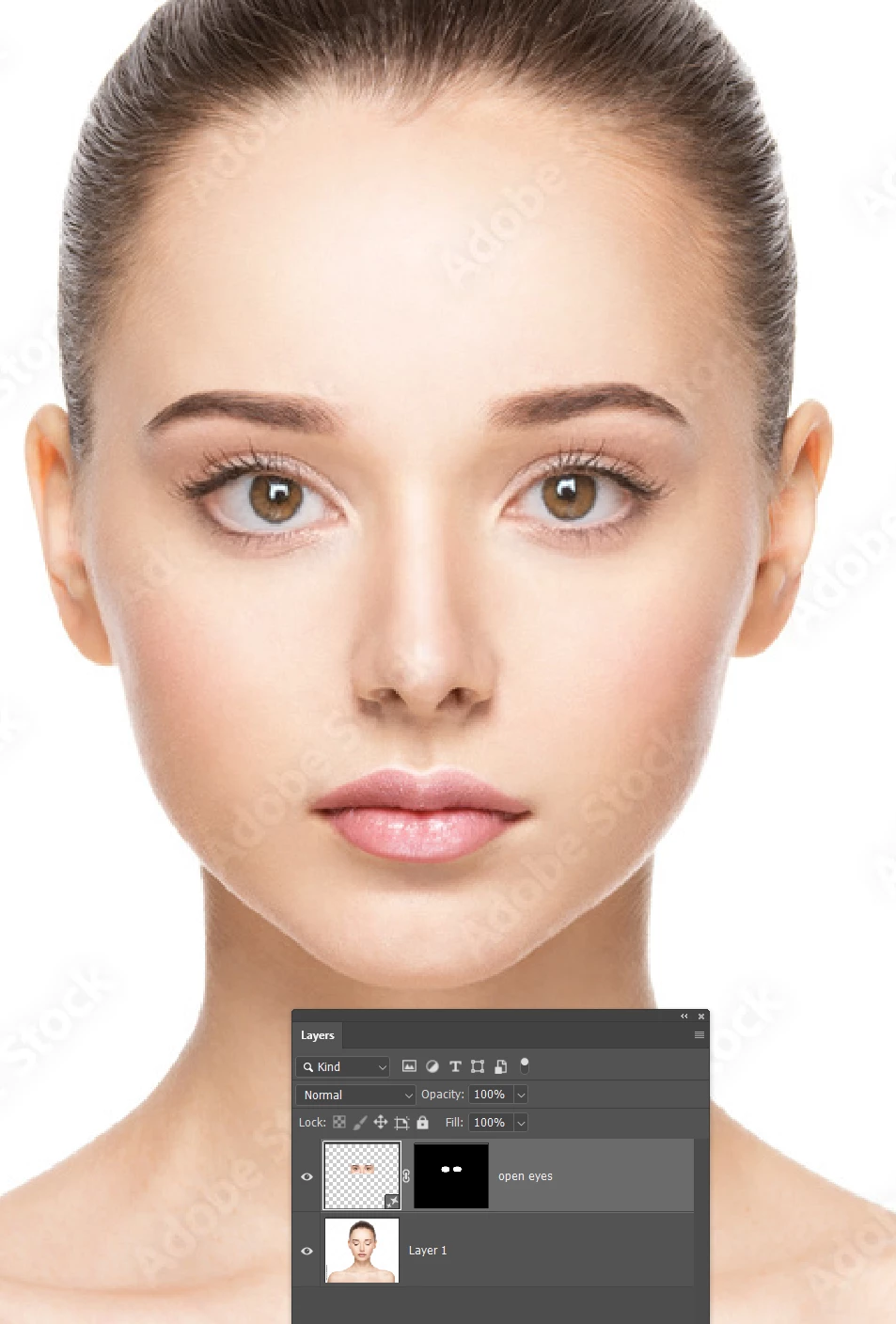
This is a perfect example of were Generative Fill can make a tricky job super easy.
Select both eyes with the Elliptical selection tool leaving enough room for eye lashes etc.

With the Contextual Task Bar open, click on Generate, and in the text field type 'Open eyes' add the colour if you know it.
You'll get three examples to chose from in the Properties panel.
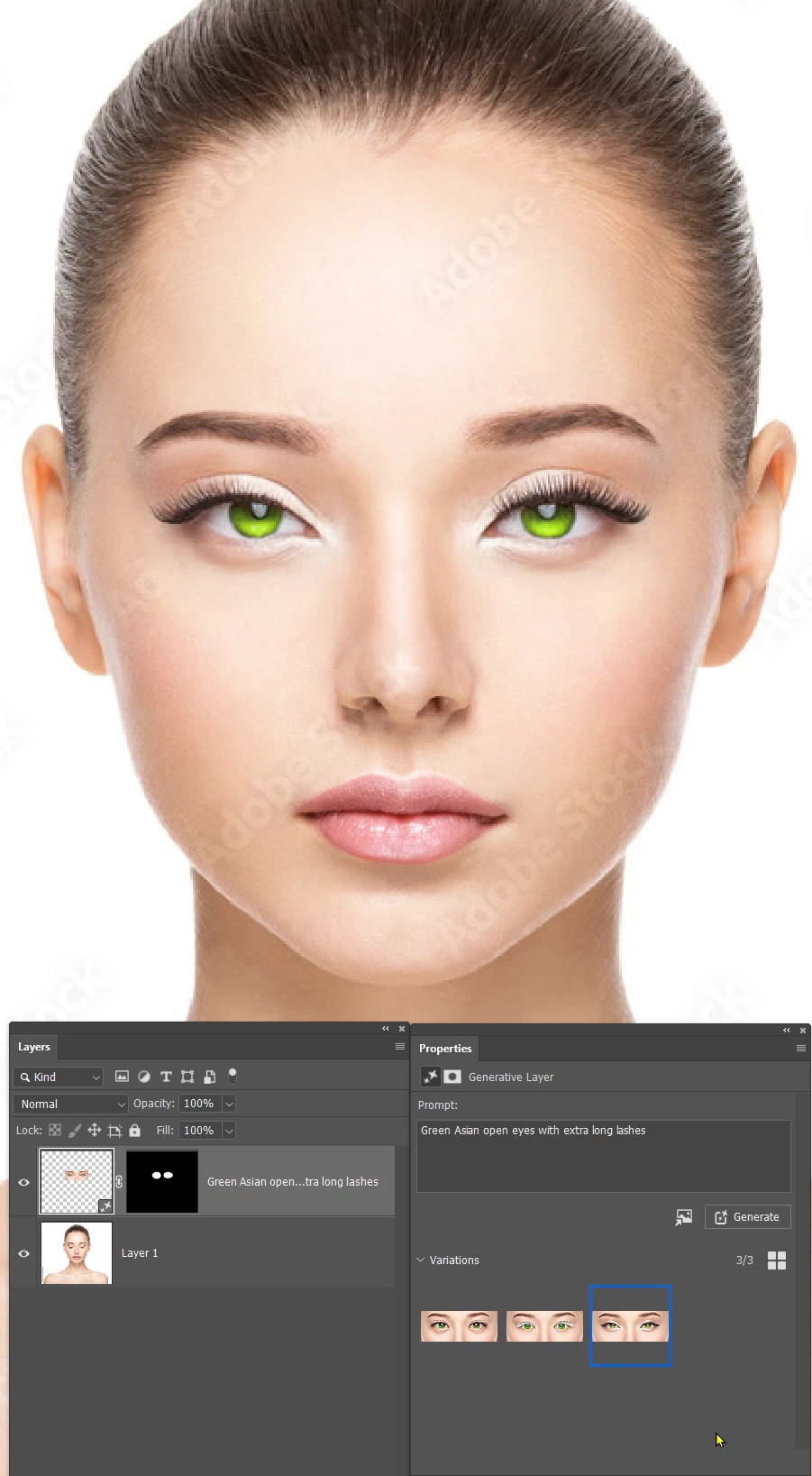
But if you use a more detailed promt, they should all be closer to what you are aiming for.
i.e. 'Green Asian open eyes with extra long lashes'
An experienced Photoshop user would take a while to get a result this good, and Gen Fill did it in about ten seconds.
Already have an account? Login
No account yet? Create an account
Enter your E-mail address. We'll send you an e-mail with instructions to reset your password.


 AdChoices