



EmeraldParrot
Participant
April 9, 2025
Answered

Open window freezes in Photoshop 25.12.2

  • April 9, 2025
  • 1 reply
  • 113 views

Hello. I've been having this bug where when I go to open something I get this window and it gets stuck. The only way to do anything about it is to forcefully quit Photoshop via task manager. It seems to be random when it happens and has only started happening recently. Every button and drop down menu becomes a white box and I can't interact with anything.
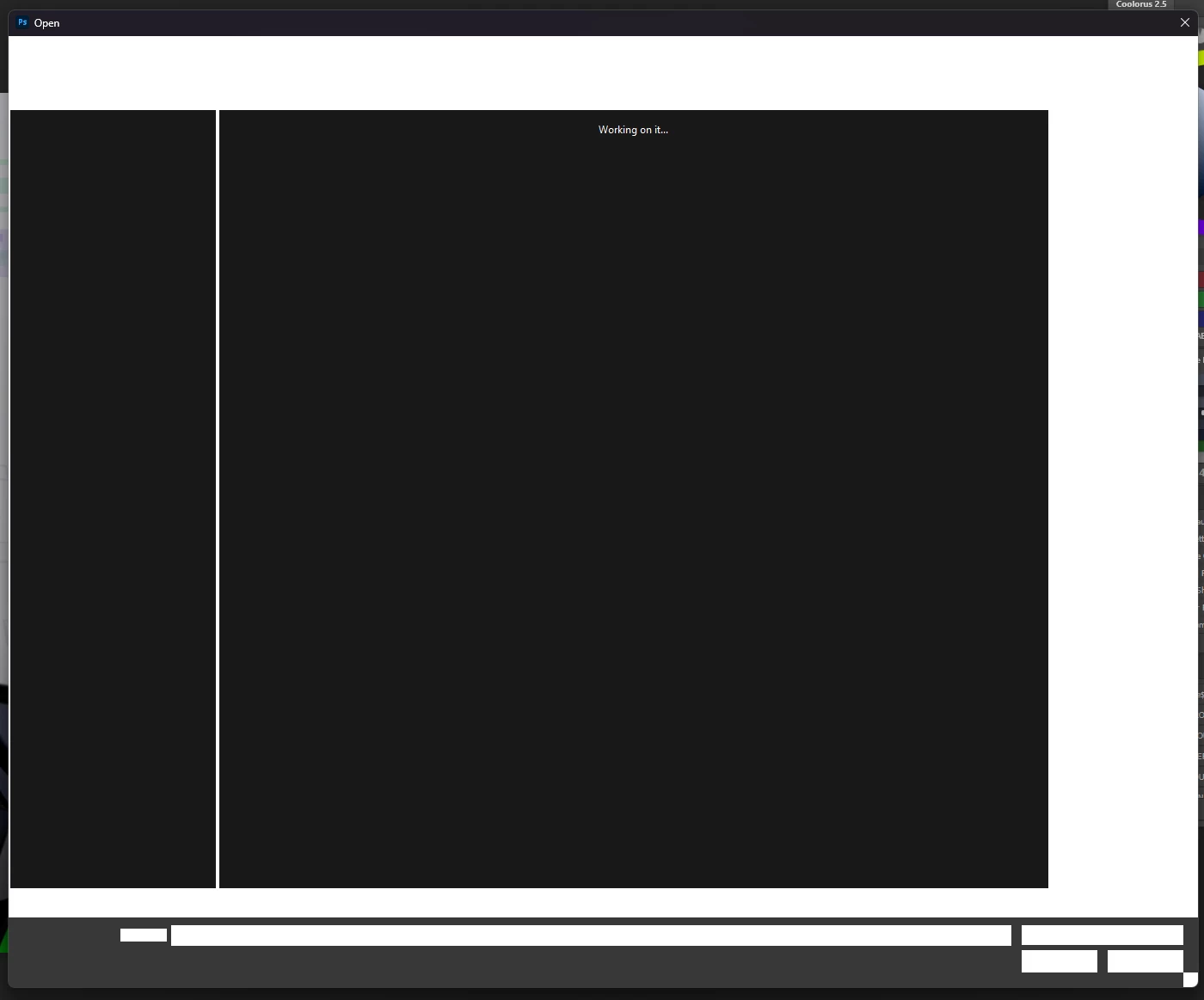
 

Version: 25.12.2

Windows 11 23H2

Reproduction: Go to file > open (Is not consistent, seems to happen randomly and I'm unsure why)

Correct answer Ged_Traynor

@EmeraldParrot try manually resetting your Photoshop preferences
https://helpx.adobe.com/ie/photoshop/using/preferences.html#Manually
Remember to back up your settings before doing the preference reset
https://helpx.adobe.com/ie/photoshop/using/preset-migration.html

1 reply

Ged_Traynor
Community Expert
Ged_TraynorCommunity ExpertCorrect answer
Community Expert
April 9, 2025

@EmeraldParrot try manually resetting your Photoshop preferences
https://helpx.adobe.com/ie/photoshop/using/preferences.html#Manually
Remember to back up your settings before doing the preference reset
https://helpx.adobe.com/ie/photoshop/using/preset-migration.html