
Participant
October 16, 2023
Question

Overlap an image over different shapes

  • October 16, 2023
  • 3 replies
  • 1014 views

Hi dear community,


this might be a photoshop basic (I am learning since a few weeks), but how am I able to overlap an image over different shapes (in this case hand, ball and knee)? Maybe you recommend me a tutorial. I wasn't able to find a fitting one. Thank you very much in advance! 🙂
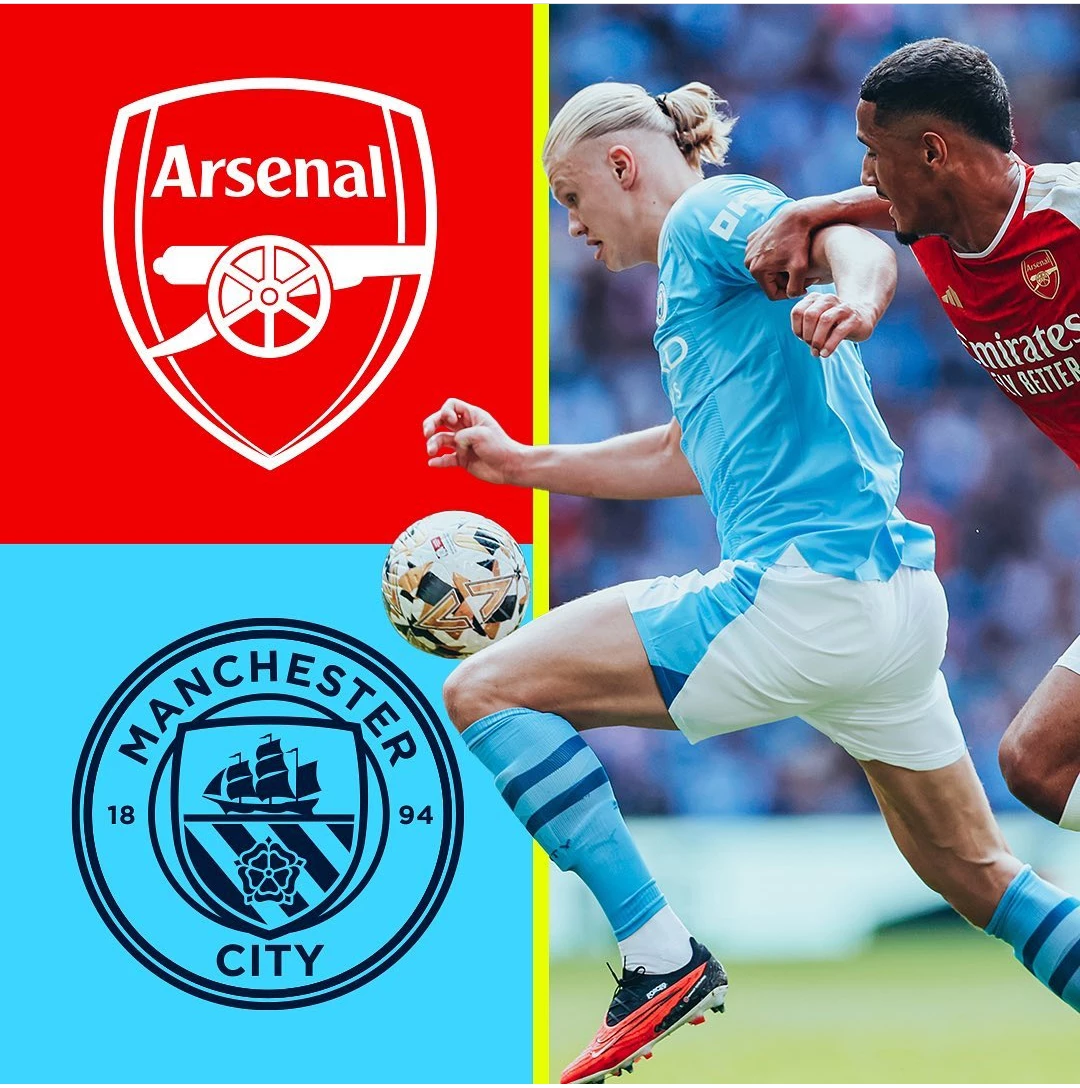
 

Best regards

Elia

This topic has been closed for replies.

3 replies

Trevor.Dennis
Community Expert
Community Expert
October 16, 2023

There's a super easy way to do this now.

Copy the layer, and use Remove Background in the Properties panel


Remove Bacground is Ai and in most cases will do a fast and accurate job of msking out the background.

Trevor.Dennis
Community Expert
Community Expert
October 16, 2023

BTW my appologies for using a club poster that does not match the players (unless it does by complete accident/fluke).  I am afraid I don't know one team from another.

Derek Cross
Community Expert
Community Expert
October 16, 2023

Short version: take the image of the footballer, select Select > Subject (fine-tune the selection if necessary using eg Q Quick Mask Mode), then in the Layers Panel select Layer Mask. Then using the Move tool drag the footballer cutout onto the tab with the other pic on and position it as you want.

Chuck Uebele
Community Expert
Community Expert
October 16, 2023

Masks are used to go this. There are a lot of tutorials on this.